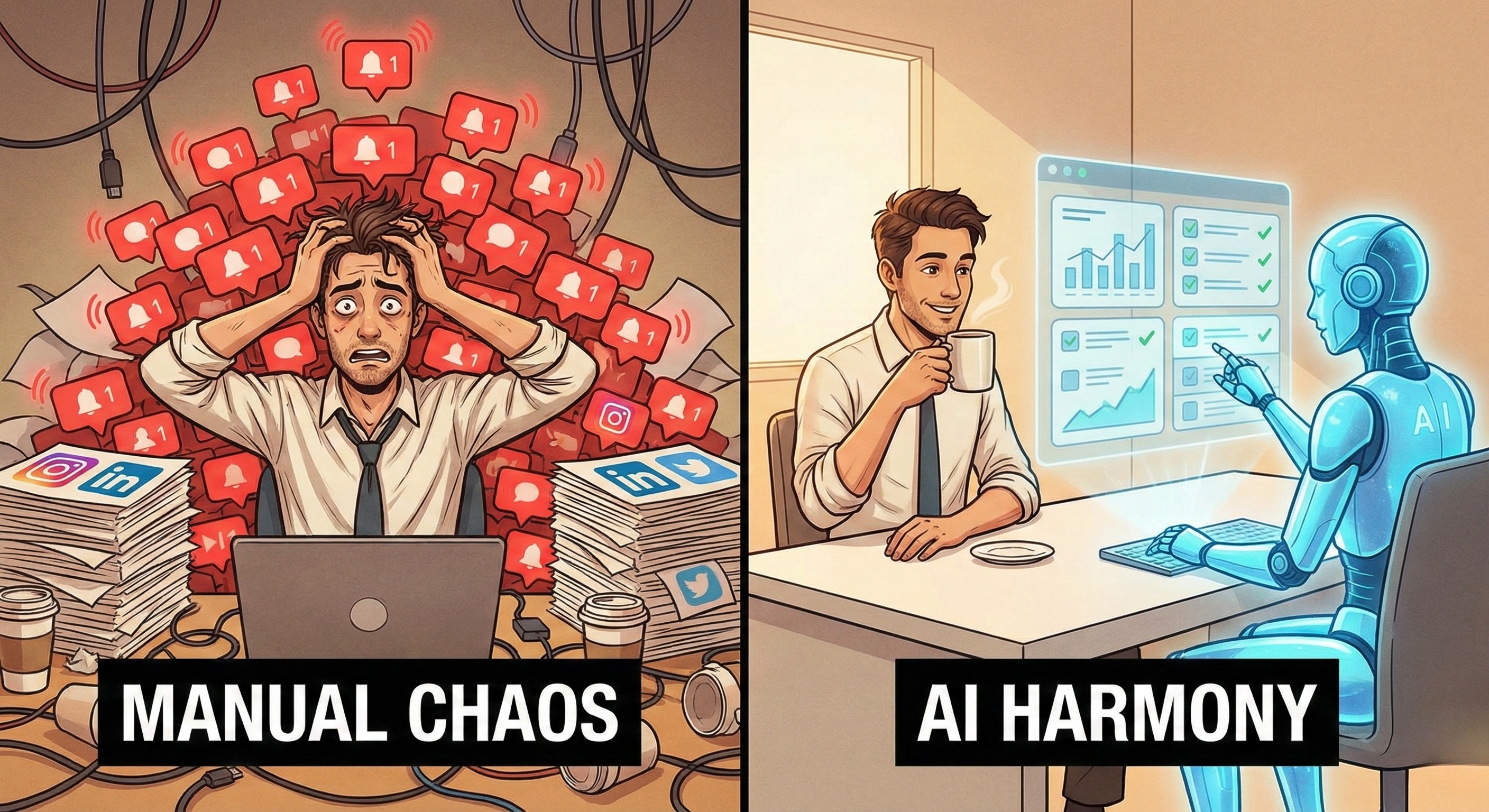

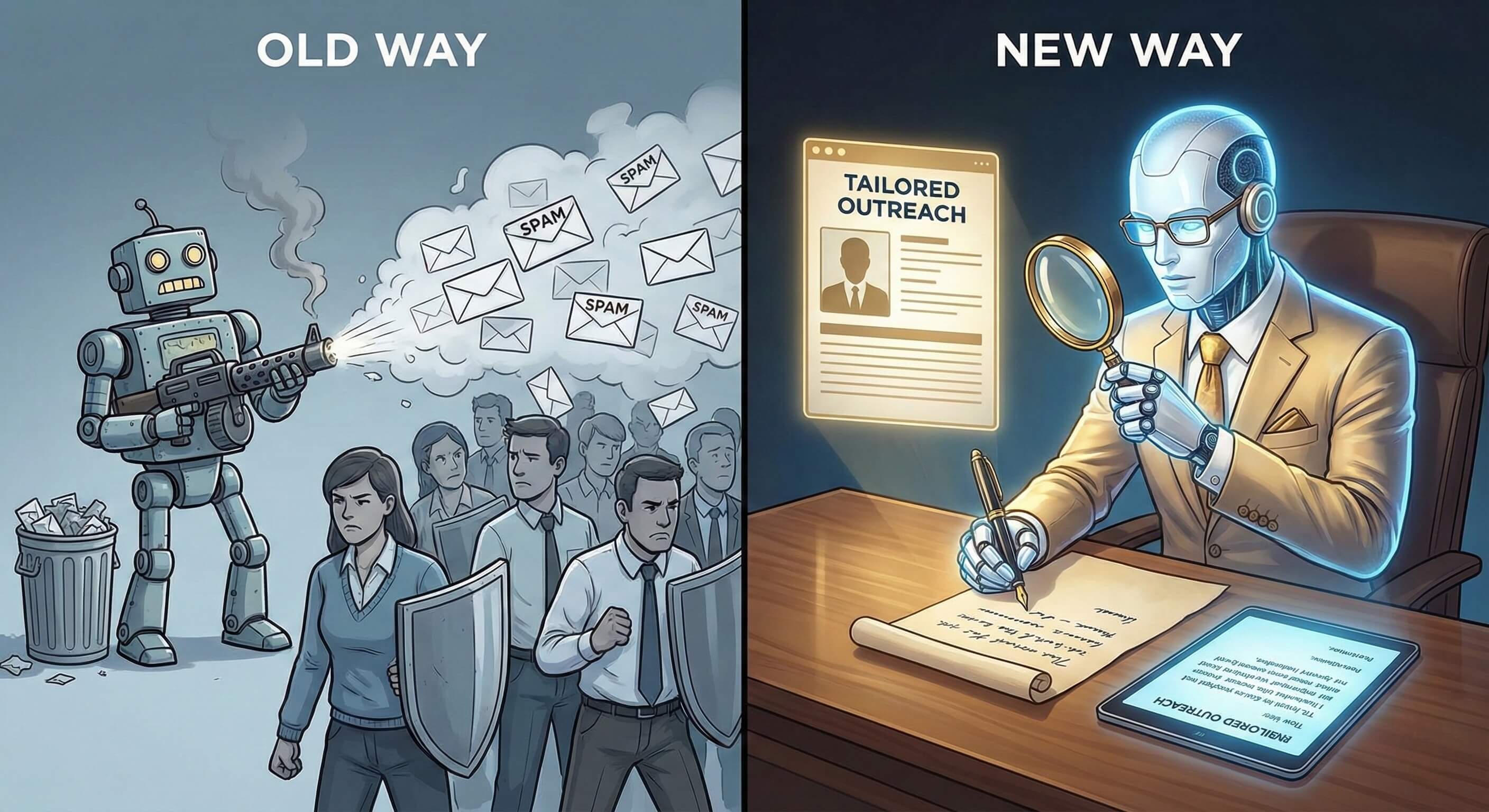
For the past decade, the strategy was simple: "More Volume." Sales Development Representatives (SDRs) were treated like robots, forced to copy-paste the same generic template to 100 prospects a day.
"Hi [Name], I see you work at [Company]..."
The result? Decision-makers are burnt out. They ignore 99% of messages. LinkedIn's spam filters are aggressive. And SDR churn is at an all-time high because nobody wants to be a "human spam cannon."
But sales leaders still need pipeline.
In 2026, the solution is not "more templates." It is "Better Intelligence."
Enter the AI Sales Worker—an autonomous digital employee that doesn't just send messages, but researches prospects, understands context, and engages with hyper-relevance.
This is not a "LinkedIn Bot" that blasts links. It is a cognitive AI Employee that reads a prospect's recent posts, analyzes their company's quarterly report, and drafts a message so personalized it looks like you spent 30 minutes writing it.
This guide explores how to deploy AI Workers to manage your LinkedIn outreach 24/7, turning cold outreach into warm conversations without risking your brand reputation.
Part 1: The "Spray and Pray" Crisis
Why Traditional Automation is Dead on LinkedIn
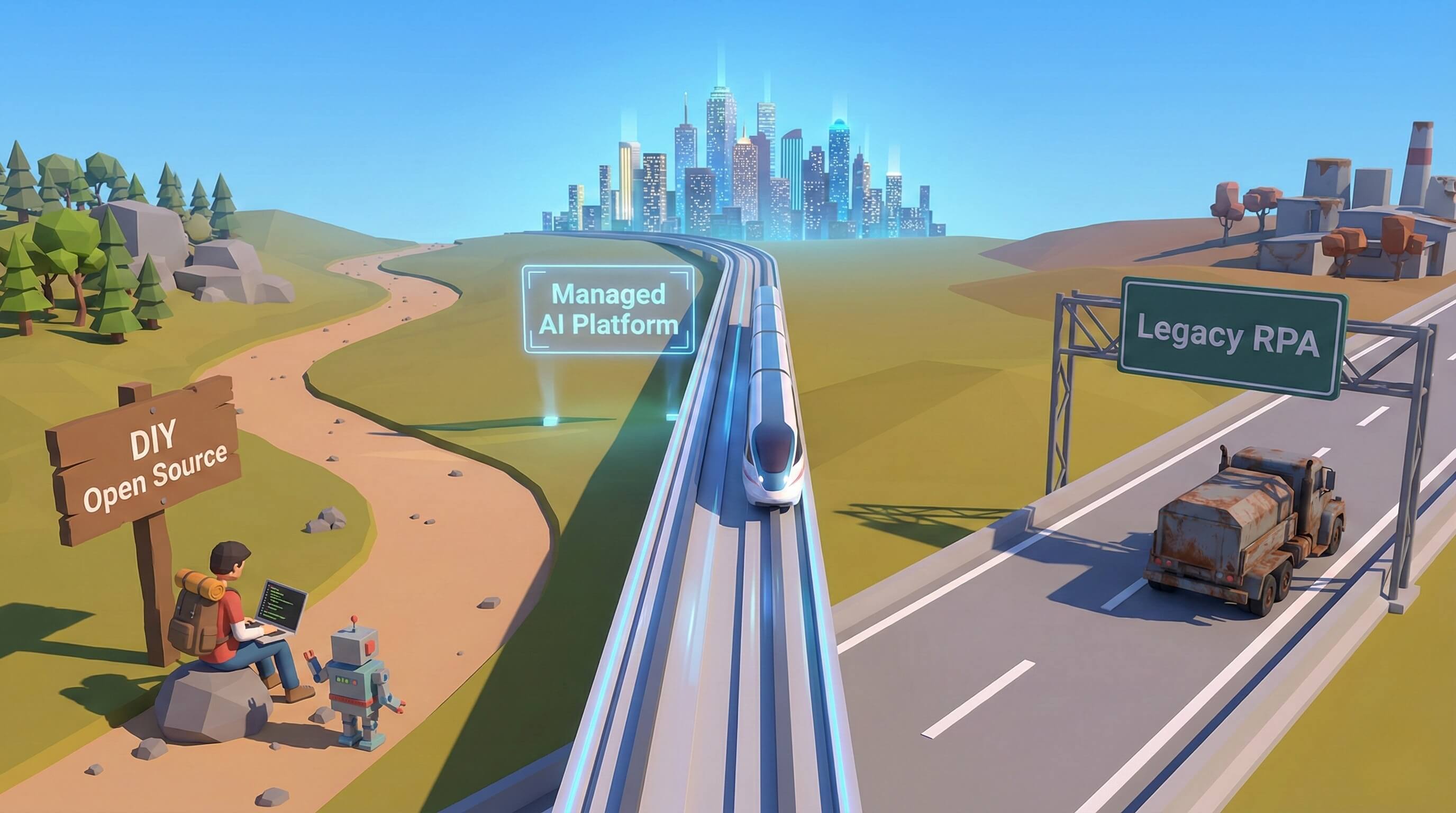
To understand the AI advantage, we must look at why the old tools (Chrome Extensions and Cloud Blasters) are dangerous liabilities.
1. The "Template" Trap
Traditional tools rely on "Mad Libs" style templates (insert {First_Name}).
-
The Problem: Buyers can smell a template from a mile away. It signals low effort and low value.
-
The Consequence: Low response rates (<1%) and high "I don't know this person" flags, which hurt your account health.
2. The "Blind" Approach
Old bots don't look at the prospect's activity. They message a CTO about "scaling engineering" on the same day the CTO posted about laying off staff.
-
The Problem: Being "Tone Deaf."
-
The Consequence: Brand damage. You look insensitive and robotic.
3. The Compliance Risk
Chrome extensions inject code into the LinkedIn page. LinkedIn's security systems detect these unauthorized injections easily.
-
The Problem: Using extensions is a violation of Terms of Service.
-
The Consequence: Account restriction (The dreaded "jail").
Part 2: The AI SDR Workflow
How "Browser Use" Changes the Game
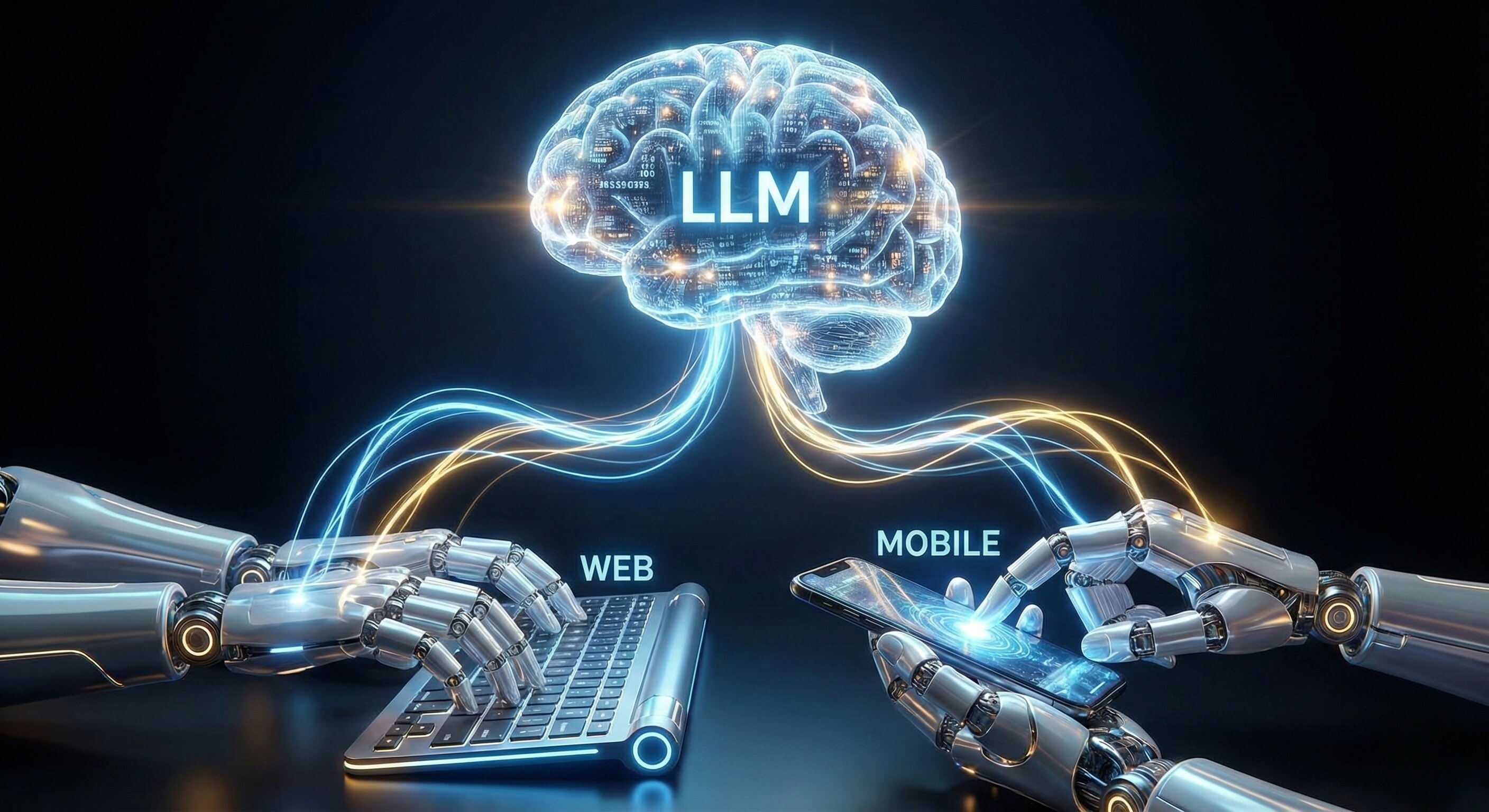
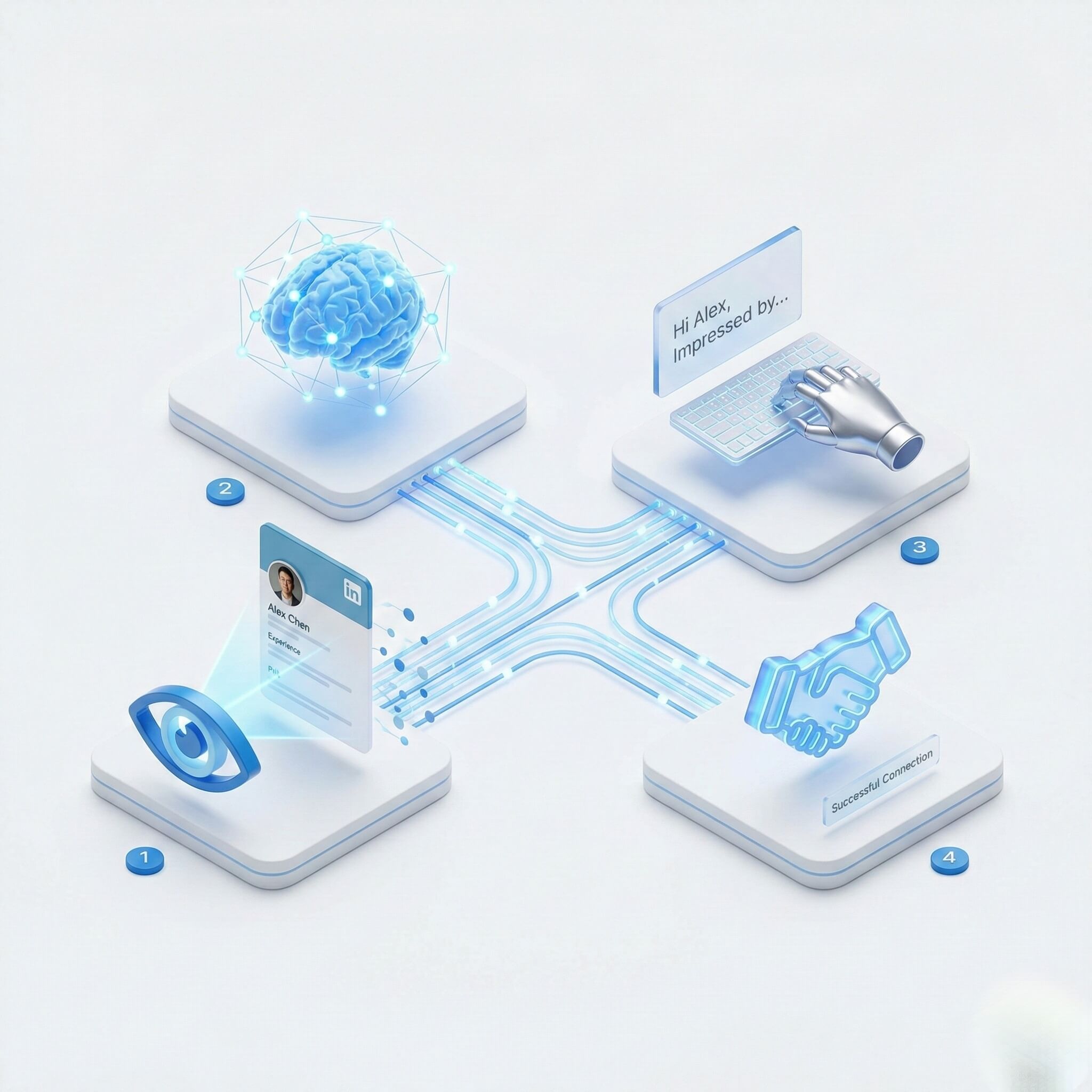
Promoi’s AI Workers do not use code injection. They use Visual AI Engine technology to navigate LinkedIn visually, just like a human SDR.
This allows for a Cognitive Sales Workflow that prioritizes quality over quantity.
Phase 1: Deep Research (The "Detective" Mode)
Before sending a connection request, the AI Worker visits the prospect's profile via our LinkedIn Multi-account Prospecting tools.
-
Analyzes the "About" Section: It identifies the prospect's core responsibilities and tech stack.
-
Reads "Recent Activity": It scans the last 5 posts. Did they attend a conference? Did they share an article?
-
Checks Company Data: It visits the Company Page to check for recent news (e.g., "Series B Funding").
Phase 2: Hyper-Personalized Drafting
Using the research data, the AI generates a unique message using an LLM.
-
Generic Bot: "I see you are in Sales. We help Sales teams."
-
AI Worker: "Hi Sarah, saw your post about the challenges of remote onboarding. Loved your point about 'async documentation.' We actually built a tool specifically for that..."
Phase 3: The "Soft" Follow-Up
If the prospect connects but doesn't reply, the AI Worker nurtures the relationship. It doesn't just bump the thread ("Thoughts?"). It adds value:
"By the way, regarding that onboarding challenge, here is a PDF checklist we made..."
It understands Contextual Nurturing.
Part 3: ROI and Economics
Solving the SDR Efficiency Problem
Hiring human SDRs for cold outreach is becoming mathematically unsustainable.
The Human Cost:
-
Average SDR Salary: $60,000 - $80,000/year.
-
Ramp Time: 3 months.
-
Daily Capacity: ~50 high-quality personalized emails/messages.
-
Cost Per Meeting: High.
The AI Worker Cost:
-
Cost: Fraction of a salary.
-
Ramp Time: Minutes.
-
Daily Capacity: Consistent, 24/7 operation (within safety limits).
-
Cost Per Meeting: Significantly lower.
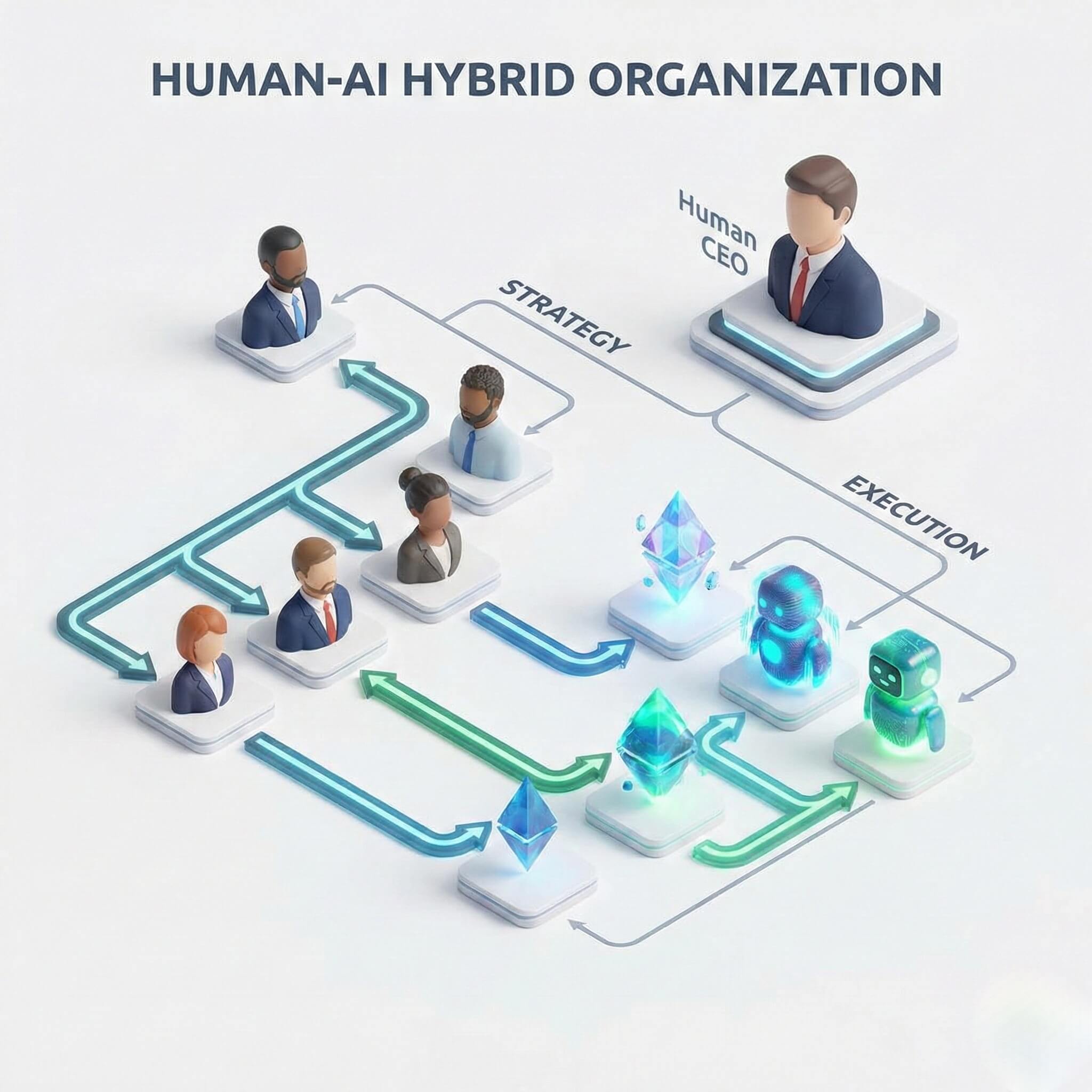
The Hybrid Advantage: The goal is not to fire your sales team. It is to Promote them.
-
AI Role: Research, Qualification, Initial Outreach.
-
Human Role: Discovery Calls, Demos, Closing.
You stop paying humans to be "robots" and start paying them to be "closers."
Part 4: Enterprise Safety & Compliance
Protecting Your Golden Asset (The LinkedIn Account)
LinkedIn accounts are valuable corporate assets. You cannot risk losing them. Promoi’s infrastructure is built for Account Safety via our Anti-detect Browser.
1. The Secure Workspace (No Extensions)
Promoi Agents run in Isolated Cloud Browsers. Nothing is installed on your local machine.
-
Benefit: To LinkedIn, the traffic looks like a standard user logging in from a consistent IP address (Residential Proxy). There are no "Extension signatures" to detect.
2. Human-Paced Execution limits
We do not believe in "bypassing limits." We believe in Optimizing Limits.
-
The Protocol: LinkedIn allows roughly 100 connection requests per week.
-
The AI Strategy: Instead of trying to send 500 (and getting banned), the AI focuses on making those 100 requests count. It spends more time researching each one to ensure a 40%+ acceptance rate, rather than the industry average of 15%.
3. Sentiment Guardrails
Before sending a message, the AI runs a Sentiment Check. If a prospect replies "Stop messaging me," the AI detects the negative intent, tags the user as "Do Not Contact," and removes them from all sequences instantly. A dumb bot would have sent a follow-up 2 days later.
Part 5: Comparison Table
Evolution of Outreach Tools
|
Feature |
Chrome Extensions (2015) |
Cloud Blasters (2020) |
AI Sales Worker (2026) |
|---|---|---|---|
|
Personalization |
|
Basic Fields |
Deep Context (Posts/News) |
|
Detection Risk |
High (Code Injection) |
Medium (API Patterns) |
Low (Visual Browser Use) |
|
Workflow |
Linear Sequence |
Linear Sequence |
Dynamic / Adaptive |
|
Research |
None |
None |
Reads Profiles & Articles |
|
Tone |
Robotic / Salesy |
Salesy |
Consultative / Human |
|
Infrastructure |
Local Browser |
Shared Server |
Dedicated Secure Sandbox |
Part 6: Implementation Guide
Building Your AI Sales Machine
How to launch your first AI SDR without friction.
-
Step 1: Define the Ideal Customer Profile (ICP) Be specific. Don't just say "CEOs." Say "CEOs of SaaS companies in Austin with 11-50 employees who use HubSpot." The AI uses this to filter lists.
-
Step 2: Ingest Knowledge Upload your "Sales Playbook." What are your value propositions? What are your case studies? What is your tone of voice? (Casual? Professional? Witty?)
-
Step 3: Warm-Up Phase If the LinkedIn account is new or hasn't been active, the AI starts with "Warm-Up Mode."
-
Week 1: Only View profiles and Like posts.
-
Week 2: Send 5-10 connection requests/day.
-
Week 3: Ramp up to standard capacity.
-
-
Step 4: Human Handover Configure the "Trigger." When does the AI stop and the Human take over?
-
Standard Trigger: When the prospect replies with Interest (e.g., "Sure, let's talk" or "Send more info"). The AI tags the conversation and alerts the human rep on Slack.
-
FAQ: LinkedIn AI Automation
-
Q: Is this against LinkedIn's Terms of Service?
-
A: All automation carries inherent risk. However, Promoi minimizes this risk by avoiding code injection and API abuse. We use visual browsing simulation that behaves like a human user. We prioritize quality of interaction over volume, aligning with the platform's goal of fostering genuine professional connections.
-
-
Q: Can it handle InMail?
-
A: Yes. If you have Sales Navigator, the AI Worker can manage InMail credits efficiently, reserving them for high-value prospects who have "Open Profiles."
-
-
Q: What happens if I hit the weekly limit?
-
A: The AI Worker is "Limit-Aware." Once it hits the safety threshold (e.g., 20 requests/day), it automatically pauses outreach activities and switches to "Nurturing" tasks (Liking posts, endorsing skills) which do not consume the connection quota.
-
-
Q: Can I approve messages before they go out?
-
A: Yes. For strict enterprise teams, we offer a "Human-in-the-Loop" Review Mode. The AI drafts the personalized messages for 50 prospects, and you simply click "Approve" or "Edit" on a dashboard before they are sent.
-
Conclusion: From "Cold Outreach" to "Warm Conversations"
The goal of B2B sales hasn't changed: build relationships. But the method has. You can no longer brute-force your way to a meeting with spam. You need intelligence. You need relevance. You need empathy.
AI Workers allow you to scale Empathy.
By hiring an AI SDR, you ensure that every prospect feels seen, heard, and understood—at a scale no human team could match.