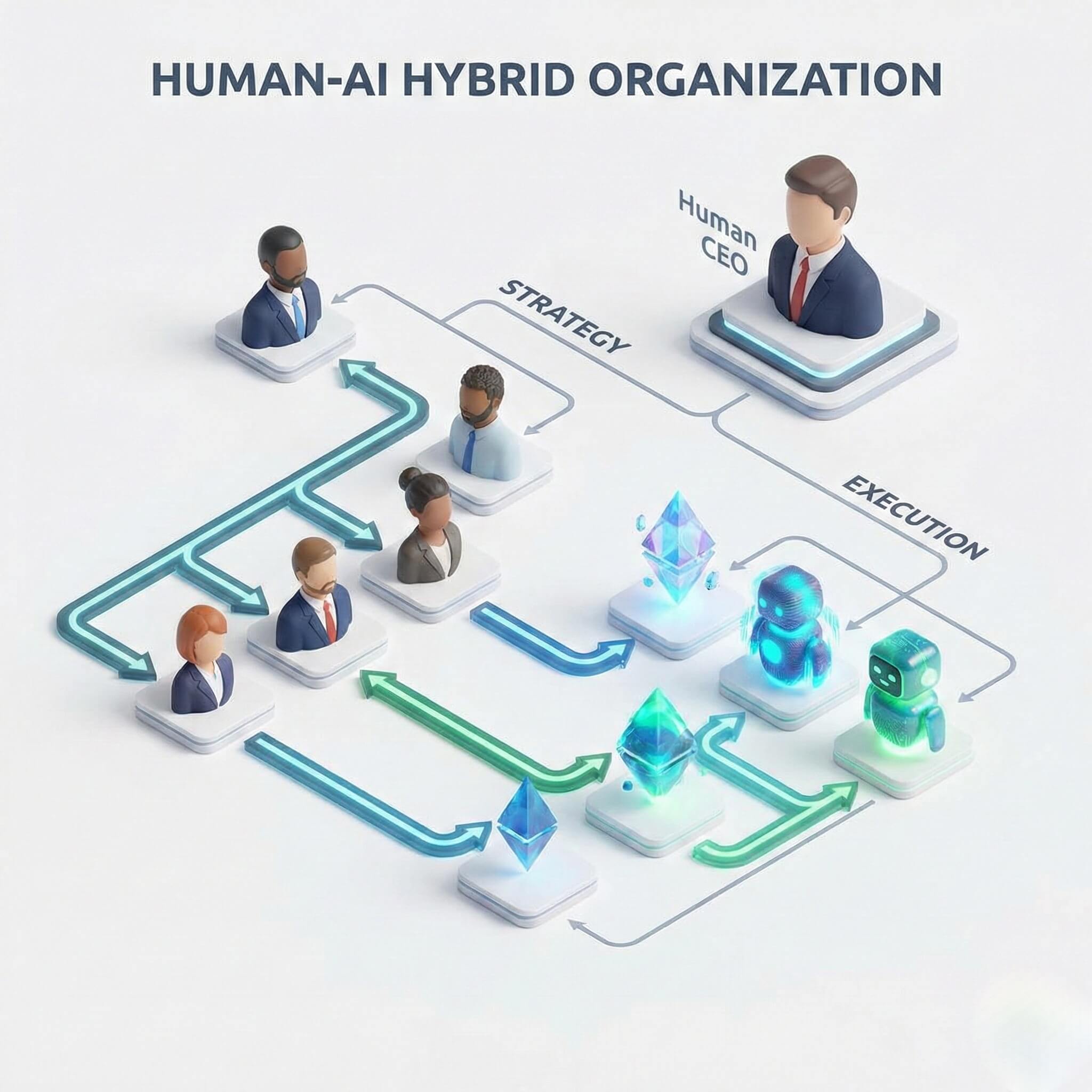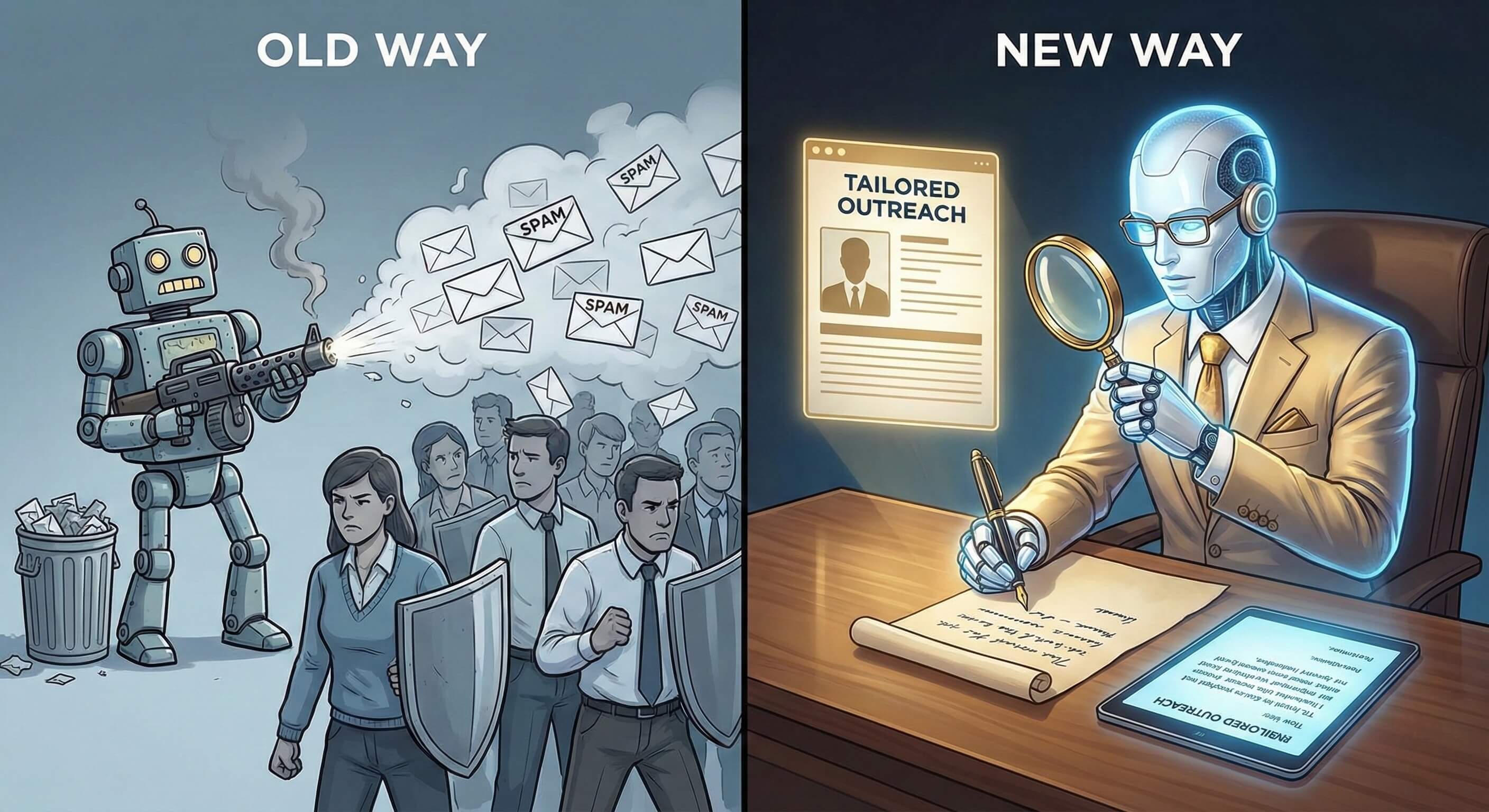

Powered by Large Language Models (LLMs) and Visual AI Engine technology, "Browser Use" allows AI agents to navigate the web, click buttons, and extract data just like a human. It has rapidly eclipsed older methods like DOM parsing or API integrations.
For developers, the open-source browser-use libraries (often found on GitHub) are a revelation. They allow you to spin up an agent on your laptop and watch it browse the web.
But for Enterprise Leaders—CTOs, Heads of Operations, and Growth Directors—a raw code library is not a solution. It is a prototype.
Running a Python script on a laptop is very different from orchestrating 1,000 concurrent AI Employees securely in the cloud. Enterprises need governance, identity management, audit logs, and 99.9% uptime.
So, if you are looking to deploy visual web automation at scale, what are your options?
This guide analyzes the Best Browser Use Alternatives for enterprise automation, categorizing them into three distinct approaches: The DIY Open Source Route, Legacy RPA, and Managed AI Workforce Platforms.
Part 1: The "DIY" Option (Open Source Libraries)
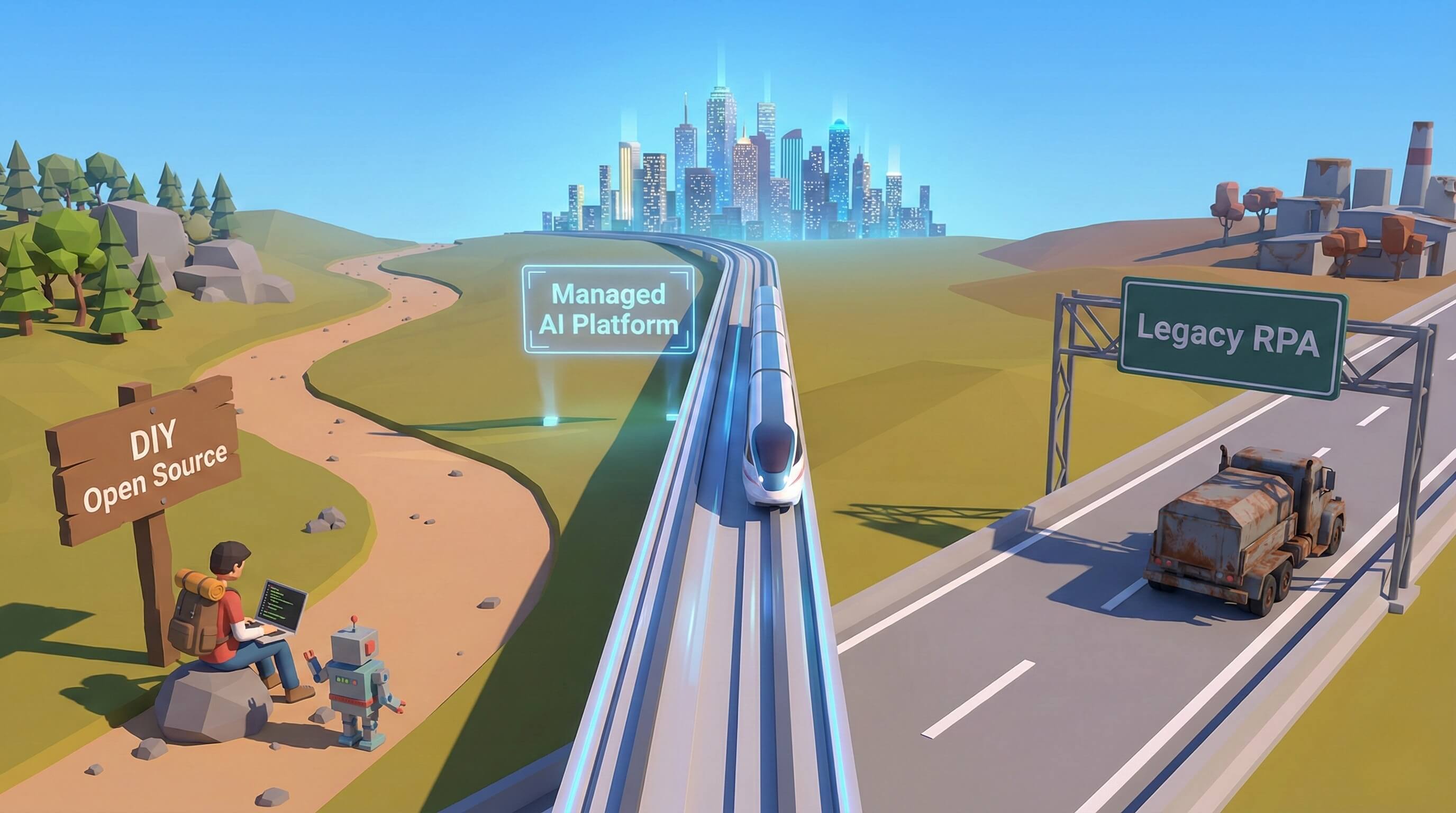
LangChain, AutoGPT, and Raw Playwright
The first alternative to a managed platform is building it yourself using open-source libraries.
What it is: Developers use libraries like langchain, selenium, or playwright, combined with an LLM API (like OpenAI or Anthropic), to build custom automation scripts.
The Pros:
-
Flexibility: You have 100% control over the code. You can tweak every parameter.
-
Cost: No platform subscription fees (you only pay for LLM tokens and server costs).
The Cons (The Enterprise Trap):
-
No Orchestration: You have to build your own queue system. What happens if 50 tasks fail at once?
-
Session Amnesia: Raw scripts don't naturally save cookies or session states securely. You have to build your own encryption vault for credentials.
-
Infrastructure Headache: You are responsible for rotating IPs, managing headless browser instances, and scaling servers.
-
Security Risk: Running scripts locally or on unmanaged servers creates a massive "Shadow IT" risk.
Verdict: Great for a weekend hackathon; dangerous for critical business operations.
Part 2: The "Old Guard" Option (Legacy RPA)
UiPath, Microsoft Power Automate, Automation Anywhere
Before AI Agents, there was Robotic Process Automation (RPA). These giants dominate the Fortune 500 internal landscape.
What it is: Software that records a user's clicks and replays them. It relies on strict rules and rigid selectors.
The Pros:
-
Compliance: Highly certified (SOC2, HIPAA) and trusted by IT departments.
-
Internal Integration: Excellent for automating legacy internal apps (like SAP or Oracle) that haven't changed in 10 years.
The Cons (The Fragility Problem):
-
Brittle on the Web: RPA breaks the moment a website updates its UI. It lacks the "Visual Perception" to adapt.
-
No Intelligence: It cannot reason. If a pop-up appears, it crashes. If the data is unstructured (e.g., social media sentiment), it fails.
-
Exorbitant Cost: Licensing fees can run into hundreds of thousands of dollars per year.
Verdict: Essential for static internal finance/HR tasks; useless for dynamic external web automation (Growth, Marketing, Research).
Part 3: The "Headless" Developer Option
Puppeteer, Selenium Grid, Cloud Functions
This is the standard approach for traditional web scraping teams.
What it is: Running "Headless Browsers" (browsers with no visual interface) in the cloud to execute scripts at high speed.
The Pros:
-
Speed: Extremely fast execution for simple data extraction.
-
Scale: Easy to spin up 10,000 instances for a few minutes.
The Cons (The Detection Problem):
-
Identity Crisis: Headless browsers are easily flagged by modern security systems (Cloudflare, Akamai). They lack the "fingerprint" of a real user.
-
No State: They are designed for "smash and grab" scraping, not for long-term account management or complex workflows.
Verdict: Good for scraping public data (like weather or stock prices); bad for logging into accounts or managing workflows.
Part 4: The Managed Platform Option (Promoi)
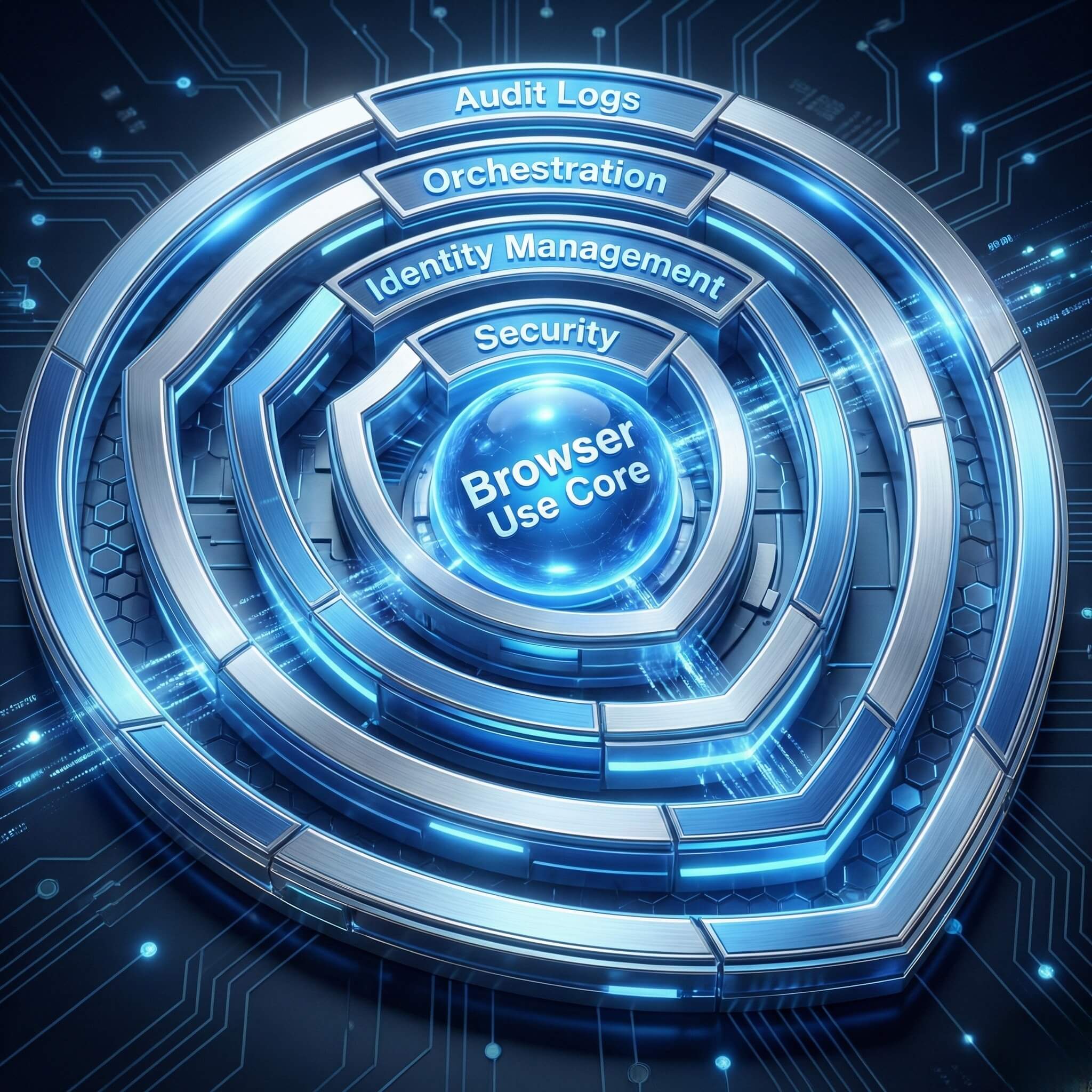
The "Enterprise Wrapper" for Browser Use
This is the emerging category: The AI Workforce Platform. Promoi takes the core innovation of "Browser Use" (Visual AI) and wraps it in an enterprise-grade infrastructure.
What it is: A SaaS platform that provides fully managed, secure, and persistent AI Workers. You don't manage the browser; you manage the worker.
Why it wins for Enterprise:
-
Managed Identity (The Digital VDI): Unlike raw scripts, Promoi assigns each agent a Persistent Cloud Workspace via our Anti-detect Browser. It remembers cookies, sessions, and history. It looks like a long-term employee, not a bot.
-
Orchestration Layer: You can deploy 1 agent or 100 agents with a single command via Cloud Mobile infrastructure. The platform handles the queuing, retries, and error logging automatically.
-
Governance & RBAC: You can assign permissions. Junior staff can trigger an agent to "Find Leads," but they cannot see the underlying LinkedIn credentials.
-
No-Code Interface: You don't need Python. You use Natural Language instructions. "Go to Amazon and find prices for X."
Verdict: The only viable option for businesses that need Resilience, Scale, and Ease of Management.
Part 5: Feature Comparison Matrix
|
Feature |
Open Source (DIY) |
Legacy RPA (UiPath) |
Headless Scraping |
Promoi (AI Workforce) |
|---|---|---|---|---|
|
Core Tech |
Python + API |
Rule-Based Script |
Code Selectors |
Visual AI + LLM |
|
Resilience |
Low (Depends on your code) |
Very Low (Brittle) |
Low (Anti-bot blocks) |
High (Self-Healing) |
|
Setup Time |
Days/Weeks |
Months |
Days |
Minutes |
|
Maintenance |
High (You fix bugs) |
High (Consultants fix bugs) |
High (Constant updates) |
Zero (Managed) |
|
Identity |
None (Stateless) |
None |
None |
Persistent Identity |
|
Orchestration |
Build your own |
Expensive Add-on |
Build your own |
Built-in |
|
Cost Model |
Dev Time + API costs |
High Licensing Fees |
Server Costs |
SaaS Subscription |
Part 6: When to Choose Which?
To help you decide, here is a decision framework based on your specific needs.
-
Choose "DIY Open Source" if:
-
You are a solo developer building a prototype.
-
You have zero budget but unlimited time.
-
The workflow is extremely simple and rarely runs.
-
-
Choose "Legacy RPA" if:
-
You are automating a 20-year-old internal Windows application.
-
The process never changes (e.g., monthly payroll processing).
-
You are already locked into a multi-year enterprise contract.
-
-
Choose "Promoi (Managed Platform)" if:
-
The Target is Dynamic: You are automating social media, e-commerce, or modern SaaS apps.
-
Scale Matters: You need to run multiple agents in parallel without crashing.
-
Identity Matters: You need to log into accounts without getting flagged.
-
Team Collaboration: You have non-technical users (Sales/Marketing) who need to use the automation.
-
FAQ: Making the Switch
-
Q: Can I migrate my existing Selenium scripts to Promoi?
-
A: You don't "migrate" code; you upgrade instructions. Because Promoi uses Natural Language, you simply take the logic of your script ("Login, click reports, download") and type it as a prompt. The AI handles the execution details, removing the need for brittle code maintenance.
-
-
Q: Is Promoi more expensive than building it myself?
-
A: On the surface, yes. In reality, no. Building yourself incurs "Hidden Costs": Server bills, proxy costs, and most importantly, Developer Salary. If your engineer spends 10 hours a month fixing broken scripts, you have already paid for a Promoi subscription.
-
-
Q: How secure is the Managed Platform?
-
A: Promoi operates on a "Zero-Trust" architecture. Agents run in isolated sandboxes. Credentials are encrypted. Data is not used to train public models. It offers the security of RPA with the agility of AI.
-
-
Q: Does Promoi use the browser-use library under the hood?
-
A: We leverage best-in-class open-source concepts but run on a proprietary "Resilience Engine." This adds layers of session management, anti-fingerprinting, and visual reasoning that raw libraries do not possess.
-
Conclusion: Don't Build Infrastructure, Deliver Outcomes
In 2026, the competitive advantage isn't "who has the best Python script." It's "who has the most effective digital workforce."
While Open Source libraries are exciting for tinkering, and RPA is fine for legacy maintenance, Promoi is the purpose-built platform for the modern, dynamic web.
Stop building the browser. Start managing the work.