
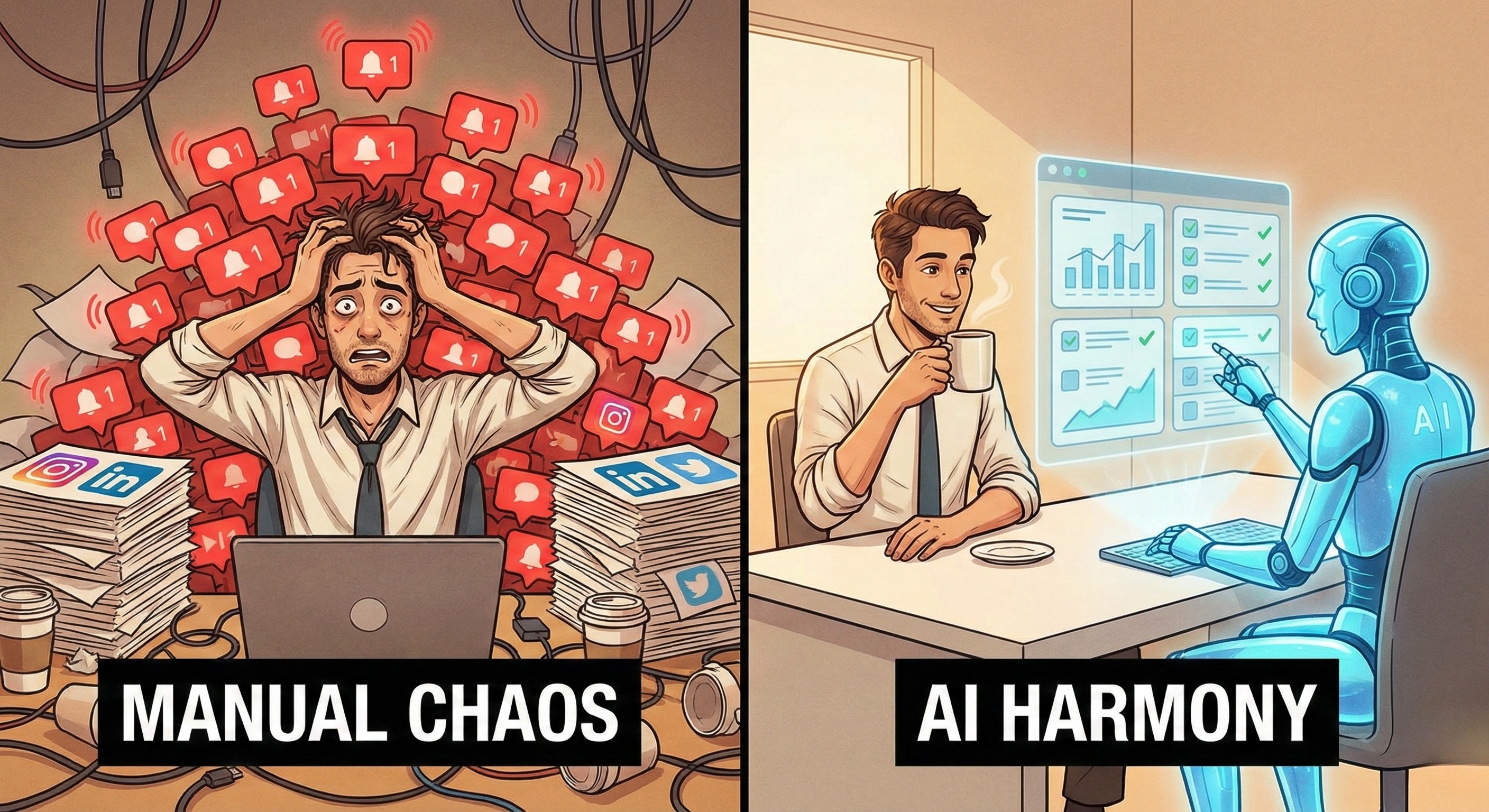
To stay relevant, you need to post on LinkedIn, engage on Twitter, upload Reels to Instagram, and manage a community on Facebook.
The traditional solution was to buy a "Scheduler" tool like Hootsuite or Buffer.
-
The Problem: Schedulers are dumb tools. They don't create content, they don't reply to comments, and they don't find leads. They just push buttons when you tell them to.
The next solution was to hire a junior Social Media Intern.
-
The Problem: Humans are expensive, require training, get burned out, and go home at 5 PM.
In 2026, there is a third option: Hiring an AI Employee.
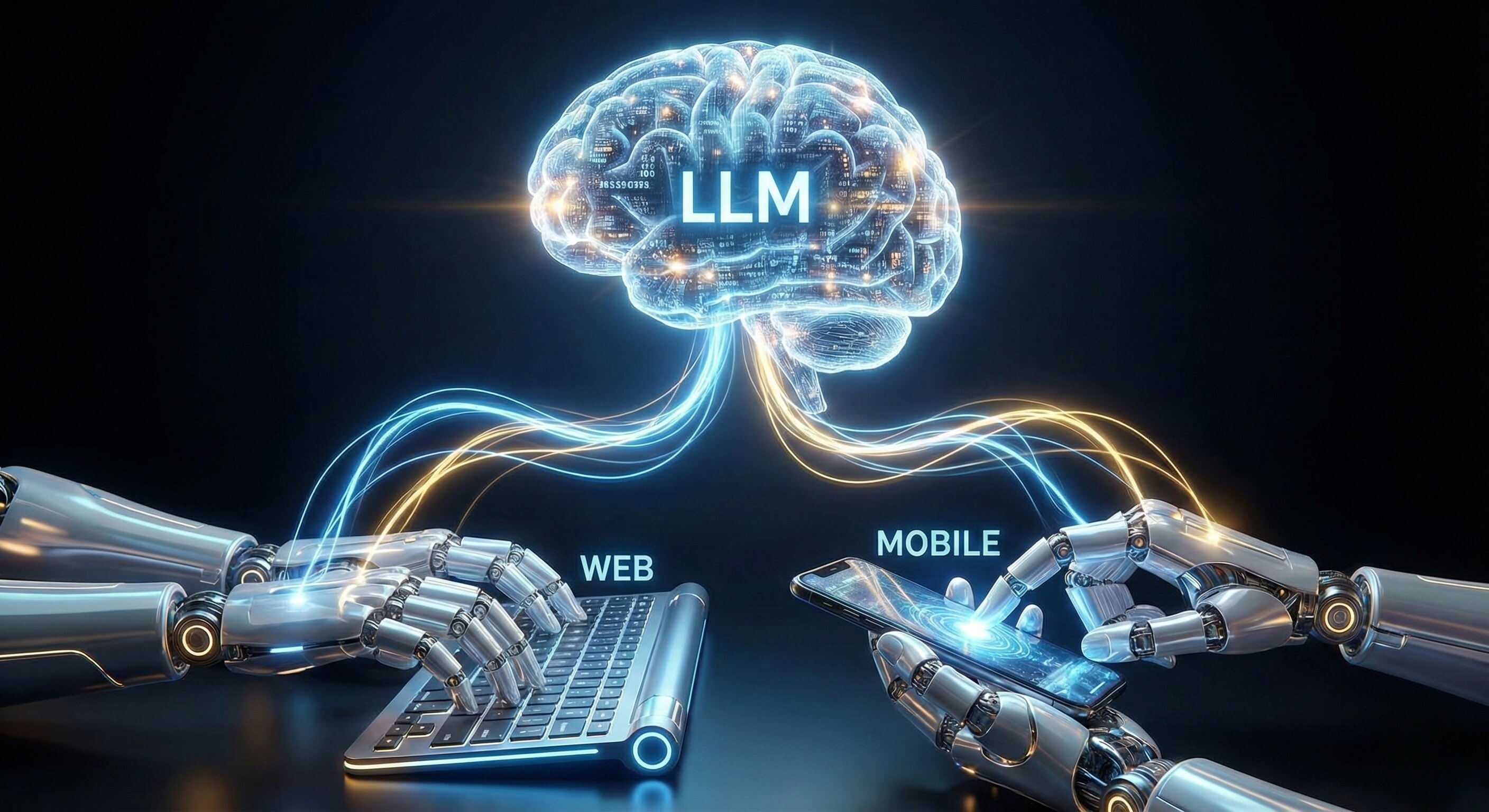
We are not talking about a "Chatbot" that writes captions. We are talking about an autonomous AI Social Media Manager—a digital worker that lives in a secure browser, logs into your accounts, researches trends, engages with followers, and manages your presence 24/7.
But how do you "hire" software?
This guide is your HR Handbook for the AI era. It walks you through the process of defining the role, "interviewing" the technology, and onboarding your first AI employee without disrupting your brand.
Part 1: The Job Description (JD)
What Can an AI Employee Actually Do?
Before you deploy Promoi, you need to define the role. Just like hiring a human, if you give vague instructions, you get vague results.
Here is a standard Job Description for an AI Social Media Manager:
Role: Junior Community Manager Hours: 24/7/365
Primary Responsibilities:
-
The Listener: Monitor industry hashtags and competitor accounts for trending discussions.
-
The Engager: "Like" and comment on relevant posts to build brand visibility (e.g., "Great insight!").
-
The Distributor: Take a blog post from the Marketing Director, format it for LinkedIn/Twitter/Instagram, and publish it at optimal times via Cloud Mobile infrastructure.
-
The Gatekeeper: Filter incoming DMs. Reply to FAQs instantly; escalate complex partnership requests to a human.
What NOT to Assign:
-
Crisis Management: If a customer is angry, the AI should escalate, not argue.
-
High-Level Strategy: The AI executes the plan; you define the plan.
Part 2: The "Interview"
Why Most Bots Fail the Test
Not all automation is created equal. When selecting your AI workforce platform, you need to verify it has the "Soft Skills" to represent your brand safely.
1. Does it have "Eyes"? (Visual Perception)
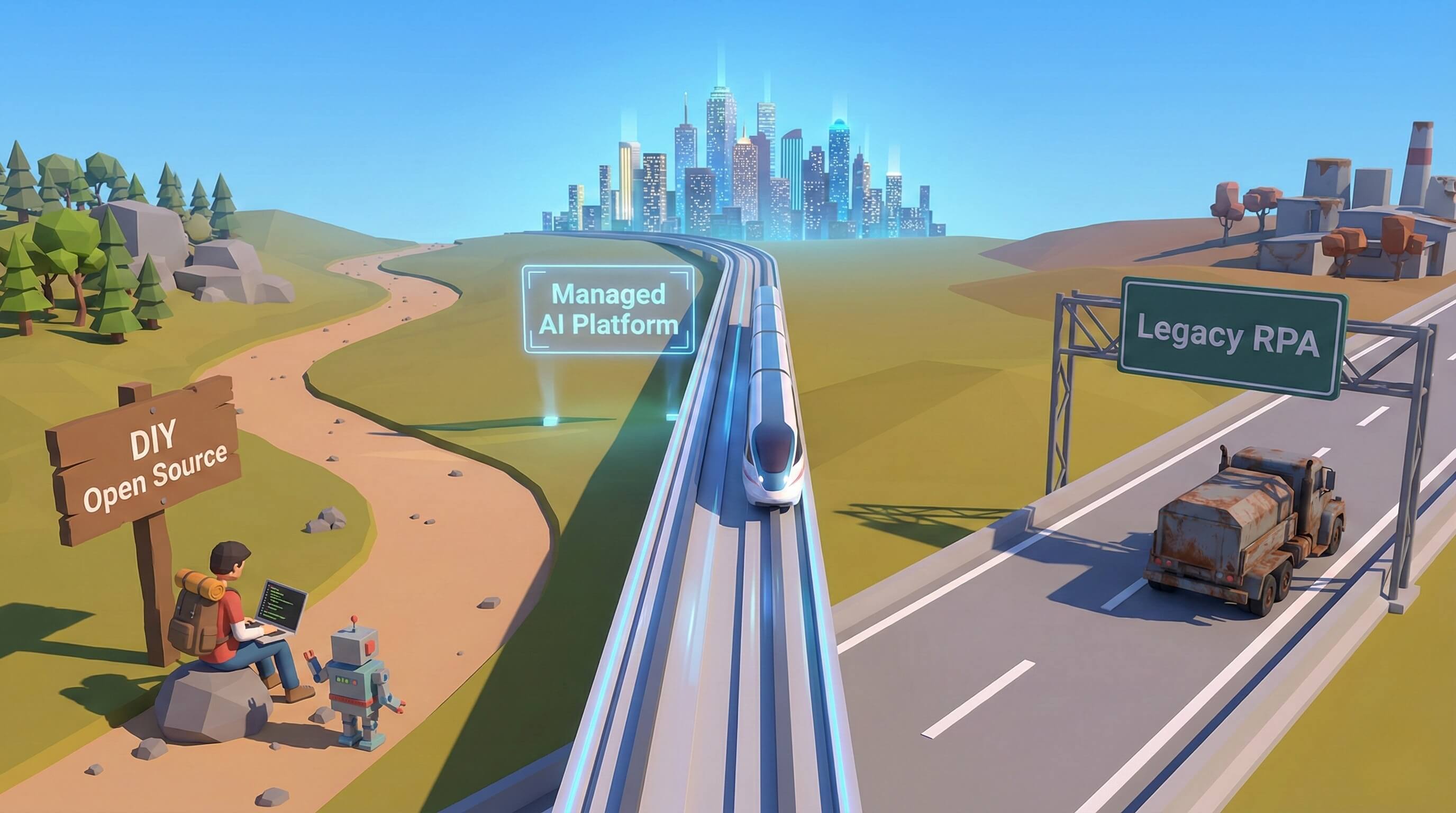
Legacy bots interact with code (APIs). If Instagram moves the "Message" button, the bot crashes.
-
The Promoi Difference: Our AI Employees use Visual AI Engine technology. They "see" the screen like a human. If the UI changes, they adapt. This ensures your employee doesn't "call in sick" every time an app updates.
2. Does it have "Tact"? (Context Awareness)
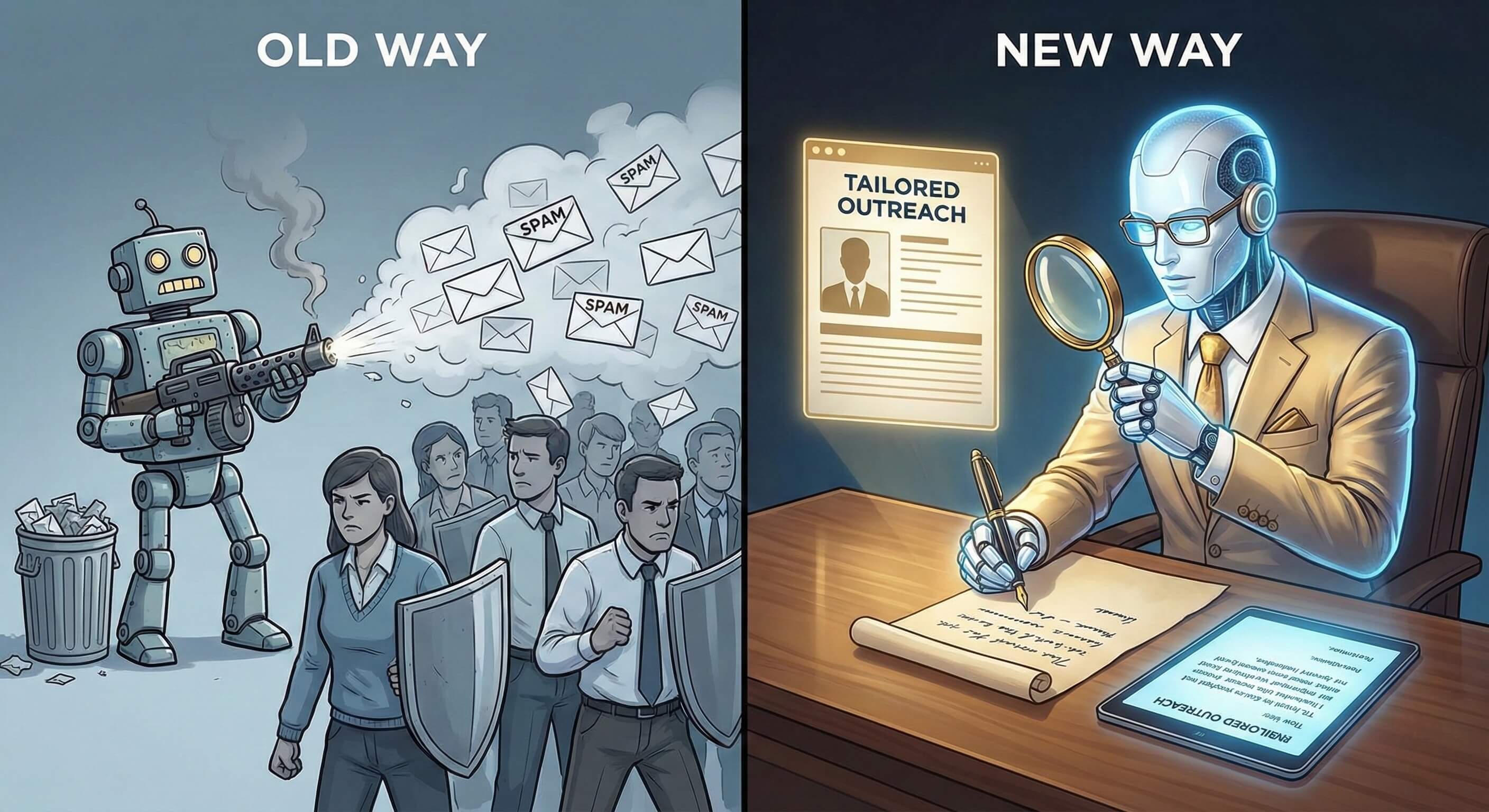
A dumb bot sees the keyword "Price" and replies "Check our pricing page!"
-
Context: The post says "The price of failure is high."
-
Result: Embarrassment.
-
The Promoi Difference: Our AI uses LLMs to read the entire post, understand sentiment, and determine that this is not a sales opportunity. It stays silent or offers a supportive comment instead.
3. Is it "Secure"? (Identity Management)
You wouldn't let an intern take your company passwords to an insecure internet cafe.
-
The Promoi Difference: Your AI Employee works in a Secure Cloud Workspace. It has a persistent digital identity (cookies, device fingerprint) that looks like a valid, professional user to the platform algorithms.
Part 3: The Onboarding Process

Day 1 to Day 30
You don't just switch it on and walk away. You onboard it.
Step 1: Ingesting the "Employee Handbook" (Knowledge Base)
The AI needs to know who it is working for. Upload your brand assets into Promoi:
-
Tone of Voice: Are we "Professional & Authoritative" (like McKinsey) or "Fun & Casual" (like Wendy's)?
-
The "Kill List": Topics we never discuss (Politics, Religion, Competitor X).
-
Product Facts: The pricing, the features, the links.
Step 2: Setting Guardrails (The Probation Period)
For the first week, set strict limits to ensure safety.
-
Rate Limits: "Maximum 10 comments per day."
-
Approval Mode: Configure the AI to "Draft Only." It finds the post and writes the comment, but a human must click "Approve" before it posts.
-
Why? This trains the model. If you edit its drafts, it learns your preference.
Step 3: Full Autonomy (Graduation)
Once the AI achieves a 95% "Approval Rate" (usually week 3-4), you switch it to Autonomous Mode. Now, it operates independently within its guardrails, and you only review the weekly performance report.
Part 4: The Economics of Hiring AI
Comparing Costs
Why make the switch? Let's look at the P&L statement.
Option A: The Human Junior
-
Salary: $45,000/year
-
Benefits/Overhead: +20%
-
Capacity: 8 hours/day (minus lunch, breaks)
-
Total Cost: ~$4,500/month
Option B: The Agency Retainer
-
Fee: $2,500/month
-
Responsiveness: Slow (24-48 hour turnaround)
-
Focus: Split between 10 other clients.
-
Total Cost: ~$2,500/month
Option C: The AI Employee (Promoi)
-
Subscription: Enterprise Tier
-
Capacity: 24/7/365 (No breaks)
-
Focus: 100% on your brand.
-
Total Cost: Fraction of a human hire.
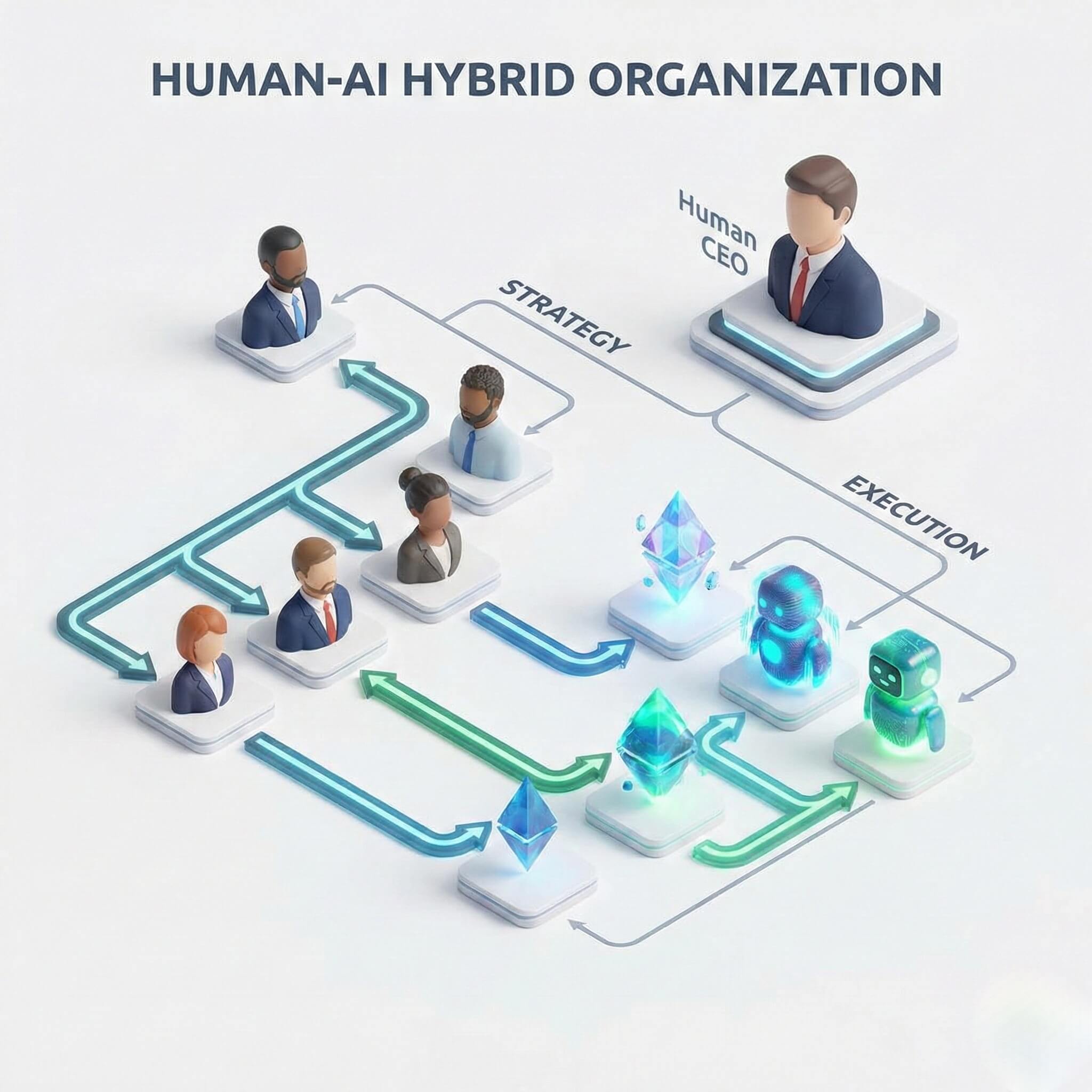
The Hybrid Winner: Smart companies re-invest the savings. They keep their Senior Marketing Strategist (Human) and give them a team of 10 AI Employees to handle the execution.
Part 5: Managing Your Digital Team
The Human-in-the-Loop Workflow
Managing AI is different from managing humans. It’s about Orchestration.
The Morning Review
Your human manager spends 15 minutes over coffee reviewing the "Activity Log."
"Oh, the AI found a great lead in this group." "The AI flagged a negative comment here—I need to handle this personally."
The Weekly Optimization
Every Friday, adjust the instructions based on data.
"The LinkedIn AI is getting great engagement on 'Tech Trends' but zero on 'Company News'. Let's shift the focus." "The Instagram AI is being too formal. Let's update the 'Tone' prompt to be more emoji-friendly."
This feedback loop creates a Self-Improving Workforce.
Part 6: Comparison Table
Tools vs. Assistants vs. AI Employees
|
Feature |
Scheduling Tool (Hootsuite) |
Virtual Assistant (Human) |
AI Employee (Promoi) |
|---|---|---|---|
|
Primary Function |
Publish what you wrote |
Execute manual tasks |
Research, Write & Publish |
|
Autonomy |
None |
High |
High (Within Guardrails) |
|
Availability |
24/7 |
8 hours/day |
24/7 |
|
Scale |
Unlimited Posts |
Limited by time |
Infinite Scale |
|
Cost |
Low ($) |
High ($$$) |
Medium ($$) |
|
Creativity |
None |
High |
Medium (Data-Driven) |
|
Engagement |
None |
Manual |
Automated & Contextual |
Part 7: Enterprise Security
Why "Shadow AI" is Dangerous
A warning for Founders: Do not let your team run random AI scripts on their laptops. This creates "Shadow AI" risks:
-
Credentials stored in plain text.
-
IP addresses flagging your corporate network.
-
No audit trail of what was posted.
Hire Professionally: Use a platform like Promoi that provides Enterprise VDI (Virtual Desktop Infrastructure).
-
Centralized Control: You can revoke an AI agent's access instantly.
-
Audit Logs: Every action is recorded for compliance.
-
Identity Persistence: The AI looks like a legitimate, long-term employee to the social platforms, protecting your brand reputation.
FAQ: Hiring AI
-
Q: Will the AI sound like a robot?
-
A: Not if you onboard it correctly. By providing a detailed "Brand Voice Guide" and examples of your best past posts, the LLM adapts to your specific style. It can be witty, serious, or casual.
-
-
Q: Can it create images/video?
-
A: Promoi’s AI Employees focus on Execution and Engagement. While they can upload and distribute assets you provide (or assets generated by tools like Midjourney), their core strength is in navigating the platform and interacting with users.
-
-
Q: Is it safe for my account?
-
A: Yes. Unlike "Growth Hacking" bots that spam thousands of people, Promoi AI Employees are designed for Compliance. They operate at human speeds, respect platform limits, and operate in secure, isolated browser environments.
-
-
Q: Can I fire an AI employee?
-
A: Yes. Deactivating an agent takes one click. There is no severance, no HR friction, and no lost knowledge (because the logs remain).
-
Conclusion: Build Your Hybrid Organization
The future of social media management is not "Man vs. Machine." It is "Man + Machine."
By hiring your first AI Employee, you are not replacing your creativity; you are scaling your reach. You are freeing your human team from the drudgery of "maintenance" so they can focus on the art of "connection."
Ready to interview your new candidate?