
If you wanted to connect your CRM to your Email marketing tool, or your ERP to your warehouse system, you hired developers to build a bridge between their APIs. It was clean, structured, and fast.
But in 2026, we are facing a new reality: The API Winter.
Major platforms are closing their doors. Twitter (X), Reddit, and LinkedIn have locked down their APIs or introduced prohibitive pricing models. SaaS vendors are intentionally creating "Walled Gardens" to trap data inside their ecosystems. The bridges are being burned.
So, how does a modern enterprise scale automation when the official connections are gone?
You stop trying to use the "Service Entrance" (API) and start using the "Front Door" (The User Interface).
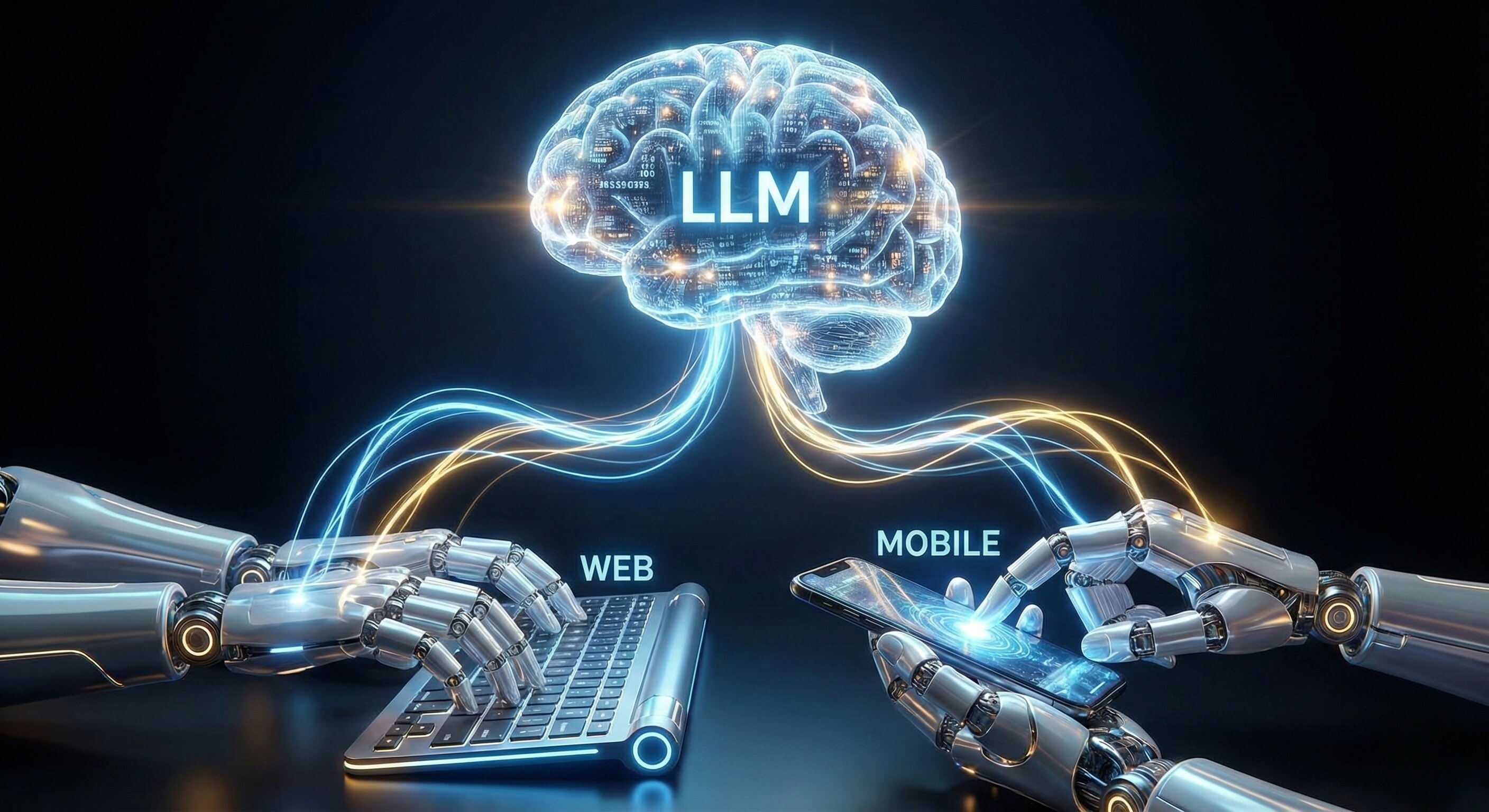
This is the promise of Browser Use technology. By enabling AI Workers to navigate the web visually—just like human employees—we can unlock a level of universal connectivity that APIs never could.
This article explores why Browser Use is not just a fallback, but the Ultimate Automation Breakthrough, allowing businesses to connect any tool, scrape any insight, and execute any workflow without writing a single line of integration code.
Part 1: The "API Bottleneck" in 2026
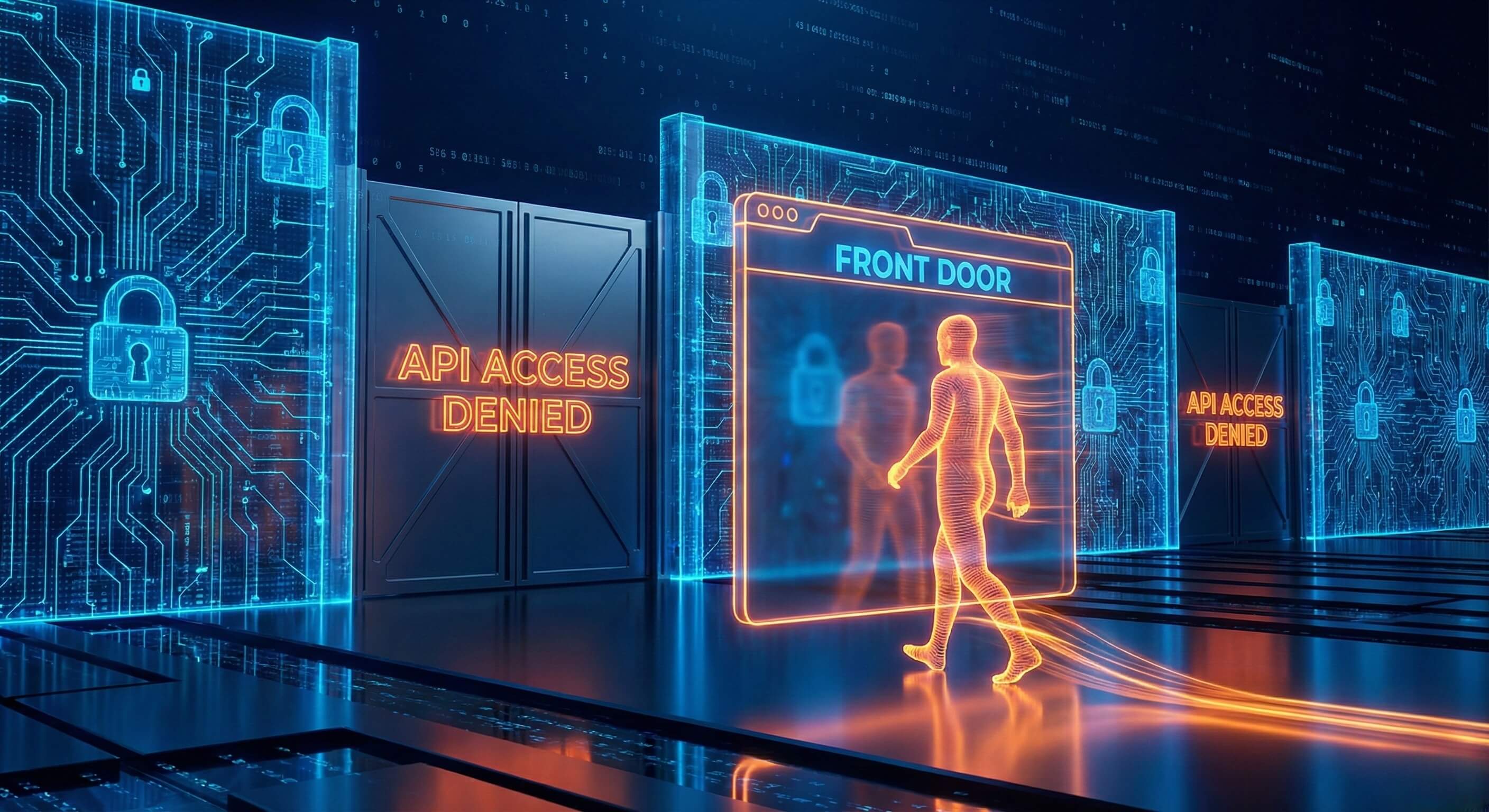
To understand why Browser Use is inevitable, we must first look at the crumbling infrastructure of API-based automation.
1. The Cost of Connectivity
Ten years ago, APIs were mostly free. Today, they are a profit center.
-
The Reality: Accessing the API for a major social platform can now cost enterprise teams upwards of $40,000/month for basic data access.
-
The Impact: Small and mid-sized businesses are priced out of automation, forced back into manual labor.
2. The "Feature Lag" Gap
Product teams prioritize their Human UI over their Developer API.
-
The Reality: When a platform launches a new feature (e.g., "Instagram Stories" or "LinkedIn Newsletters"), it often takes 6-12 months for that feature to appear in the public API—if it ever does.
-
The Impact: If you rely on APIs, your automation is always a year behind your actual capabilities.
3. The "Rate Limit" Wall
APIs have strict, arbitrary limits (e.g., "100 requests per hour").
-
The Reality: Business operations don't stop at 100 requests. When you hit the limit, your entire workflow freezes until the clock resets.
-
The Impact: Unpredictable downtime that damages customer experience.
Part 2: The "Front Door" Philosophy
Why the UI is the Universal Connector
If APIs are the specialized connectors, the User Interface (UI) is the universal adapter. Every web application, regardless of its age or tech stack, has a UI designed for humans.
Browser Use technology turns the UI into a programmable interface.
1. Universal Compatibility
An AI Worker equipped with Visual AI Engine capabilities does not need an API key. It does not need developer permission. It does not need to wait for an integration partner.
-
If a human can see it, the AI can interact with it.
-
Legacy ERP from 2005? Yes.
-
Brand new AI tool launched yesterday? Yes.
-
Competitor's public pricing page? Yes.
2. Zero-Day Feature Access
Because the AI Worker interacts with the same screen your customers and employees use, it has access to every feature the moment it launches.
-
Scenario: A platform adds a new "Boost Post" button.
-
API Bot: Can't see it. Waits for SDK update.
-
Browser AI: Sees the new button immediately. You update your natural language instruction to "Click the Boost button," and the workflow is live instantly.
3. Infinite Context
APIs transmit raw data (JSON). They strip away context. Browser Use preserves the Visual Context.
-
Example: An API might return a lead's status as "Active."
-
Browser AI: Sees that the "Active" badge is grayed out and next to a "Payment Failed" warning banner. It understands the nuance that the API missed, preventing a bad customer interaction.
Part 3: Strategic Use Cases
Breaking Down Data Silos
Browser Use allows you to build "Cross-Silo" workflows that were previously impossible to automate due to lack of integrations.
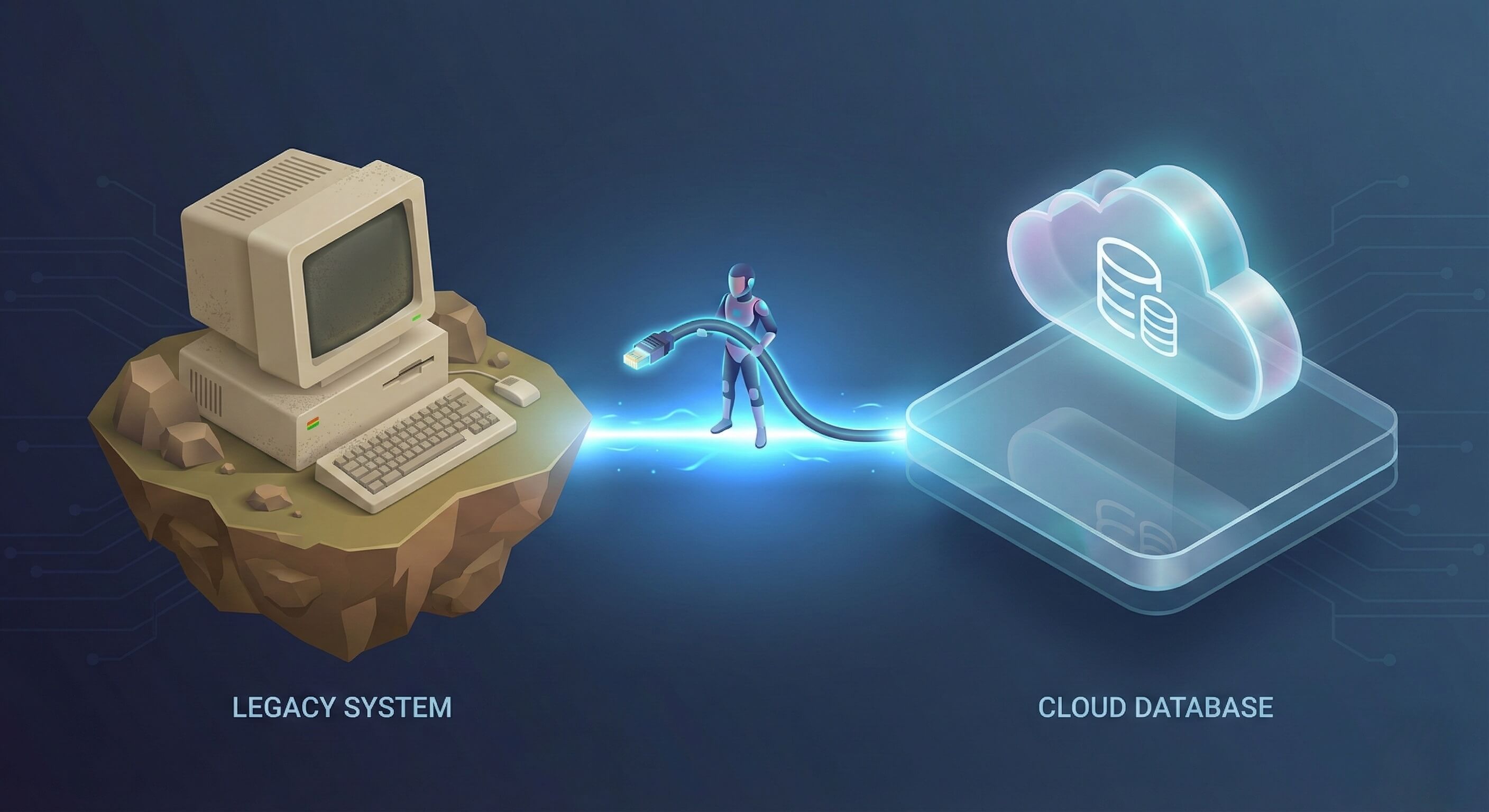
Use Case 1: The "Legacy to Cloud" Bridge
-
The Challenge: Your logistics company uses a legacy mainframe system for inventory that has no API. Your sales team uses Salesforce.
-
The Browser Use Solution:
-
AI Worker A logs into the legacy web portal via Cloud Mobile interface.
-
It visually navigates the clunky menu to find "Daily Stock."
-
It "reads" the table (OCR/Vision) and extracts the stock levels.
-
AI Worker A opens a new tab, logs into Salesforce, and updates the inventory fields for the sales team.
-
-
Result: Real-time data sync without a million-dollar IT migration project.
Use Case 2: Multi-Platform Competitive Intelligence
-
The Challenge: You want to monitor a competitor who sells on Amazon, Walmart, and their own Shopify store. There is no tool that aggregates all three perfectly.
-
The Browser Use Solution:
-
An AI Worker visits all three URLs daily.
-
It visually locates the "Price" element on three completely different layouts.
-
It captures screenshots for verification and updates a central Google Sheet.
-
-
Result: Market visibility that adapts instantly if a competitor changes their website theme.
Use Case 3: The "Last Mile" of Marketing
-
The Challenge: Distributing content to niche communities (e.g., a specific industry forum or a localized job board) that allow posting but have no API.
-
The Browser Use Solution: The AI Worker takes your approved blog post, logs into the forum, navigates the posting wizard, formats the text, uploads the header image, and clicks publish.
-
Result: Expanding brand reach into "Dark Social" channels that traditional automation tools can't touch.
Part 4: Security and Governance
From "Shadow Automation" to "Managed Workforce"
Historically, allowing bots to browse the web was seen as a security risk ("Shadow IT"). Promoi transforms this into a Managed Enterprise Capability.
1. The Secure Container (Isolation)
Promoi’s AI Workers do not run on employee laptops. They run in Secure Cloud Workspaces.
-
Benefit: The AI interacts with the potentially chaotic web in a "Sandbox." No malware, tracking cookies, or malicious scripts can ever jump from the browser to your corporate network.
2. Credential Vaulting
Your employees never share passwords with the AI directly.
-
Benefit: Credentials are stored in an encrypted vault. The AI Agent is injected with a temporary session token. It can do the work, but it never "knows" the password, eliminating the risk of credential theft.
3. Human-Paced Compliance
A script firing 1,000 requests a second is an attack. An AI Worker taking 30 seconds to fill a form is a user.
-
Benefit: By mimicking human speed and interaction patterns, Browser Use ensures your automation is compliant with platform Terms of Service, protecting your business accounts from suspension.
Part 5: Comparison: API-First vs. Browser-First
|
Feature |
API-First Automation (Legacy) |
Browser-First Automation (Promoi) |
|---|---|---|
|
Connectivity |
Limited to available APIs |
Universal (Any Website/SaaS) |
|
Setup Cost |
High (Developer integration) |
Low (Natural Language) |
|
Resilience |
Low (Breaks on API deprecation) |
High (Adapts to UI changes) |
|
Data Richness |
Text/Numbers only |
Full Visual Context (Text, Images, Layout) |
|
Access Speed |
Instant (Milliseconds) |
Human-Paced (Seconds/Minutes) |
|
Maintenance |
High (Code updates) |
Low (Self-Healing) |
|
Primary Use |
High-volume data piping |
Complex, judgment-based workflows |
Part 6: Getting Started
How to Implement the Breakthrough
Adopting Browser Use is not about replacing your IT stack; it's about extending it.
-
Identify the "Un-Automatable": Look for tasks where your team says, "We have to do this manually because there's no integration." That is your first AI Worker use case.
-
Define the SOP: Write down the steps a human takes. "Login, click Reports, select 'Last 7 Days', download PDF."
-
Deploy the Agent: Input these instructions into Promoi. The AI Worker will learn the visual cues of the interface.
-
Scale: Once the workflow is stable, replicate it across other regions or departments.
FAQ: The Automation Strategy
-
Q: Is Browser Use slower than API automation?
-
A: Yes, intentionally. Speed is often the enemy of stability and compliance. By operating at "Human Speed," Browser Use agents ensure 99.9% success rates and account safety, which is far more valuable than raw millisecond speed in business operations.
-
-
Q: Does this work on sites with complex logins (MFA)?
-
A: Yes. Promoi supports "Human-in-the-Loop" authentication. The Agent can pause, request an MFA code from a secure channel, and resume work once authenticated, maintaining the session securely thereafter.
-
-
Q: Is this considered "Screen Scraping"?
-
A: It is "Screen Scraping 2.0." Traditional scraping was passive data extraction. Browser Use is active interaction. It doesn't just read; it types, clicks, scrolls, and makes decisions. It converts the web from a "Library" into a "Workplace."
-
-
Q: Can I use this for internal legacy apps?
-
A: Absolutely. This is one of the strongest use cases. Browser Use breathes new life into legacy internal tools that are too expensive to replace but too important to retire.
-
Conclusion: The Interface is the API
In 2026, the competitive advantage belongs to companies that can connect their systems fastest.
Browser Use is the ultimate unlocking mechanism. It removes the artificial barriers between your data and your execution. It frees you from the tyranny of closed APIs and expensive integrations.
It turns the entire World Wide Web into a programmable workspace for your digital workforce.
Stop waiting for an API. Start automating what you see.