
-
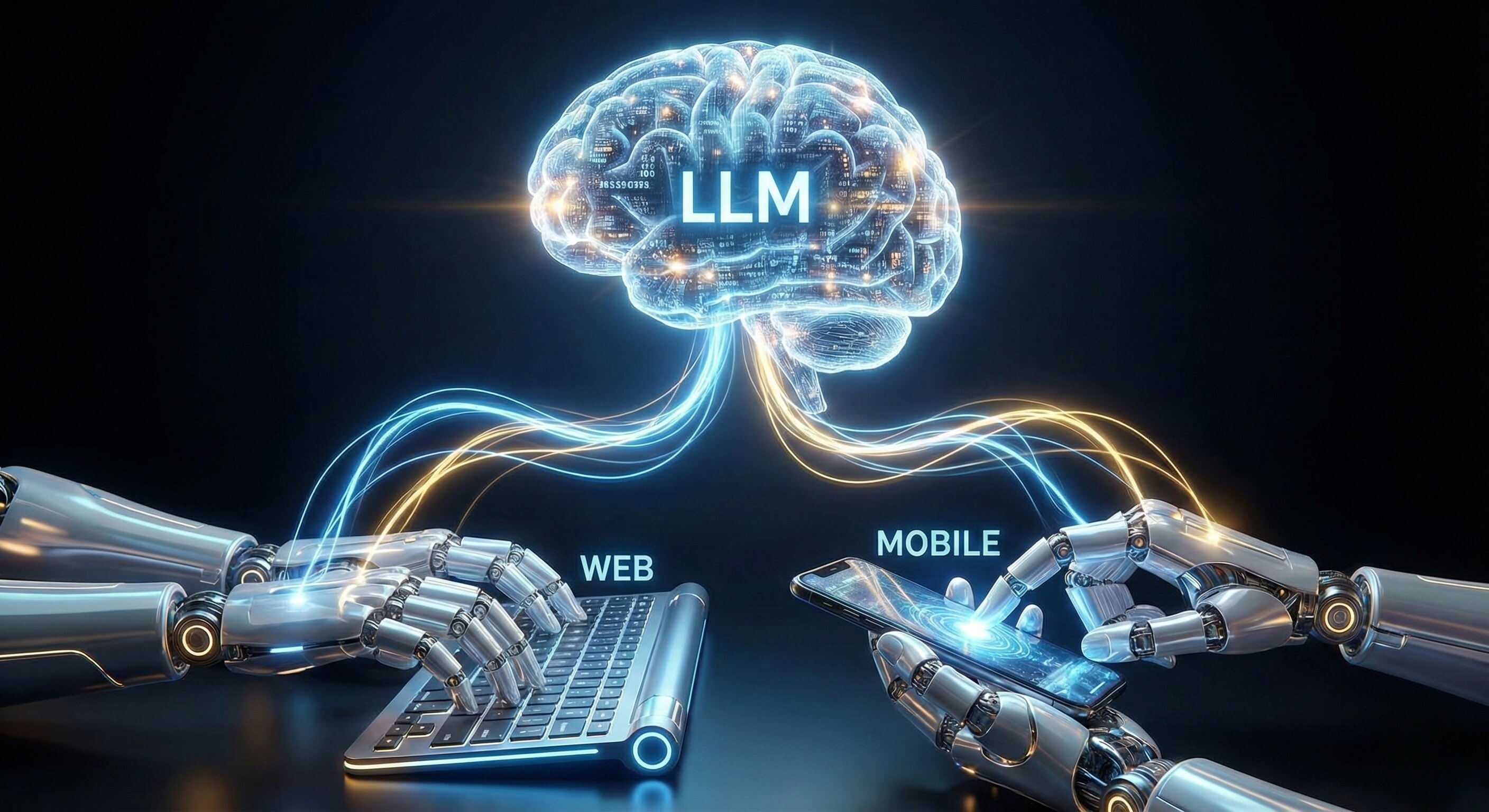
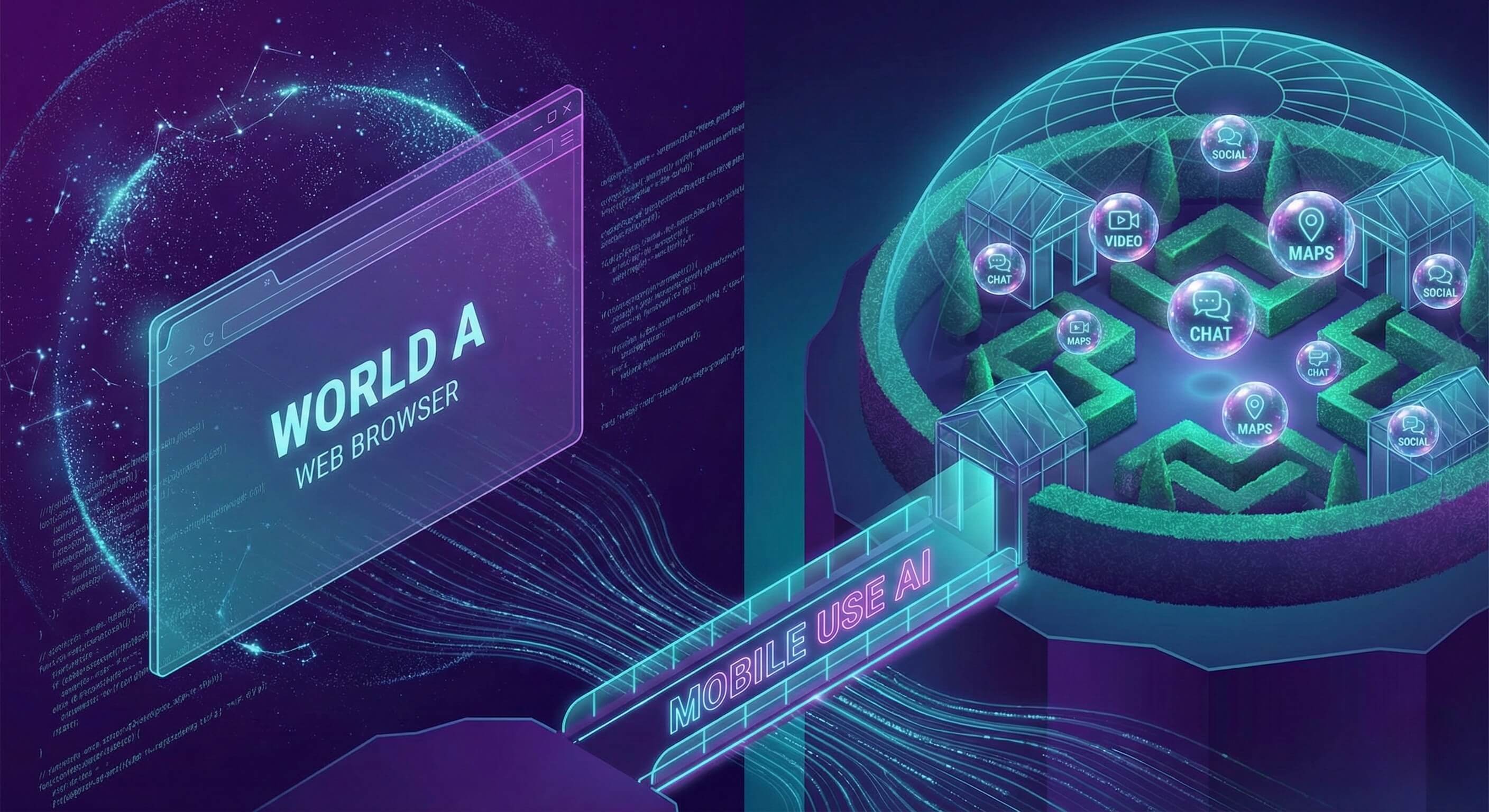
World A is the Open Web: Accessible via browsers, indexed by search engines, and relatively easy to automate using Browser AI.
-
World B is the App Ecosystem: Walled gardens like TikTok, Instagram, Snapchat, and specialized B2B apps. These platforms are "Mobile-First" or "Mobile-Only."
Here lies the massive gap in enterprise automation. While 60% of global internet traffic is mobile, 90% of automation tools are stuck on the desktop.
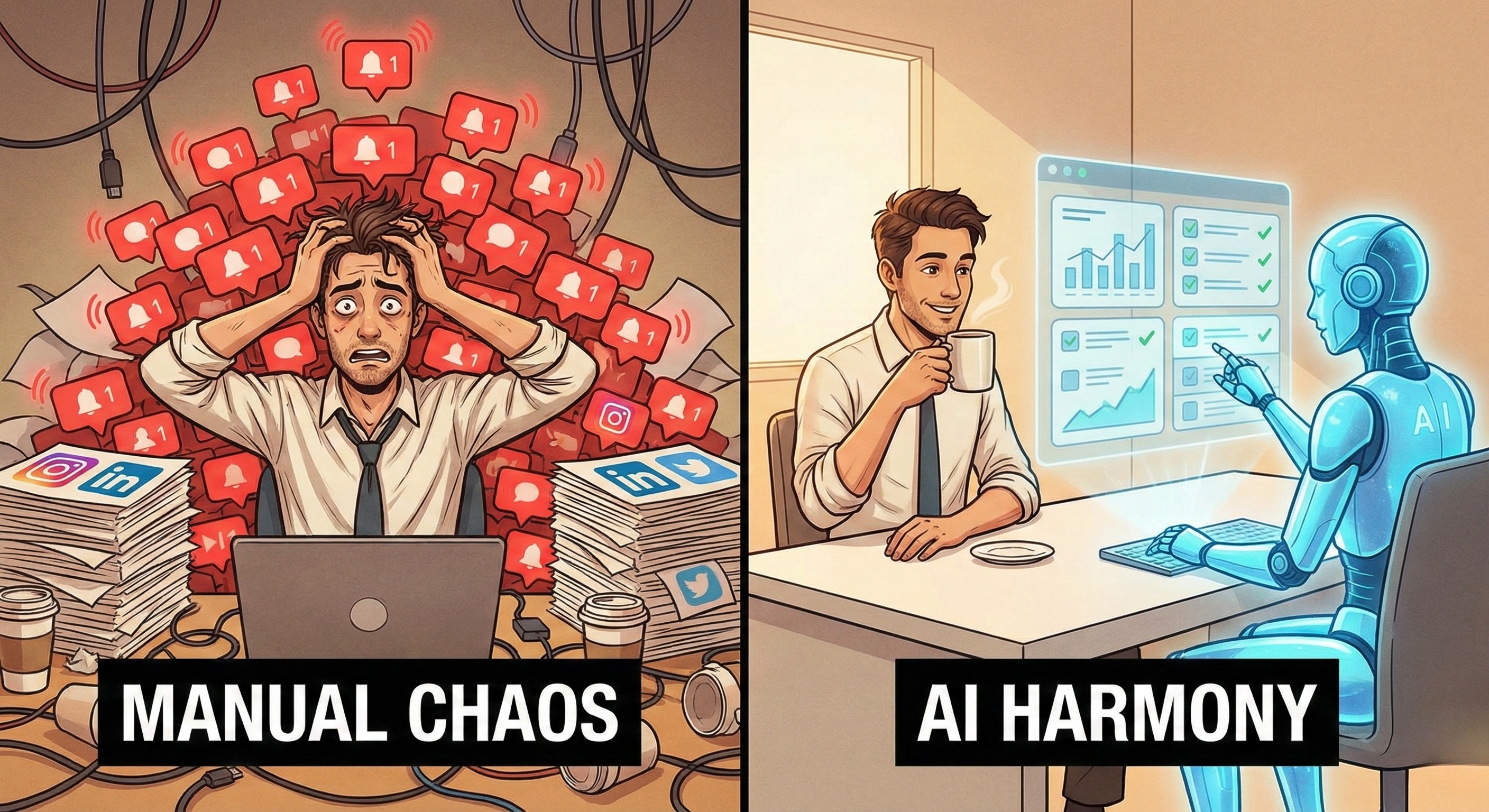
Marketing teams often find themselves in a bind: "We have great AI agents for LinkedIn (Web), but for TikTok, we are still handing physical phones to interns."
This inefficiency ends now.
Enter Mobile Use AI—the capability for autonomous agents to navigate, perceive, and interact with native Android applications just like a human user holding a smartphone.
This is not about "emulators" that crash or "APIs" that are restricted. This is about deploying Mobile-Native AI Workers via Cloud Mobile technology that operate in authentic device environments to execute workflows that were previously impossible to automate.
Part 1: The "App Gap" in Enterprise Automation
Why has mobile automation lagged behind the web?
Because the "App Gap" creates three specific barriers that traditional tools cannot cross.
1. The "Walled Garden" Barrier
Platforms like TikTok and Instagram deliberately restrict functionality on their desktop websites. You cannot post specific formats, access certain analytics, or use creative filters unless you are on the native mobile App.
-
Impact: If your automation is browser-based, you are locked out of 50% of the platform's features.
2. The Touch Interaction Barrier
Desktop automation relies on "Clicks." Mobile automation relies on "Gestures"—swipes, pinches, long-presses, and drags.
-
Impact: A script designed to "click" fails miserably when the UI requires a "Swipe Up to Load More."
3. The Trust Barrier
Mobile apps collect deep telemetry data (Device ID, Gyroscope, Battery Level, Network Type).
-
Impact: Simple bots running on servers (Emulators) look fake because they lack this telemetry. They are "flat" signals in a 3D world, leading to immediate account restrictions.
Part 2: Defining "Mobile Use" AI
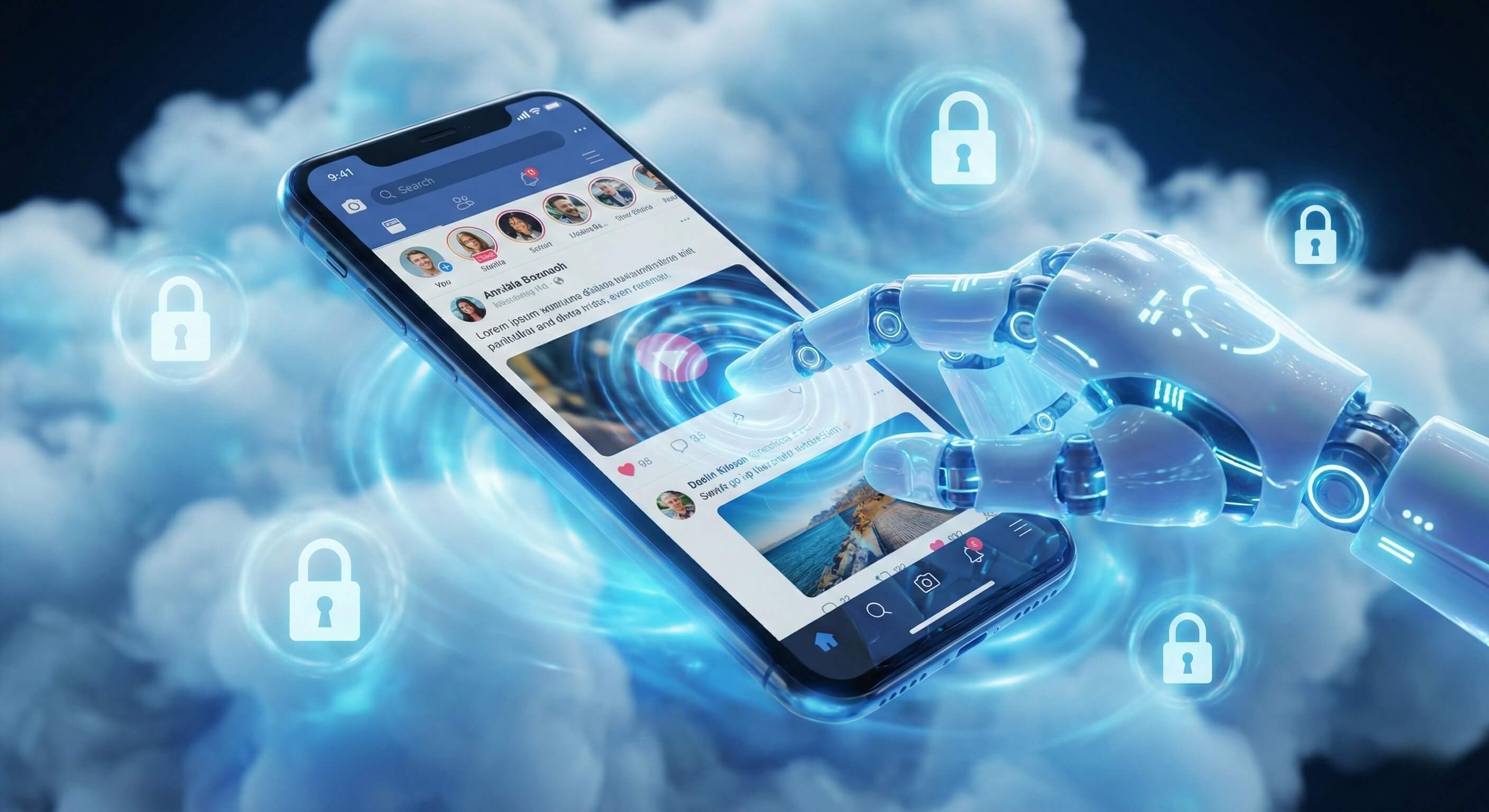
Mobile Use is the extension of Agentic AI into the mobile operating system. Just as Browser Use gives AI "eyes" for the web, Mobile Use gives AI "fingers" for apps.
It relies on a specialized infrastructure we call the Mobile-Native Workspace.
Not an Emulator, But a Workspace
In the past, developers used Emulators (software mimicking hardware) to test apps. These are slow, laggy, and easily detected. Promoi’s Mobile Use Agents run in High-Fidelity Native Environments.
-
Visual Perception: The AI utilizes Visual AI Engine to "read" the mobile screen, identifying buttons, text, and icons regardless of screen size or resolution.
-
Natural Gestures: The AI executes complex touch patterns. It doesn't just tap; it mimics the acceleration and deceleration of a human thumb scrolling through a feed.
-
Device Integrity: The workspace provides a complete, consistent device profile (Model, OS Version, Carrier Info), ensuring the agent appears as a valid participant in the mobile ecosystem.
Part 3: The Strategic Advantage of Mobile-Native Agents
Why should an enterprise invest in Mobile Use AI instead of sticking to desktop tools?
1. Access to "Mobile-Only" Traffic
The most valuable user attention today is on vertical video platforms (Shorts, Reels, TikTok). These algorithms favor content posted and managed natively from devices. Mobile Use AI allows you to manage these high-value channels programmatically, without relying on limited third-party scheduling tools that often reduce reach.
2. Location-Aware Operations
Mobile devices are inherently tied to physical locations.
-
Use Case: A retail brand wants to check how their ads appear to users in Paris vs. New York.
-
Mobile Use Solution: You can deploy an AI Employee in a localized mobile workspace. The Agent opens the app, and the platform sees a legitimate mobile user on a French carrier network, serving the correct localized content for verification.
3. Enhanced "Trust Score"
Platforms assign a "Trust Score" to accounts based on their behavior and environment. Accounts operated from real mobile environments with consistent device fingerprints typically enjoy:
-
Higher daily action limits.
-
Lower risk of "Shadowbanning."
-
Better algorithmic visibility for posted content.
Part 4: Strategic Use Cases
Workflows That Require a Mobile Touch
Mobile Use AI unlocks specific "Blue Ocean" workflows that desktop automation simply cannot touch.
Use Case 1: The TikTok Growth Specialist
-
Objective: Manage a corporate TikTok matrix without a room full of phones.
-
The Workflow: The AI Worker opens the TikTok app. It scrolls the "For You" page to warm up the algorithm. It navigates to the "Upload" screen, selects a video from the gallery, applies a trending sound (visually identified), and posts with captions.
-
Why Mobile? TikTok's desktop uploader limits music selection and editing features. Only the App provides full creative control.
Use Case 2: The "Dm-to-Lead" Concierge on Instagram
-
Objective: Handle high-volume Direct Messages (DMs) with personalized replies.
-
The Workflow: The AI monitors the "Requests" inbox (often hidden on desktop). It accepts message requests, interprets the user's intent, and replies with a voice note or a saved quick reply.
-
Why Mobile? Instagram DMs on desktop often trigger "Suspicious Activity" challenges when automated. Native App automation is viewed as standard user behavior.
Use Case 3: App Ecosystem Monitoring
-
Objective: Monitor how your own App (or a competitor's) is ranking in the App Store search results across different regions.
-
The Workflow: The AI opens the Google Play Store or App Store. It searches for specific keywords. It scrolls the results, identifying rank position and capturing screenshots of featured banners.
-
Why Mobile? App Store rankings are personalized to the device and location. Web scrapers see a generic version; Mobile AI sees the real user view.
Part 5: Comparison: Web AI vs. Mobile AI
|
Feature |
Browser Use AI (Web) |
Mobile Use AI (App) |
|---|---|---|
|
Primary Interface |
Chrome / Desktop Browser |
Android / Native App |
|
Interaction Style |
Mouse & Keyboard |
Touch & Gesture |
|
Platform Access |
Limited (Desktop versions) |
Full (Native features) |
|
Identity Signal |
IP & Browser Fingerprint |
Device ID, Carrier, GPS |
|
Ideal For |
B2B Research, CRM, Data Entry |
Social Growth, Local SEO, App Testing |
|
Compute Cost |
Low |
Medium (Requires Mobile Environment) |
|
Orchestration |
Tab Management |
Multi-Device Management (Cloud Mobile) |
Part 6: Enterprise Security in the Mobile Cloud
Managing a Fleet of Phones Without the Hardware
The biggest fear with mobile automation is Data Governance. “Who is holding the phone? Where is the data going?” Promoi solves this with the Secure Mobile Cloud.
-
No Physical Devices to Lose: Your AI Workers operate on virtualized native infrastructure housed in secure data centers. There are no physical phones for an employee to lose or have stolen.
-
Benefit: Corporate data remains in the cloud, encrypted and access-controlled.
-
-
Ephemeral or Persistent Workspaces:
-
Persistent: For social media management, the workspace retains the login state and device ID forever, ensuring identity continuity via our Anti-detect protocols.
-
Ephemeral: For market research, the workspace can be wiped clean after every task, ensuring a fresh "New User" perspective for every test.
-
-
Role-Based Access Control (RBAC): You can assign specific Mobile Agents to specific human managers. A junior marketer can instruct the "Instagram Agent" to post, but they never see the account password or the MFA backup codes.
FAQ: Understanding Mobile AI
-
Q: Is this using an Emulator like Bluestacks?
-
A: No. While emulators are common for gaming, they are insufficient for enterprise automation due to high detection rates. Promoi utilizes Native Mobile Environments that replicate the full hardware instruction set, ensuring high fidelity and operational stability.
-
-
Q: Can the AI handle "Swipe" actions?
-
A: Yes. The AI understands spatial gestures. You can instruct it to "Swipe up until you find a post with over 10k likes," and it will execute the physical motion required to scroll.
-
-
Q: Does it work on iOS apps?
-
A: Currently, Promoi focuses on the Android ecosystem due to its flexibility and open architecture for enterprise automation. However, most major platforms (TikTok, IG, etc.) have identical feature parity on Android, making it the industry standard for automation.
-
-
Q: Can I use this to test my own company's app?
-
A: Absolutely. This is a prime use case. You can deploy AI Workers to "User Test" your new app release, navigating through signup flows and reporting any UI bugs or crashes automatically.
-
Conclusion: Closing the "App Gap"
For too long, enterprise automation stopped at the browser edge. With Mobile Use AI, that barrier is removed. You can now build a digital workforce that operates across the entire internet—both the open web and the walled gardens of the app ecosystem.
It’s time to give your AI Agents a smartphone.