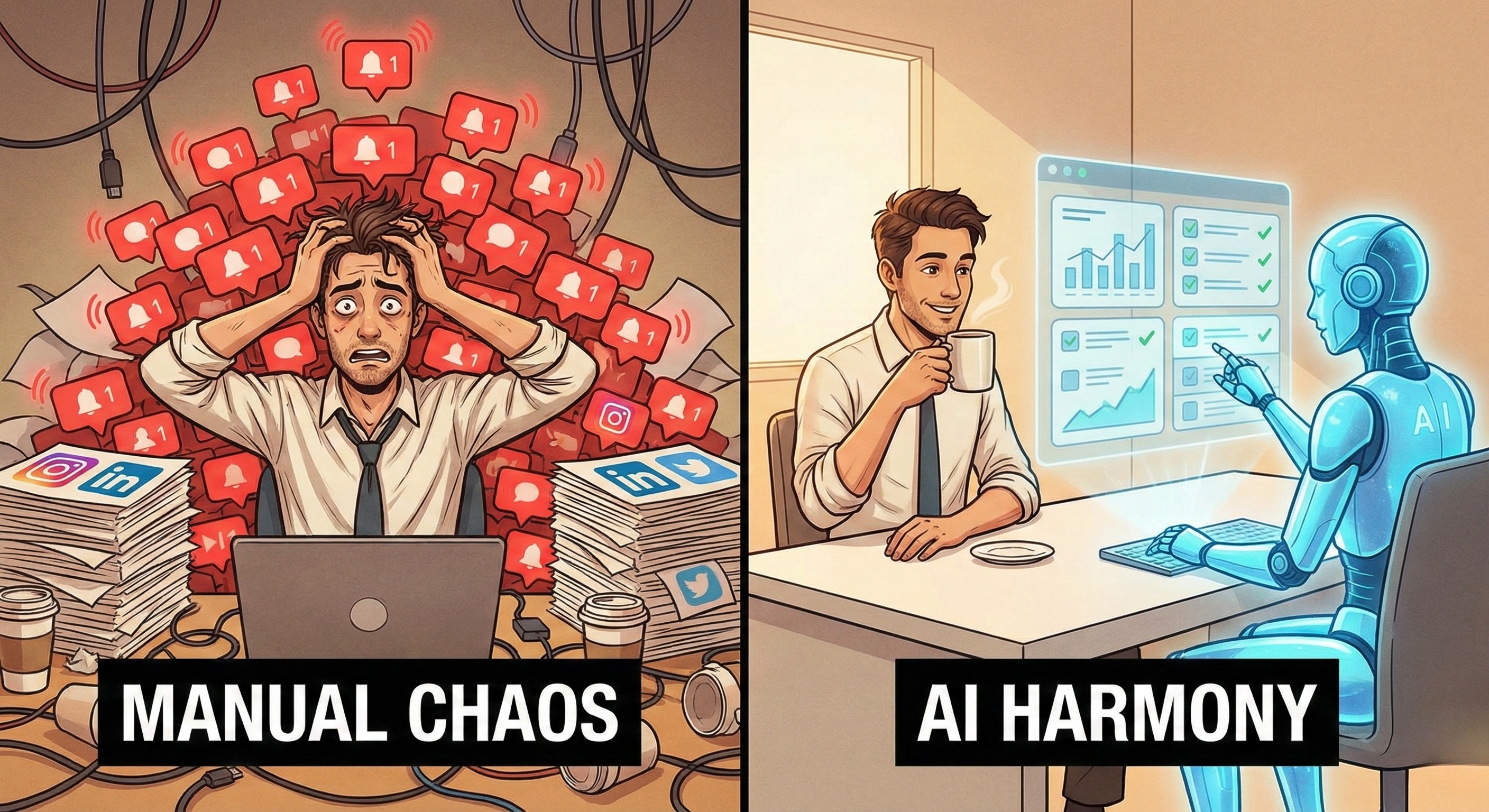

You walk into the office, coffee in hand, expecting your weekly reports to be ready. Instead, you find a string of error logs. Your automation scripts failed on Saturday night because a SaaS platform updated its navigation menu. Or maybe a pop-up ad for a "Spring Sale" blocked a button.
For the last decade, automation has been synonymous with fragility. Traditional scripts (built on Selenium or RPA) are rigid. They demand a perfect, static environment. But the web is chaotic, dynamic, and constantly changing.
This mismatch creates the "Maintenance Trap": Companies spend more time fixing broken bots than they do building new automations.
In 2026, the solution to this trap is Self-Healing Technology.
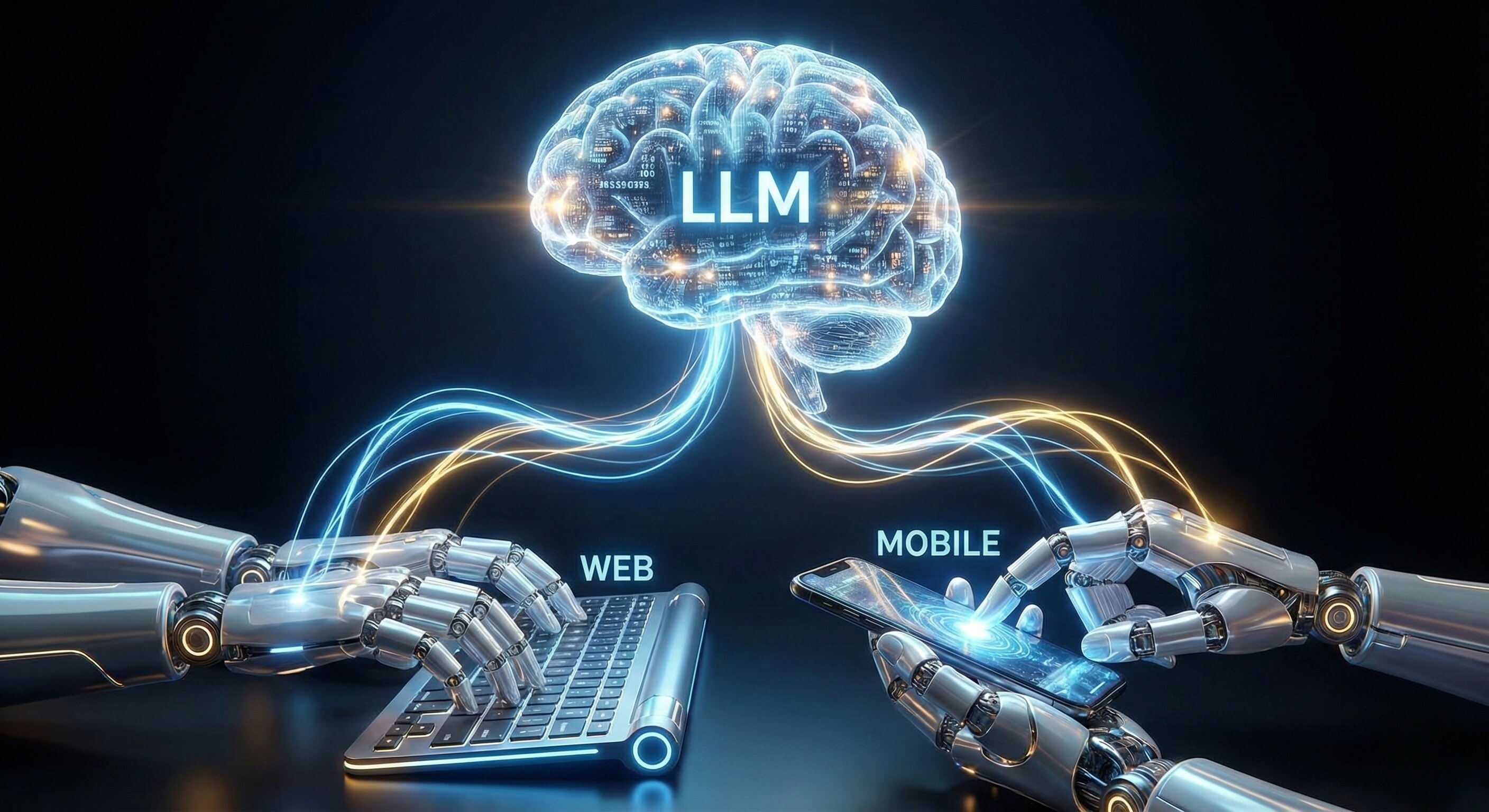
Powered by Visual AI Engine and Computer Vision, Self-Healing workflows don't just "crash" when they encounter the unexpected—they adapt, adjust, and overcome.
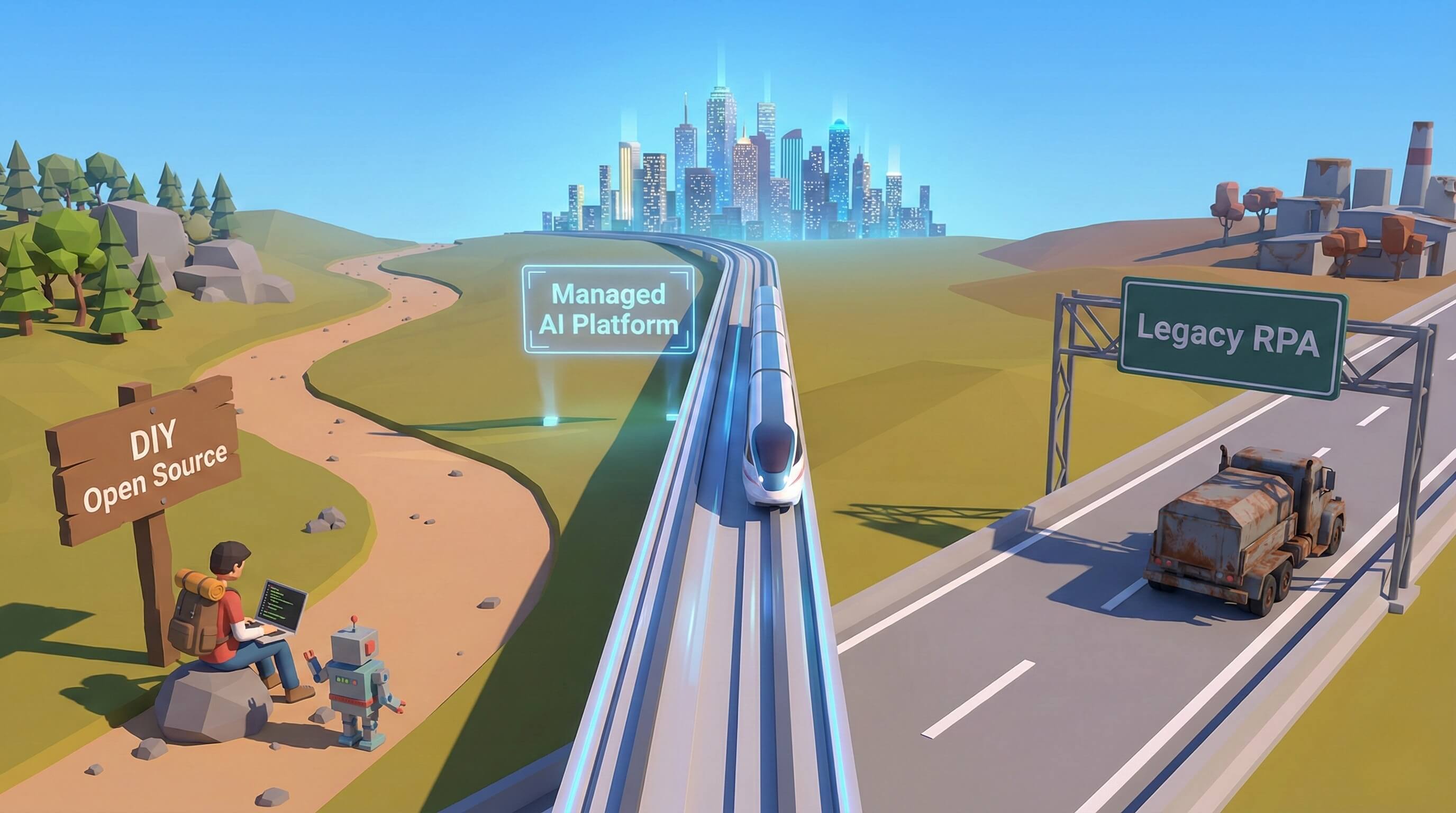
This article explores how Browser AI builds resilience into your operations, transforming automation from a "house of cards" into an "all-terrain vehicle."
Part 1: The Anatomy of Fragility
Why Do Workflows Break?
To appreciate resilience, we must first understand why legacy automation is so brittle. Traditional scripts operate on a logic of Blind Assumption.
1. The "Selector" Dependency
Legacy bots rely on CSS selectors or XPaths (e.g., /html/body/div[2]/button).
The Break: If a developer adds a new
<div>wrapper around that button, the path changes. The bot clicks empty space and crashes.The Reality: Web interfaces update weekly. A/B tests serve different layouts to different users. Static selectors cannot survive in this environment.
2. The "Happy Path" Fallacy
Scripts are written for the "Happy Path"—the ideal scenario where everything loads perfectly.
The Break: If a "Rate Us" modal appears, or a "Cookies" banner overlays the screen, the script doesn't know what to do. It tries to click the button behind the modal, triggering an error.
The Reality: The web is full of interruptions.
3. The Timing Mismatch
Scripts run on fixed timeouts (e.g., "Wait 2 seconds").
The Break: If the internet is slow and the page takes 2.1 seconds to load, the script fails.
The Reality: Network latency is unpredictable.
Part 2: Defining "Self-Healing" Technology
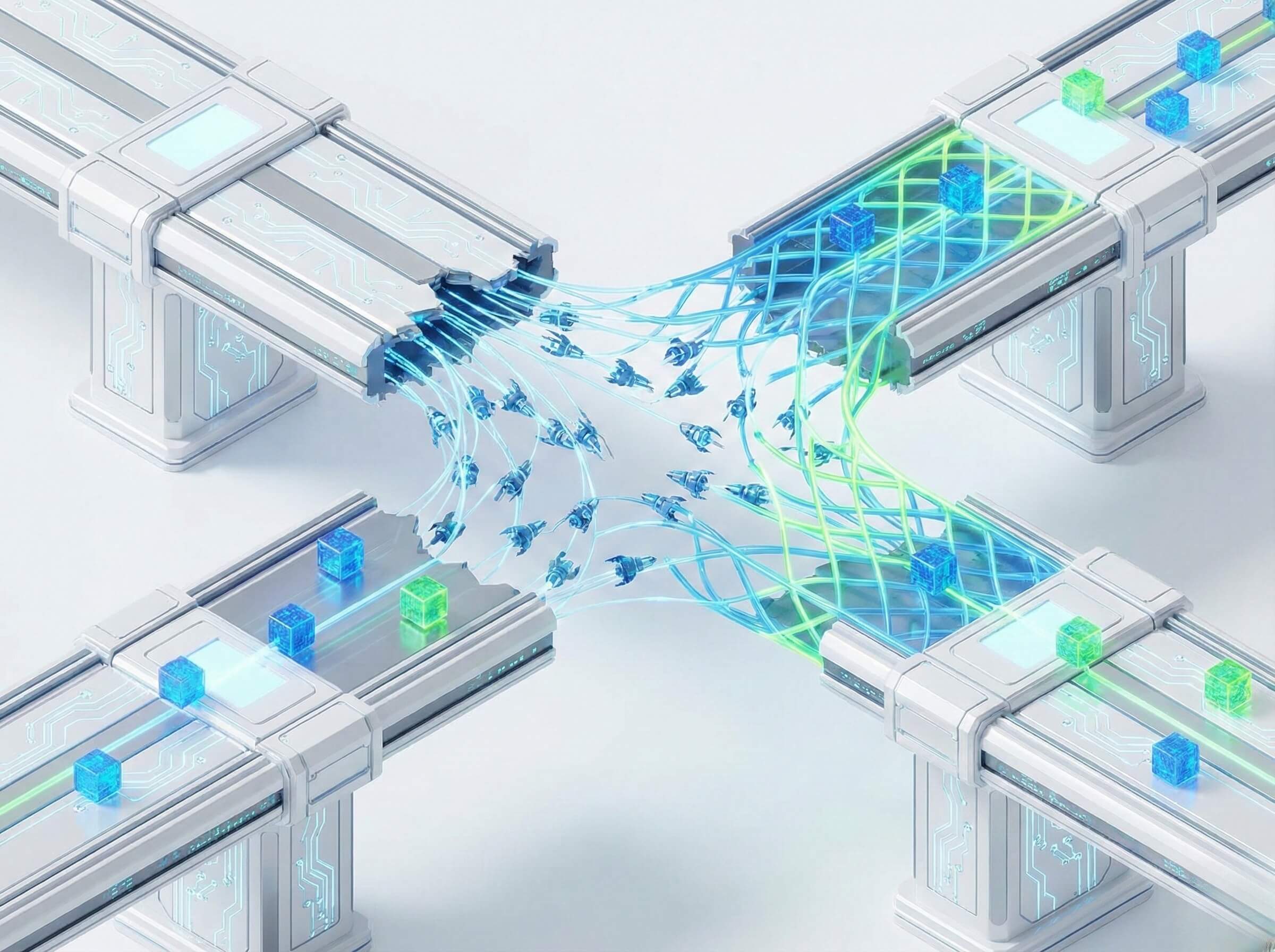
From Rigid Logic to Adaptive Reasoning
Self-Healing in the context of Browser AI is the ability of an autonomous agent to detect that an action has failed, diagnose the cause visually, and attempt a corrective action without human intervention.
It transforms the workflow loop:
Old Loop: Action -> Error -> Crash -> Alert Human.
New Loop: Action -> Error -> Perceive -> Reason -> Adapt -> Success.
The Cognitive Mechanism
How does Promoi’s AI actually "heal" a broken workflow? It uses a three-step cognitive process:
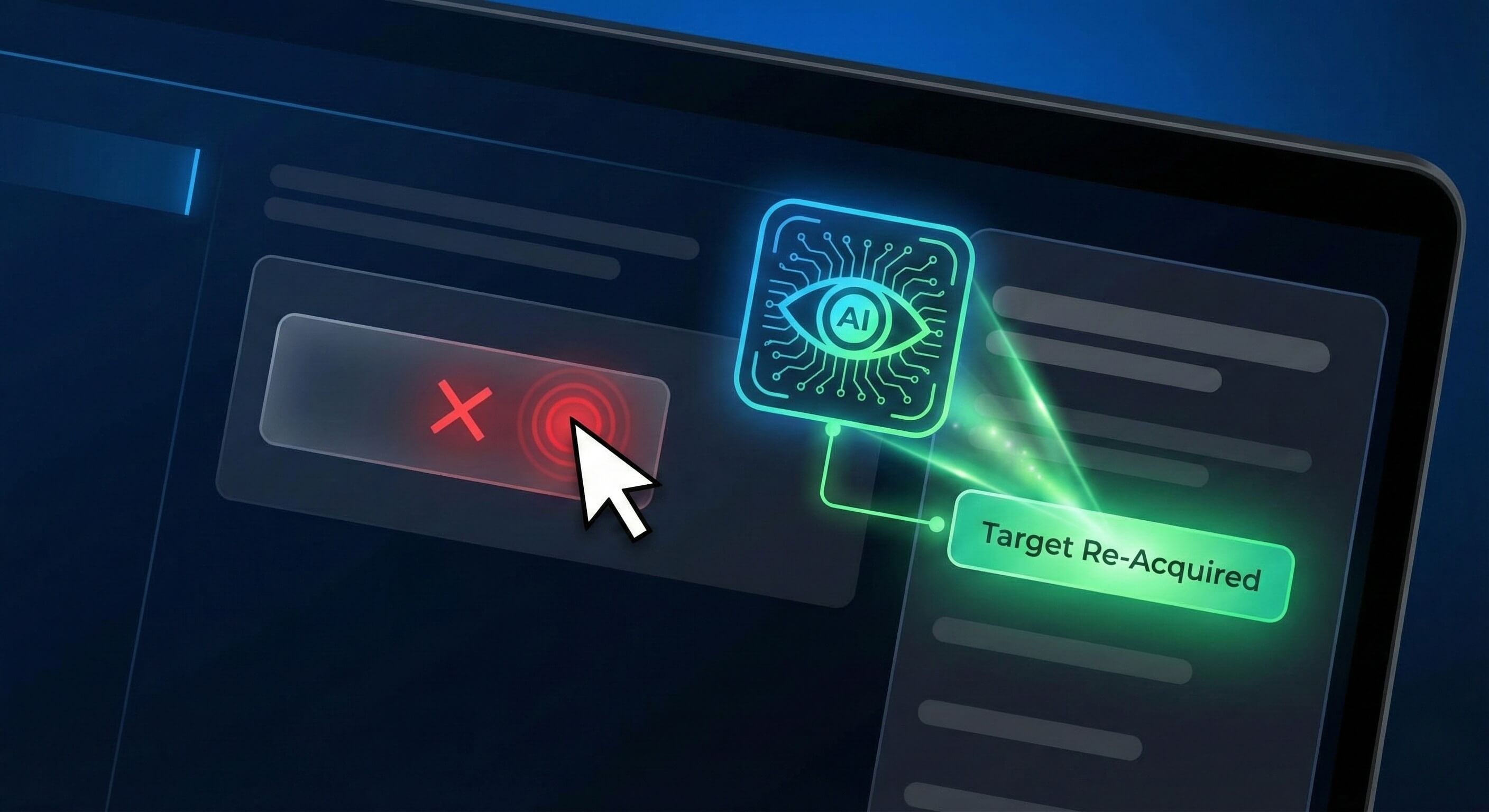
Step 1: Visual Verification (Did it work?) After clicking a button (e.g., "Save Lead"), the AI doesn't just assume it worked. It visually scans the screen for a confirmation signal (e.g., a "Success" toast message or a page transition). If it doesn't see the expected result, it flags a potential error.
Step 2: Semantic Re-Orientation (Where did it go?) If the specific button ID
#save-btnis missing, the AI switches to Visual Search. It asks the Large Language Model (LLM): "I need to save. Find a button that looks like a 'Save' action, possibly colored blue or green, or labeled 'Submit'." The AI locates the button in its new position—perhaps moved to a dropdown menu—and re-targets.Step 3: Obstacle Clearance (What is blocking me?) If a click fails because of an overlay (like a newsletter popup), the AI identifies the obstruction. It looks for the "X" or "No Thanks" text, clicks it to clear the view, and then retries the primary task.
Part 3: Strategic Use Cases
Where Resilience Matters Most
Self-Healing technology is not just a "nice to have"; it is a critical requirement for mission-critical workflows.
1. Handling A/B Testing on Social Platforms
The Challenge: Platforms like LinkedIn and Instagram run constant A/B tests. User A might see a "Connect" button, while User B sees a "More -> Connect" dropdown.
The Self-Healing Fix: The AI Agent is given the goal: "Send Connection Request." It looks at the screen. If the button is visible, it clicks. If not, it explores the "More" menu. It adapts to the UI variant in real-time, ensuring your outreach campaign doesn't stall for 50% of your leads.
2. Navigating "Gatekeeper" Flows
The Challenge: Sites often inject "Verify it's you" flows or CAPTCHA challenges randomly.
The Self-Healing Fix: A rigid script crashes. An AI Worker utilizing our Anti-detect Browser capabilities recognizes the challenge. It pauses the workflow, attempts to solve the visual puzzle (if within capability), or routes a specific "Help Request" to a human manager, then resumes the workflow exactly where it left off once cleared.
3. Long-Running Data Extraction
The Challenge: Extracting 10,000 rows of data requires paging through 500 pages. Eventually, a page will fail to load or timeout.
The Self-Healing Fix: The AI detects the timeout. Instead of crashing the whole job, it refreshes the page, verifies the data hasn't been duplicated, and resumes from Page 243.
Part 4: The Business Impact of Resilience
TCO and SLA
Switching to Self-Healing workflows fundamentally changes the Total Cost of Ownership (TCO) of automation.
Lower Maintenance Costs (OPEX)
With script-based automation, you need a developer on standby to fix broken bots. This is an expensive, recurring operational cost. With Self-Healing AI, the "maintenance" is handled by the intelligence of the model. You build it once, and it adapts to minor changes automatically.
Higher Reliability (SLA)
If your automation powers a customer-facing process (e.g., instant lead response), downtime is revenue lost. Resilient workflows allow you to commit to higher Service Level Agreements (SLAs). You can guarantee that leads are processed even if the CRM updates its layout over the weekend.
Part 5: Comparison: Brittle vs. Resilient
Feature | Brittle Automation (Legacy Script) | Resilient Automation (Browser AI) |
|---|---|---|
Response to UI Change | Fails immediately (Error 404) | Adapts and finds new element |
Response to Popups | Clicks blindly behind popup | Identifies and closes popup |
Response to Latency | Times out after fixed seconds | Waits visually for page load |
Logic Structure | Linear (Step 1 > Step 2) | Goal-Oriented (Achieve X) |
Maintenance Freq. | Weekly/Monthly patches | Quarterly reviews |
Success Rate | 80-90% (Environment dependent) | 99%+ (Adaptable) |
Part 6: Building Your First Resilient Workflow
Best Practices for Promoi Users
Even with AI, resilience requires good design. Here is how to construct a robust workflow using Promoi.
Define Outcomes, Not Steps: Don't tell the AI: "Click pixel 400,300." Tell the AI: "Find the 'Export' button and download the CSV." By focusing on the outcome, you give the AI the freedom to find the best path.
Provide "Visual Anchors": Give the AI hints about what the success state looks like.
Instruction: "After clicking submit, verify that the text 'Thank you for your order' appears."
This forces the AI to perform the "Visual Verification" step, preventing false positives.
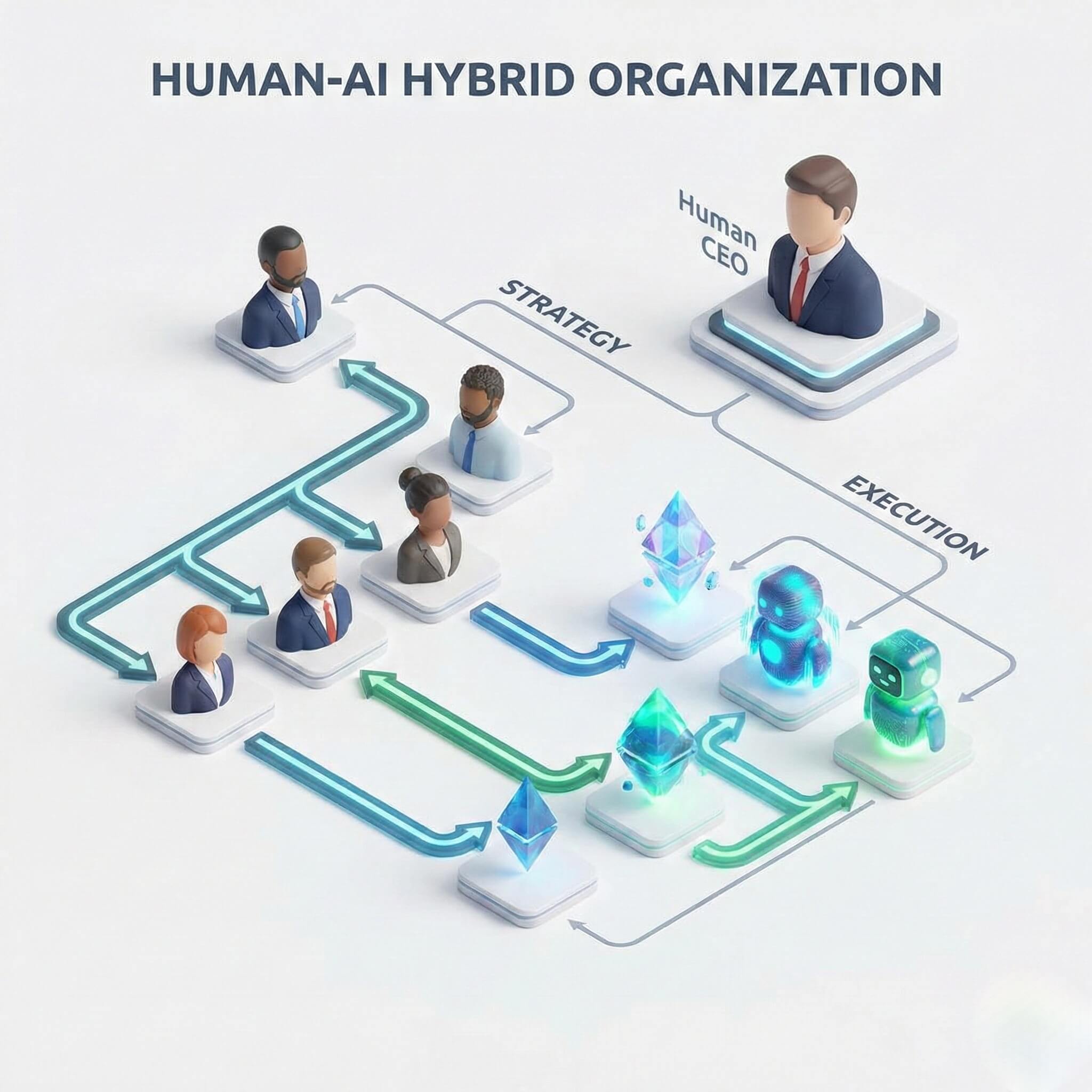
Implement "Human-in-the-Loop" for Edge Cases: For the 1% of scenarios the AI cannot self-heal (e.g., a total site redesign or a complex new policy update), configure the workflow to "Escalate to Human." The AI pauses and sends a notification. You fix the issue, and the AI learns for next time.
FAQ: Understanding Self-Healing
Q: Can Self-Healing AI fix everything?
A: No. It can fix interaction errors (moved buttons, popups, lag). It cannot fix system errors (server down, wrong password, fundamental logic flaws). It is a resilient driver, not a mechanic.
Q: Does Self-Healing make the automation slower?
A: Slightly, but worth it. The AI takes a few hundred milliseconds to "perceive" the screen before acting, unlike a blind script that clicks instantly. This tiny delay is what allows it to be resilient. In business, "Slow and Successful" is infinitely better than "Fast and Failed."
Q: Is this technology proprietary to Promoi?
A: The core concept of "Browser Use" is an industry shift, but Promoi’s proprietary "Resilience Engine" wraps the open-source capability with enterprise-grade session management, error handling, and visual reasoning models specifically tuned for business workflows.
Conclusion: From "Fragile" to "Anti-Fragile"
Nassim Taleb defined "Anti-Fragile" as things that gain from disorder. While legacy scripts break in the face of disorder (web updates, dynamic content), Promoi's AI Employees are Anti-Fragile. They use the disorder as context to make smarter decisions.
In 2026, the competitive advantage belongs to operations that don't stop. Build workflows that bend, but never break.