
For the past decade, if a CIO or CTO wanted to automate a workflow between two systems—say, moving lead data from LinkedIn to Salesforce—they relied on one thing: APIs (Application Programming Interfaces).
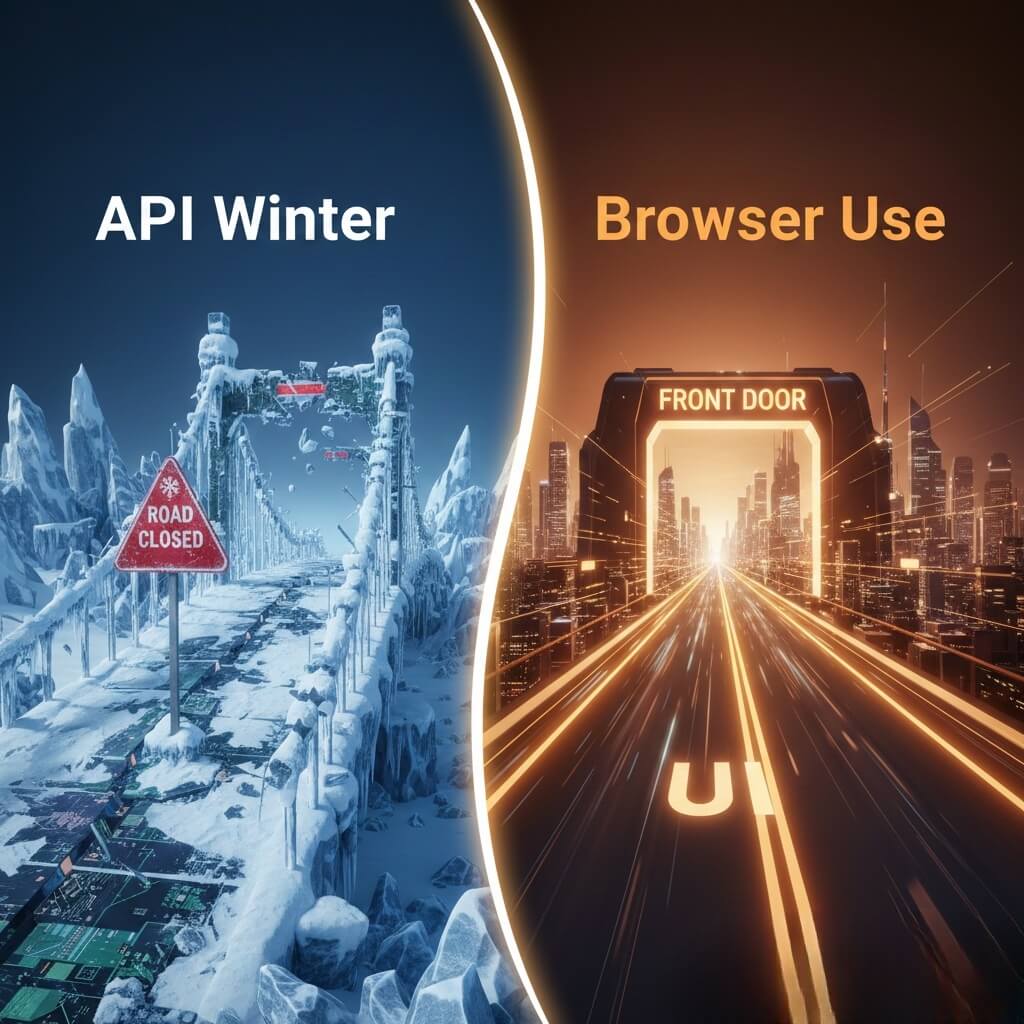
APIs were the bridges of the internet. They were clean, structured, and fast. But in 2026, the era of open APIs is ending. Platforms are locking down their data, charging exorbitant fees for API access, or shutting down third-party integrations entirely to protect their "walled gardens." This phenomenon is known as the "API Winter."
So, how do businesses scale automation when the digital bridges are being burned?
They stop trying to build new bridges and start using the main road: The User Interface (UI).
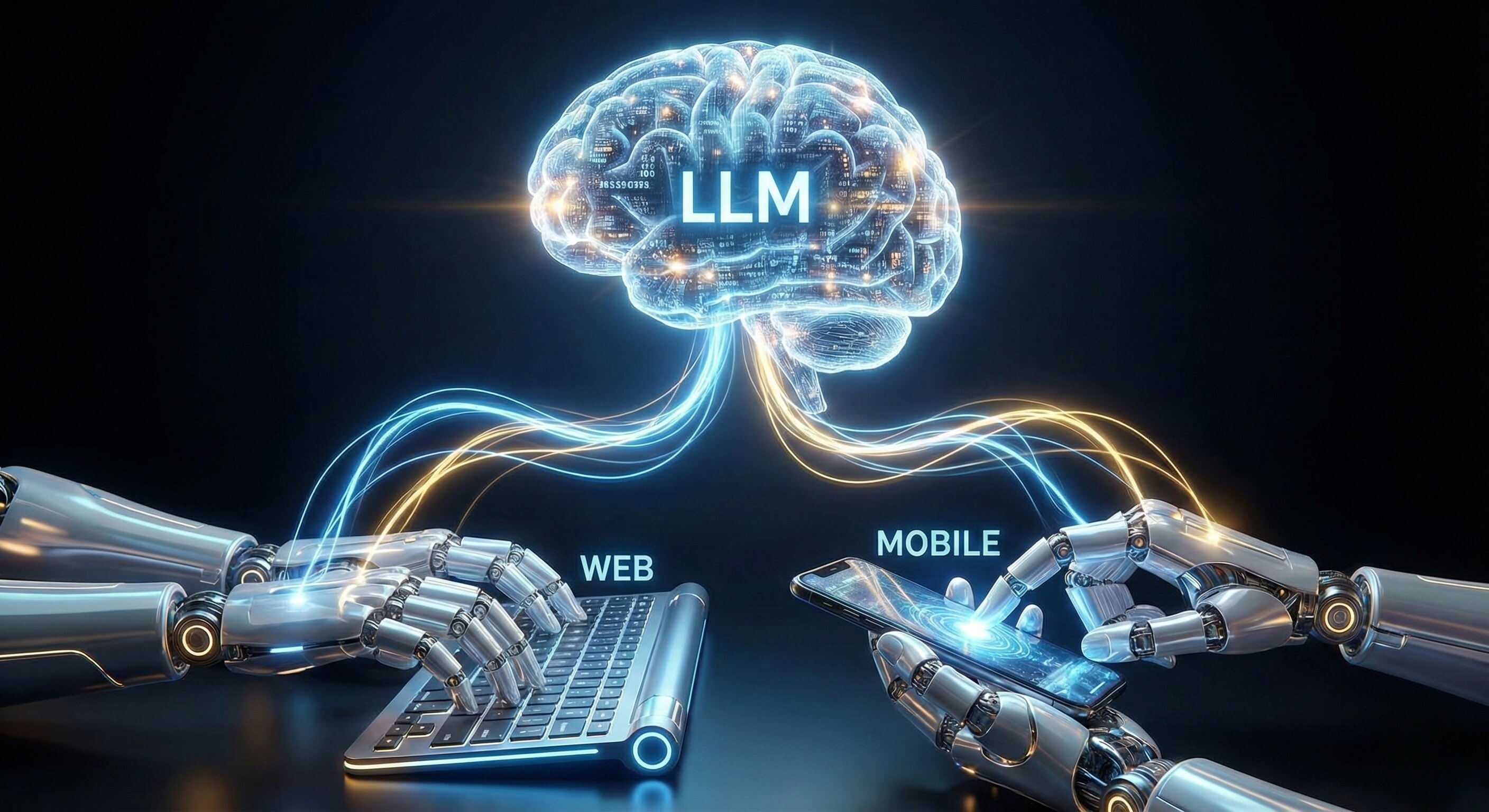
This is why "Browser Use" technology—the ability for AI Agents to visually navigate web browsers just like humans—is the "Secret Sauce" of 2026. It is the only technology that guarantees universal compatibility, infinite flexibility, and resilience in a post-API world.
This article explores why Browser Use is becoming the default standard for enterprise automation and how it unlocks workflows that were previously impossible.
Part 1: The "API Winter" and the Connectivity Crisis
To understand the value of Browser Use, we must first look at the problem it solves.
The Death of the Open API
Ten years ago, the web was "open." You could easily connect Twitter to Google Sheets or Instagram to Shopify using simple API keys. Today, the landscape has changed:
Exorbitant Costs: Platforms like Twitter (X) and Reddit now charge enterprise-level fees for basic API access.
Strict Limitations: Most APIs now have severe "Rate Limits" (e.g., only 50 requests per day), making them useless for scaling business operations.
Feature Lag: New features appear in the UI months before they appear in the API (if ever). If you want to use the latest platform feature, you can't do it via API.
The Business Impact: Companies are finding their automation workflows broken or priced out of existence. They are stuck with "Siloed Data"—information trapped inside SaaS tools that can't talk to each other.
Part 2: The Solution: The User Interface Is the New API
If an API is a "backdoor" into a software application, the User Interface (UI) is the "front door." The front door is always open because it is designed for human customers.
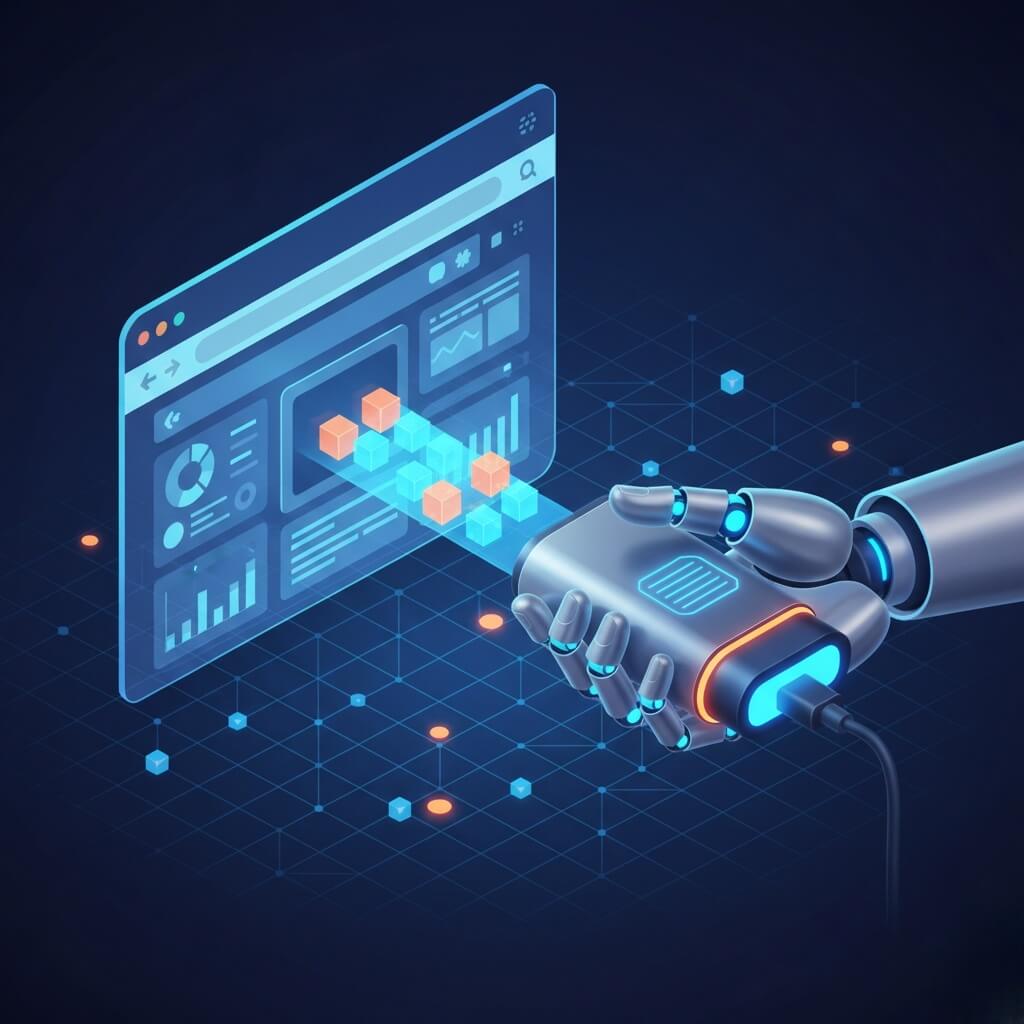
Browser Use technology turns the UI into a universal API.
How It Works: The "Universal Adapter"
An AI Worker equipped with Browser Use capabilities does not need special permission or technical integration to work with a platform.
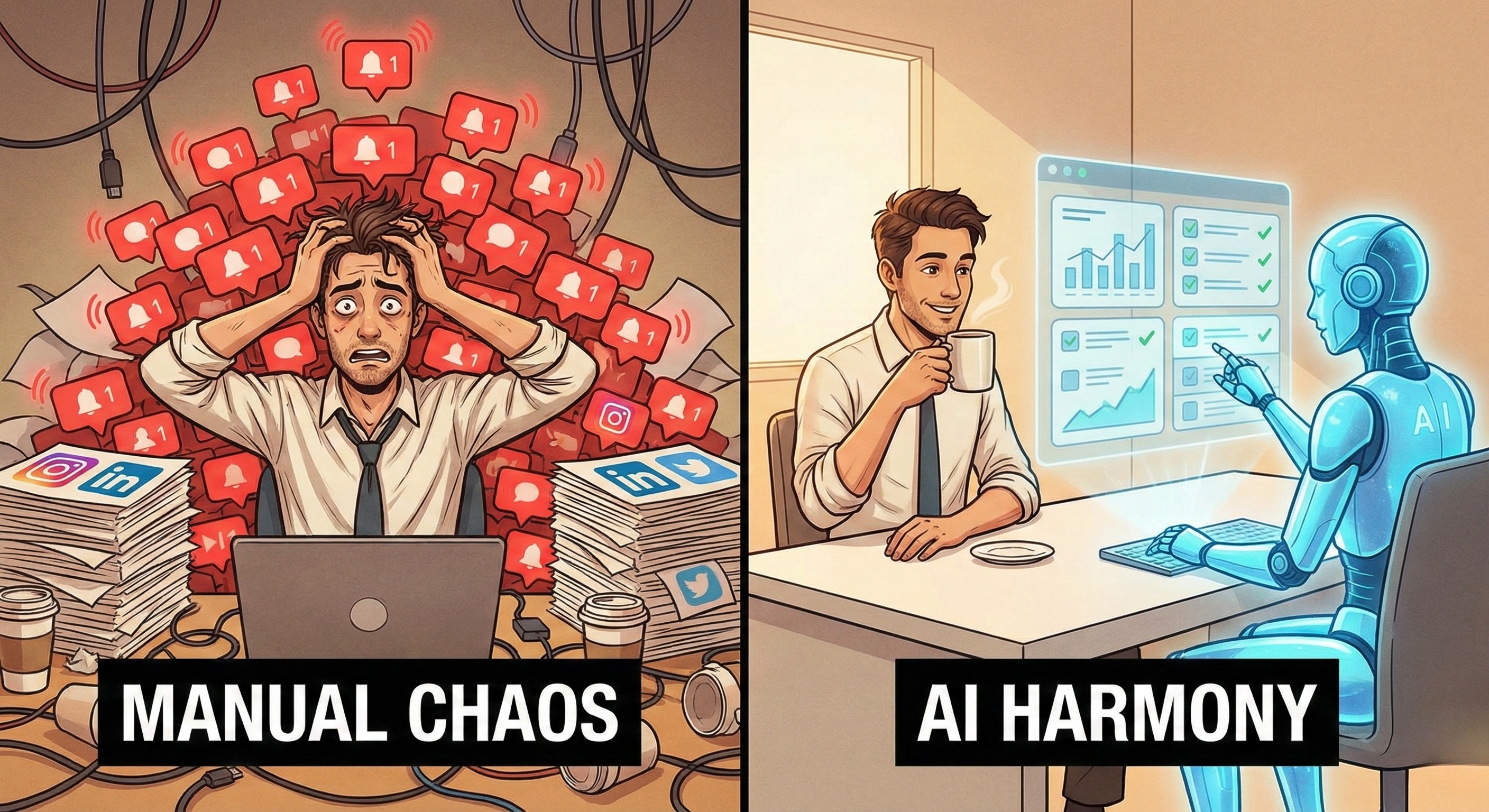
Human Workflow: A human logs into a website, clicks "Export," and downloads a CSV.
AI Worker Workflow: The AI Worker visually identifies the login field, types the credentials, finds the "Export" button (even if it moved), and downloads the file.
The Strategic Advantage:
You no longer need to wait for a vendor to build an integration. If a human can see it on a screen, your AI Workforce can automate it. This democratizes automation, allowing you to build workflows across any website, legacy portal, or SaaS tool instantly.
Part 3: The Three Ingredients of the "Secret Sauce"
Why is this technology exploding in 2026? Because three distinct AI capabilities have finally converged to make Browser Use reliable enough for enterprise scale, powered by our Visual AI Engine.
Ingredient 1: Semantic Vision (Understanding Context)
Legacy tools (like screen scrapers) looked at pixels blindly. Modern Browser Use agents use Semantic Vision. They don't just see a "Blue Rectangle"; they see a "Submit Button." They understand the difference between a "Primary Action" and a "Cancel Link."
Benefit: The AI understands the purpose of page elements, allowing it to navigate intuitive, complex workflows without rigid programming.
Ingredient 2: Adaptive Reasoning (Self-Healing)
Websites change constantly. A "Winter Sale" banner might push the entire layout down by 100 pixels. Legacy scripts would click the wrong coordinate (the banner) and fail. Browser Use agents possess Adaptive Reasoning. They scan the page, realize the layout has shifted, locate the correct element in its new position, and proceed.
Benefit: Automation workflows that are Anti-Fragile. They don't break when the environment changes.
Ingredient 3: Human-Paced Execution (Compliance)
APIs allow for thousands of actions per second, which triggers security alarms. Humans work at a thoughtful pace. Browser Use agents are designed to mimic this Human Pace. They read, they "think" (process time), and then they act.
Benefit: This natural cadence ensures that your automation activity remains compliant with platform usage policies, protecting your accounts from being flagged as spam.
Part 4: Strategic Use Cases for 2026
Browser Use unlocks "Cross-Silo" workflows that were previously impossible to automate.
Use Case 1: The "Legacy to Cloud" Bridge
The Problem: Your company uses an old internal ERP system (built in 2010) that has no API. Employees spend hours copy-pasting customer data from this ERP into Salesforce.
The Secret Sauce: A Promoi AI Worker logs into the legacy ERP via the browser, visually scrapes the customer table, opens a second tab for Salesforce, and enters the data entry by entry.
Result: Complete data synchronization without a million-dollar IT migration project.
Use Case 2: Multi-Platform Competitive Intelligence
The Problem: You want to monitor how your competitor prices their products across Amazon, Walmart, and their own Shopify store. There is no single API that connects all these sources.
The Secret Sauce: An AI Worker visits all three URLs daily. It visually locates the "Price" element on three completely different layouts. It takes screenshots for verification and updates a central pricing strategy dashboard.
Result: Real-time market visibility that adapts instantly if a competitor changes their website theme.
Use Case 3: The "Un-Integratable" Marketing Workflow
The Problem: You want to take a high-performing post from LinkedIn and repost it to a niche industry forum that has zero API access.
The Secret Sauce: The AI Worker "reads" your LinkedIn Multi-account Prospecting analytics to identify the best post. It then navigates to the niche forum, logs in, formats the post correctly for that specific community, and publishes it.
Result: Expanding brand reach into "Dark Social" channels that traditional tools can't touch.
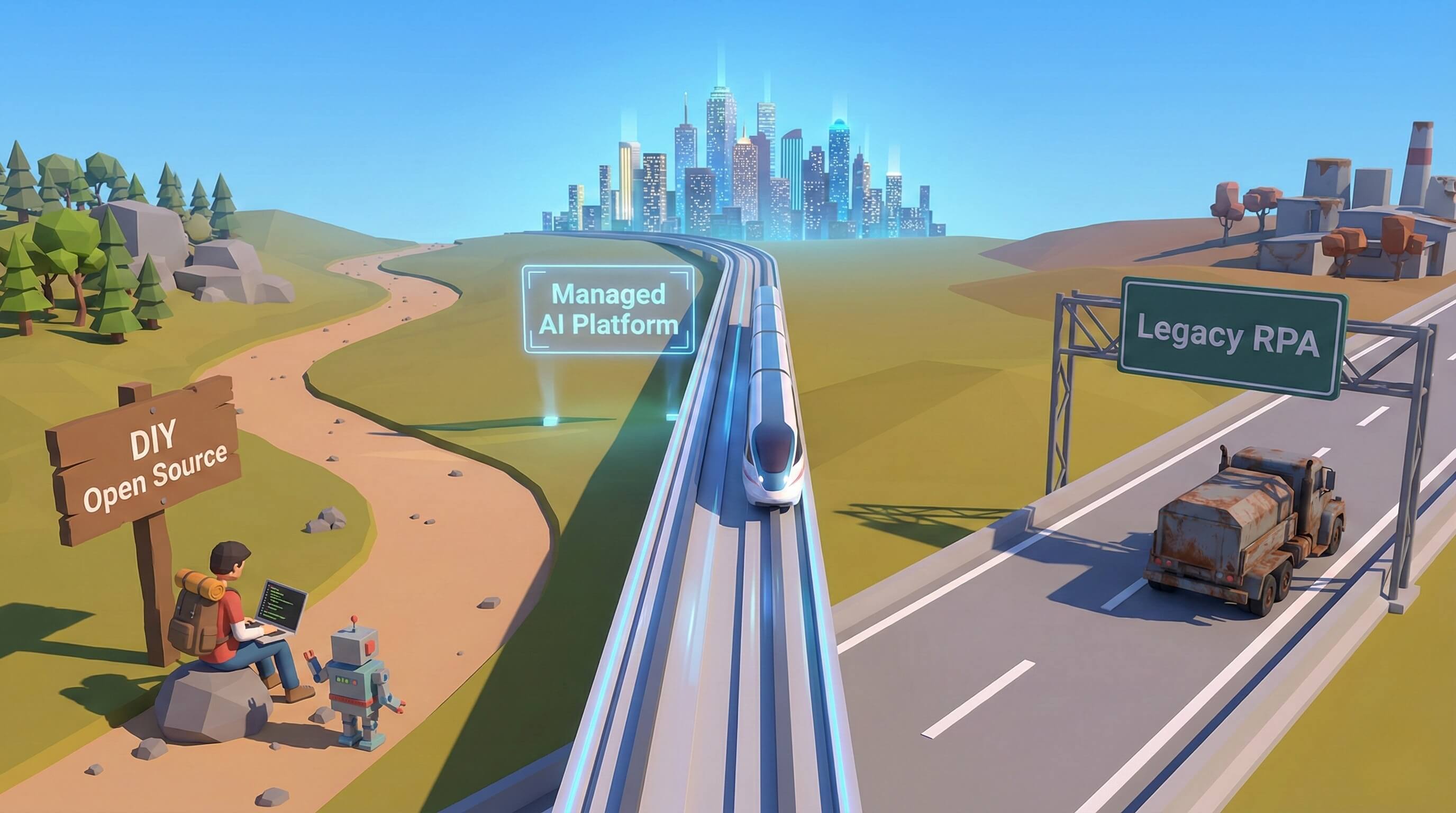
Part 5: Comparison: API-First vs. Browser-First Automation
Feature | API-First Automation (Legacy) | Browser-First Automation (Promoi) |
|---|---|---|
Connectivity | Requires official API access | Universal (Works on any site) |
Cost | High (API fees + Developer time) | Low (Standard subscription) |
Resilience | Brittle (Breaks on API changes) | High (Adapts to visual changes) |
Setup Time | Weeks (Engineering required) | Minutes (Natural Language) |
Data Access | Limited to what API exposes | 100% of what a user sees |
Maintenance | High (Constant updates) | Managed Infrastructure |
Ideal For | High-volume data piping | Complex, human-like workflows |
Part 6: Why Security Teams Love Browser Use
In the past, "Screen Scraping" was a dirty word for security teams because it ran on insecure local scripts. Promoi's approach to Browser Use is Enterprise-Grade.
1. The Isolated "VDI" Model
Our AI Workers don't run on your laptop. They run in Secure Remote Workspaces (similar to a Virtual Desktop Infrastructure). This means the AI is interacting with the web in a contained, encrypted environment. No malware from a website can touch your corporate network.
2. Zero-Trust Session Management
Promoi handles session cookies and authentication tokens within this secure enclave. Your actual login credentials are encrypted and injected securely; the AI Agent uses the session without ever exposing the raw password to the "open web."
3. Auditability
Every action the Browser Use agent takes is logged. You can see a video replay or a screenshot log of exactly what the AI saw and clicked. This provides a level of transparency that "black box" API scripts can never offer.
FAQ: The Future of Browser Automation
Q: Will websites try to block Browser Use agents?
A: Websites try to block abusive bots. Because Promoi's agents operate at a human pace and perform legitimate business tasks (like market research or content distribution), they behave like standard users. We prioritize Compliance-Aware Execution, ensuring your agents are good digital citizens.
Q: Is Browser Use slower than API automation?
A: Yes, and that is a good thing. Speed kills compliance. By operating at the speed of a productive human employee, Browser Use agents ensure stability and reduce the risk of errors or account flags.
Q: Can it handle Two-Factor Authentication (2FA)?
A: Yes. Promoi's workflow engine can pause and request a 2FA code from a human manager, or integrate with secure TOTP generators, allowing the AI to navigate secure login flows seamlessly.
Q: Is this technology only for technical teams?
A: No. That is the beauty of 2026. You control Promoi's Browser Use agents with Natural Language. You simply type: "Go to Amazon, find the top 5 coffee makers, and save their prices to a sheet." The AI handles the complexity.
Conclusion: The Ultimate Unlocking Mechanism
In 2026, the competitive advantage belongs to companies that can move fast and connect disconnected systems.
Browser Use is the ultimate unlocking mechanism. It removes the barriers between your data and your execution. It frees you from the tyranny of closed APIs and expensive integrations.
It turns the entire World Wide Web into a programmable workspace for your digital workforce.
Don't let the "API Winter" freeze your growth. Equip Your Business with Browser Use AI Today