
Every button, every menu, every color contrast, and every layout decision on the modern web is optimized for the human eye and the human hand.
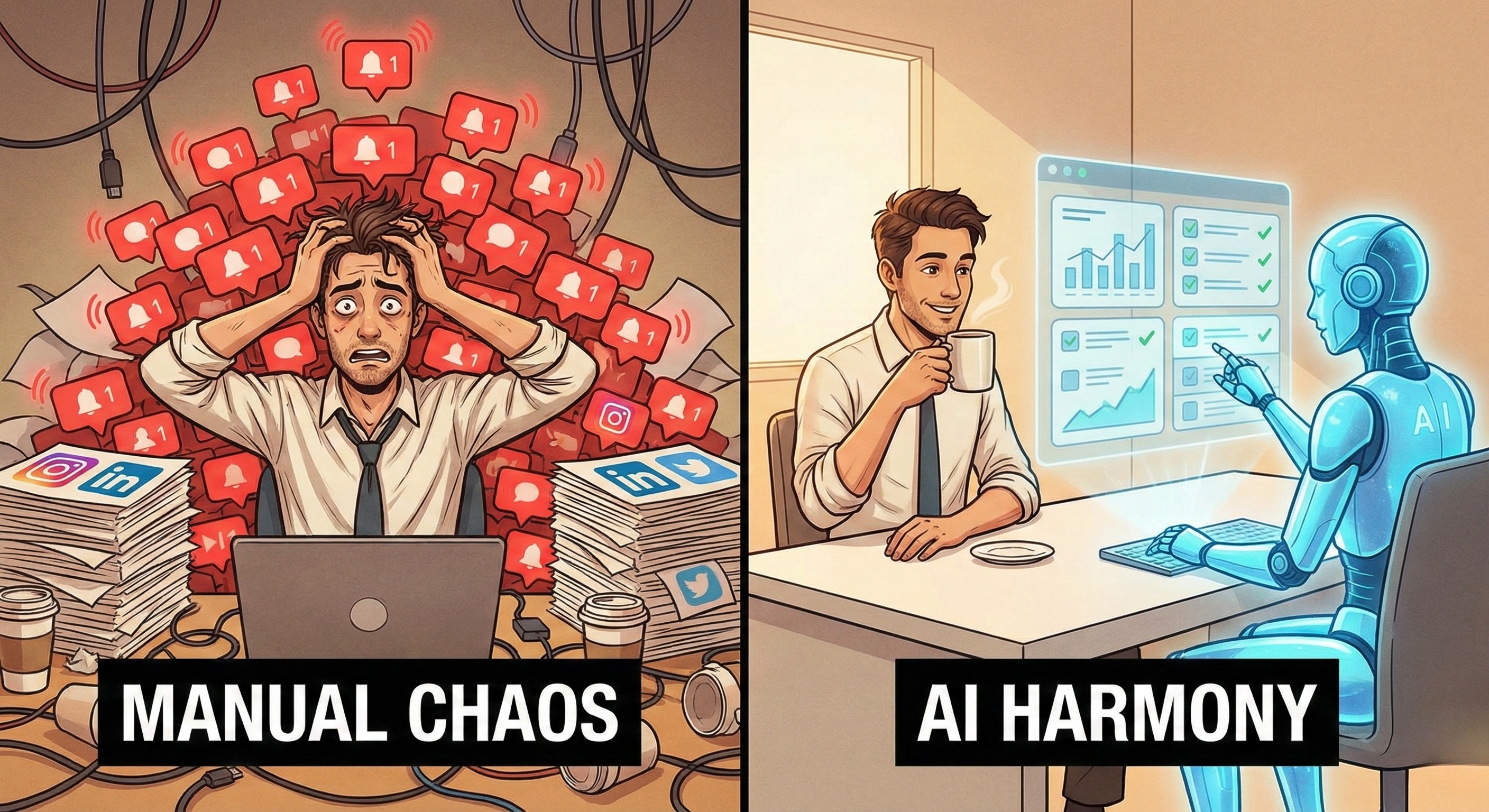
However, for the past two decades, automation software has tried to interact with the web like a Robot. It ignored the visual interface and tried to "hack" the underlying code (HTML/DOM). It was like trying to read a book by analyzing the chemical composition of the ink, rather than reading the words.
This approach worked for a while. But as the web became more dynamic, interactive, and complex, these "blind" robots started to fail. They broke every time a website updated. They triggered security alarms because they moved too fast. They couldn't understand context.
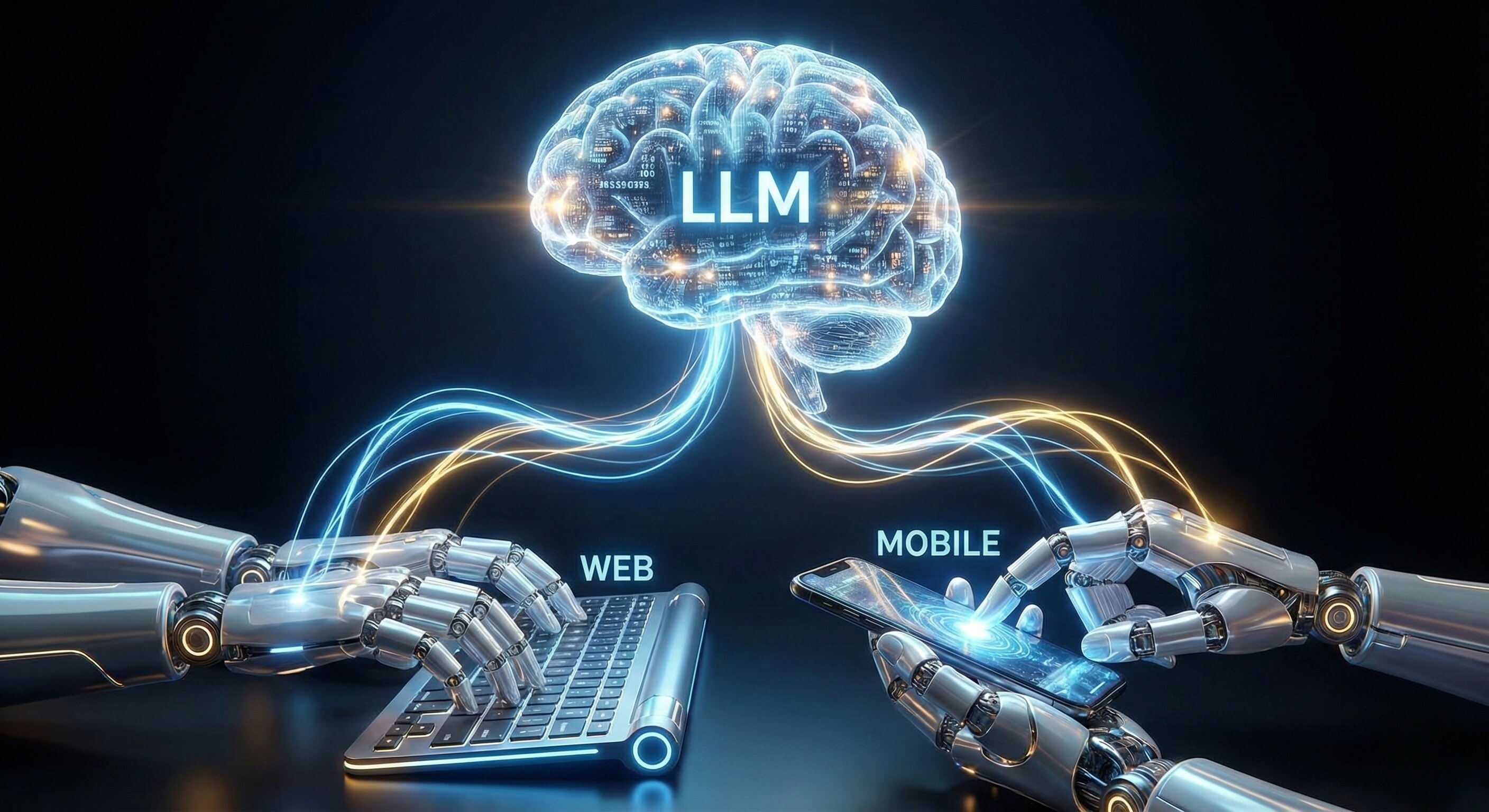
Now, a new paradigm has emerged, powered by the convergence of Large Language Models (LLMs) and Computer Vision. It is called "Browser Use."
Browser Use is the capability that allows an AI Employee to perceive, reason, and interact with a web browser exactly like a human employee does. It doesn't look at the code; it looks at the screen.
In this deep dive, we explain how Browser Use technology works, why it is the missing link for enterprise reliability, and how Promoi utilizes this technology to build a resilient AI Workforce.
Part 1: The "Blind Bot" Problem
Why Traditional Automation is Fragile
To understand the breakthrough of Browser Use, we must first look at why legacy tools (like Selenium, Puppeteer, or traditional RPA) are fundamentally flawed for the modern web.
The DOM Dependency
Legacy automation interacts with the Document Object Model (DOM)—the raw HTML code behind a webpage. A traditional script looks like this:
“Find the element with ID #submit-btn-v2 and send a click event.”
This creates three critical points of failure:
Fragility: If the website developer renames that ID to
#submit-btn-v3, the script crashes. The button looks the same to a human, but it vanished for the bot.Invisibility: Many modern web apps (built on React or Vue) utilize dynamic elements that don't exist in the static code until a user interacts with them. Traditional bots often can't "find" these elements.
Detection: Platforms know that humans don't interact with code. When a request comes in that clicks a button without moving the mouse or rendering the pixels, it is instantly flagged as "non-human traffic."
The Result: Companies spend 30% of their automation budget on building, and 70% on fixing broken scripts.
Part 2: What is "Browser Use" Technology?
Giving Eyes to the AI
Browser Use is not a single tool; it is a cognitive methodology. It combines Visual Perception (seeing the screen) with Agentic Reasoning (understanding the screen), powered by our Visual AI Engine.
When a Promoi AI Worker navigates a website, it follows a "Human-Loop" process:
1. Visual Ingestion (Seeing)
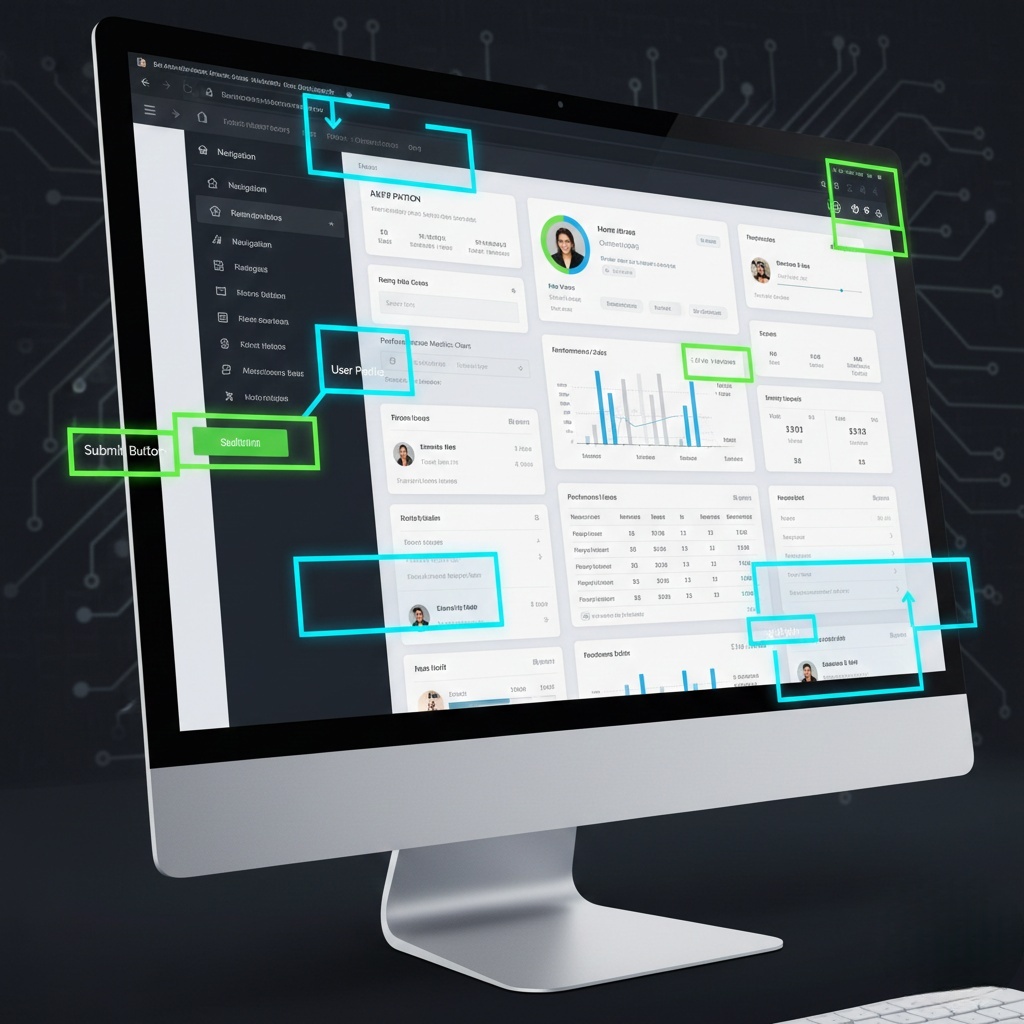
Instead of parsing code, the AI takes a snapshot of the rendered web page. It "sees" the pixels. It identifies boundaries, text blocks, buttons, and input fields based on their visual appearance, not their code tags.
2. Semantic Understanding (Thinking)
The AI analyzes the visual data using an LLM to understand context.
Legacy Bot: Sees a button labeled "Next." Clicks it blindly.
Browser Use AI: Sees a button labeled "Next," but also sees a red error message above it saying "Please check your email." The AI reasons: "I cannot click Next yet; I need to fix the email field first."
3. Human-Paced Action (Doing)
Once the decision is made, the AI executes the action using standard Human Interface Device (HID) protocols.
It moves the virtual cursor to the target coordinates.
It types characters with natural variance in speed.
It clicks physically on the rendered element.
This creates a digital footprint that is indistinguishable from a standard user session.
Part 3: The Enterprise Advantage
Reliability, Compliance, and Universality
Why should a CTO or Head of Operations care about Browser Use? Because it shifts automation from a "Maintenance Liability" to a "Strategic Asset."
1. Anti-Fragile Operations (Resilience)
The primary benefit of Browser Use is Resilience. Because the AI relies on visual context, it is immune to backend code changes.
Scenario: A CRM platform updates its layout, moving the "Add Lead" button from the top right to the top left.
Outcome: A script would fail. A Promoi AI Worker simply "looks" at the new page, spots the button in its new location, and continues working without interruption.
2. Universal Compatibility
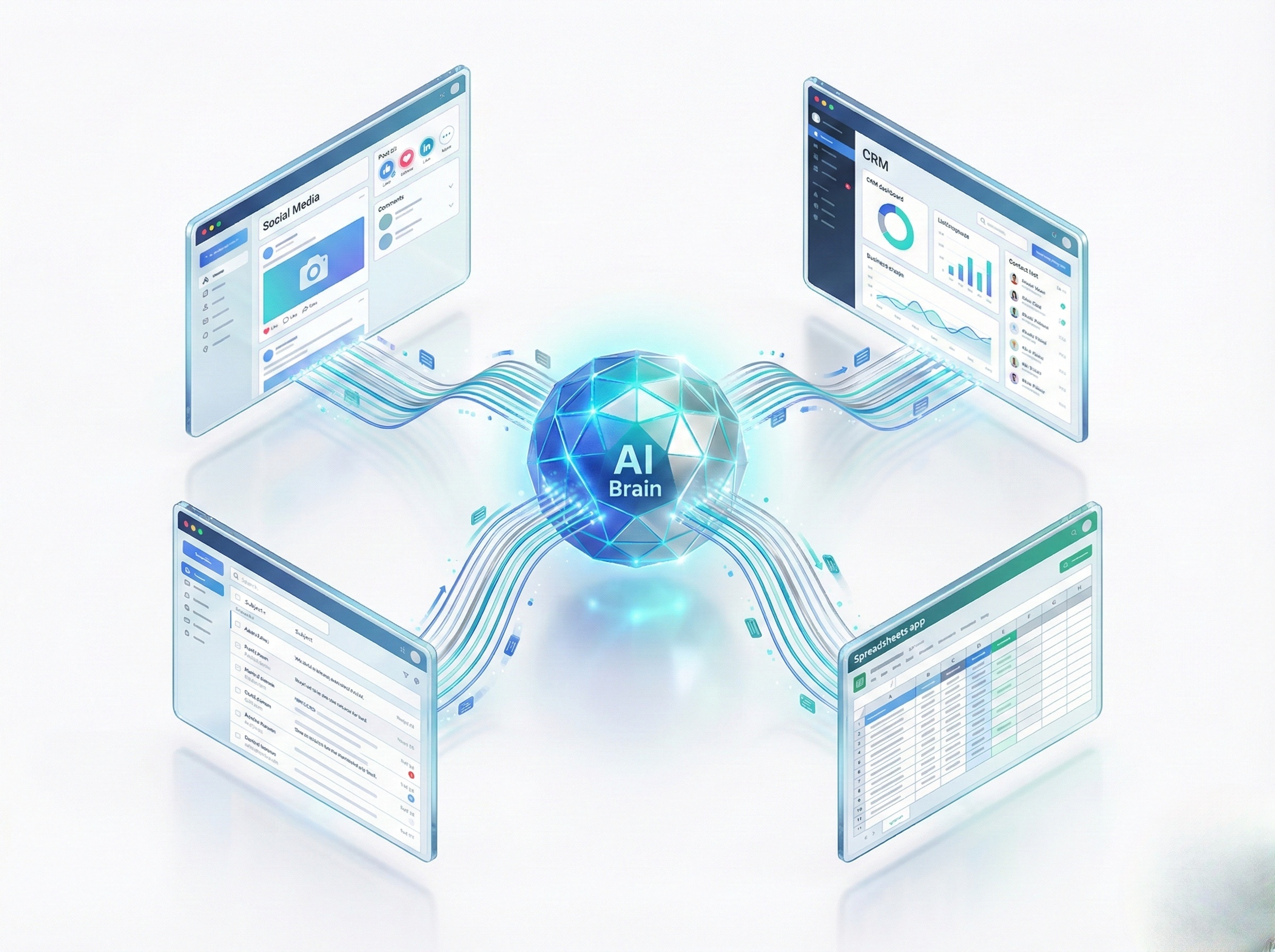
Legacy automation often required custom connectors or APIs for each different software. Browser Use is Universally Compatible. If a human can do it in a Chrome window, an AI Worker can do it.
SaaS Platforms: Salesforce, HubSpot, Zendesk.
Social Web: LinkedIn, Twitter/X, Instagram.
Internal Tools: Custom admin panels, legacy web portals.
No API access is required. The AI logs in and works just like a remote contractor.
3. Operational Compliance
By mimicking human interaction speeds and flows, Browser Use naturally adheres to platform "Terms of Service" regarding usage limits. It doesn't hammer servers with 1,000 requests per second. It navigates at a pace that ensures account safety and long-term operational continuity.
Part 4: Browser Use in Action
Real-World Workflow Examples
Browser Use allows AI Workers to handle complex, multi-step workflows that require judgment.
Workflow A: Cross-Platform Research
The Task: "Find the LinkedIn profile of the CEO of Company X, and see if they have posted about 'AI' recently."
Step 1: The AI opens a search engine. It types "Company X CEO LinkedIn."
Step 2: It visually parses the search results, distinguishing between ads and organic results. It clicks the correct LinkedIn profile link.
Step 3: On the LinkedIn profile, it navigates to the "Activity" tab.
Step 4: It reads the recent posts. It uses semantic analysis to check if the topic matches "AI."
Step 5: It extracts the relevant post URL and summarizes the sentiment.
Note: A traditional script would struggle at Step 2 (picking the right link) and fail at Step 4 (understanding the content).
Workflow B: Complex Form Submission
The Task: "Submit a support ticket for a refund request."
Step 1: The AI navigates to the Help Center.
Step 2: It encounters a dynamic form. One question asks: "Reason for Refund."
Step 3: The AI selects "Product Defect" from the dropdown.
Step 4: A new field appears (dynamic UI) asking for "Photo Proof."
Step 5: The AI detects this new field visually, locates the file upload button, and uploads the requested image from its secure storage.
Part 5: The Technology Comparison
DOM-Based vs. Vision-Based Automation
Feature | Legacy Automation (DOM-Based) | Browser Use AI (Vision-Based) |
|---|---|---|
Navigation Method | Code Selectors (XPath/CSS) | Visual Elements (Pixels/Text) |
Resilience | Low (Breaks on code updates) | High (Adapts to visual layout) |
Context Awareness | None (Blind execution) | Full (Reads text, images, errors) |
Setup Complexity | High (Requires engineering) | Low (Natural Language instructions) |
Bot Detection Risk | High (Unnatural API calls) | Low (Standard User Interaction) |
Scope | Simple, repetitive tasks | Complex, judgment-based workflows |
Maintenance | Constant "Break/Fix" cycles | "Set and Forget" |
Part 6: Implementation with Promoi
Enterprise-Grade Browser Use
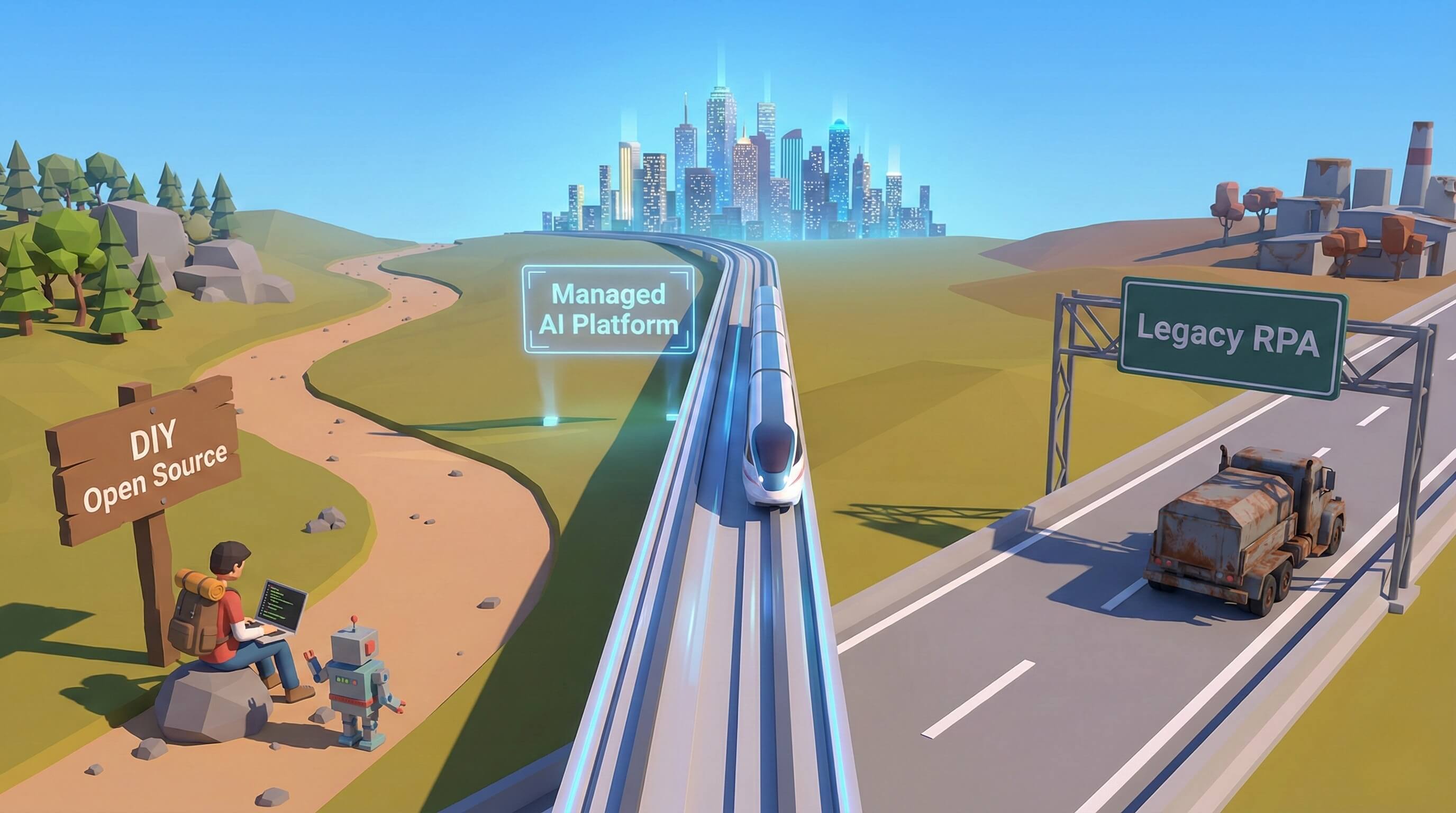
While "Browser Use" libraries exist for developers (like the open-source LangChain implementations), using them in an enterprise environment presents challenges: Security, Orchestration, and Session Management.
Promoi provides the Infrastructure Wrapper around Browser Use technology:
Secure Workspaces: The Browser Use agent runs inside an isolated, encrypted container via our Anti-detect Browser, not on your local laptop.
Session Persistence: Promoi manages cookies and login states securely, so your AI Worker doesn't need to re-authenticate every time.
Orchestration Layer: You can deploy 100 Browser Use agents simultaneously via Cloud Mobile technology to handle peak workloads, managed from a single dashboard.
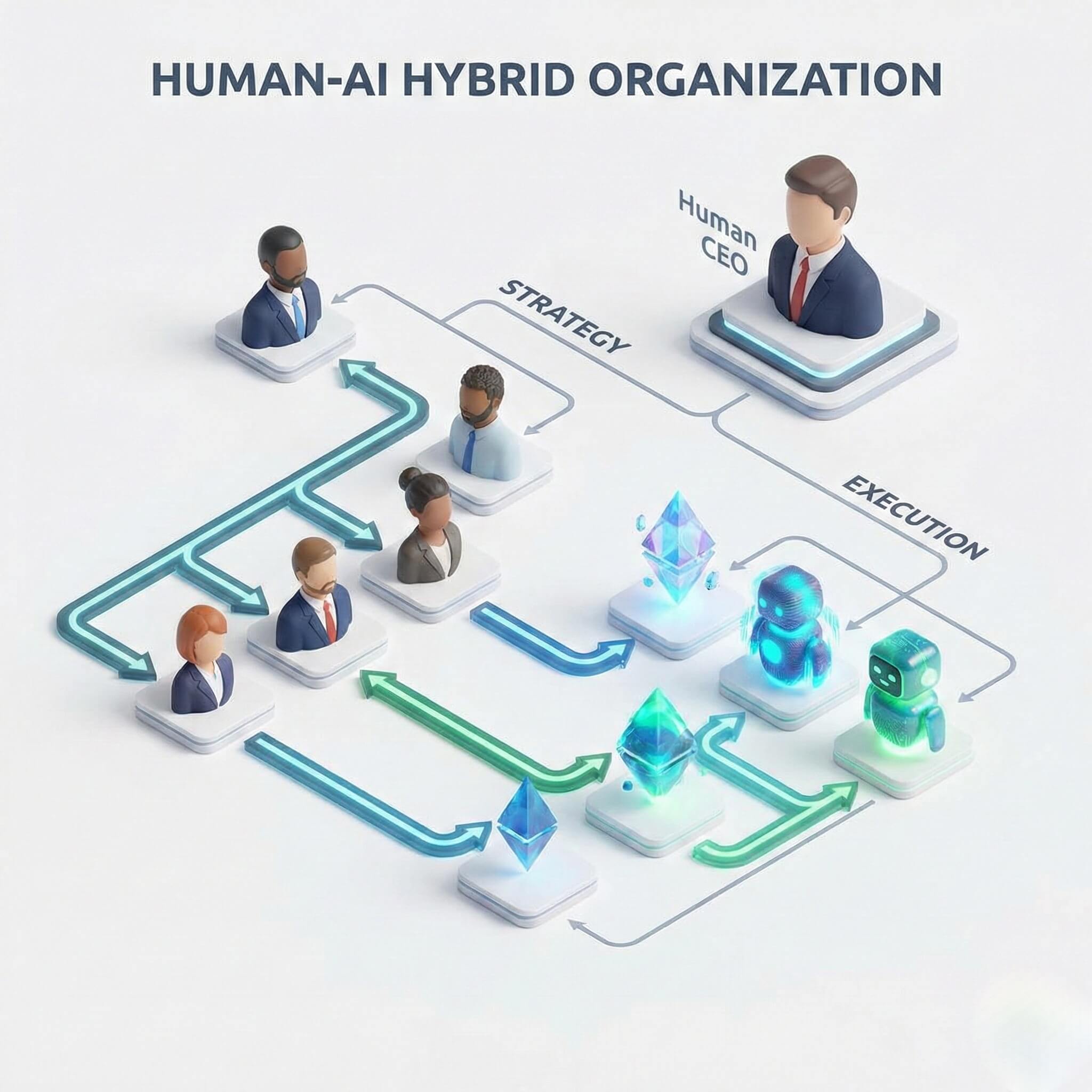
We turn raw "Browser Use" capability into a Manageable Digital Workforce.
FAQ: Understanding Browser Use
Q: Is Browser Use the same as "Screen Scraping"?
A: No. Screen scraping is about extracting data passively. Browser Use is about active interaction—navigating, clicking, typing, and making decisions based on what is on the screen. It includes scraping capabilities but goes far beyond them.
Q: Does it work on websites with CAPTCHAs?
A: Yes. Because Browser Use agents have visual perception and "human" logic, they can often navigate verification challenges or flag them for human review, maintaining workflow continuity where scripts would simply crash.
Q: Is it slower than API automation?
A: Technically, yes. An API can send data in milliseconds. A Browser Use agent might take 2 seconds to fill a form. However, this "slowness" is a feature, not a bug. It is what ensures compliance, reduces errors, and prevents the account from being flagged for spam-like behavior. In business operations, reliability is more valuable than raw speed.
Q: Can I use Browser Use for internal tools?
A: Absolutely. It is ideal for legacy internal portals that lack APIs. If your employees currently have to log in to a clunky intranet to copy-paste data, a Promoi AI Worker can automate that entirely via the browser interface.
Conclusion: The Interface is the API
For years, developers complained that "Platform X doesn't have an API." With Browser Use technology, that excuse is gone. The User Interface is the API.
If a human can see it and click it, an AI Worker can automate it. This democratizes automation, allowing businesses to build workflows across any combination of websites, SaaS tools, and social platforms without writing a single line of code.
Promoi brings this power to your enterprise. It's time to stop coding bots and start training workers.
Start Your Browser Use Journey with Promoi