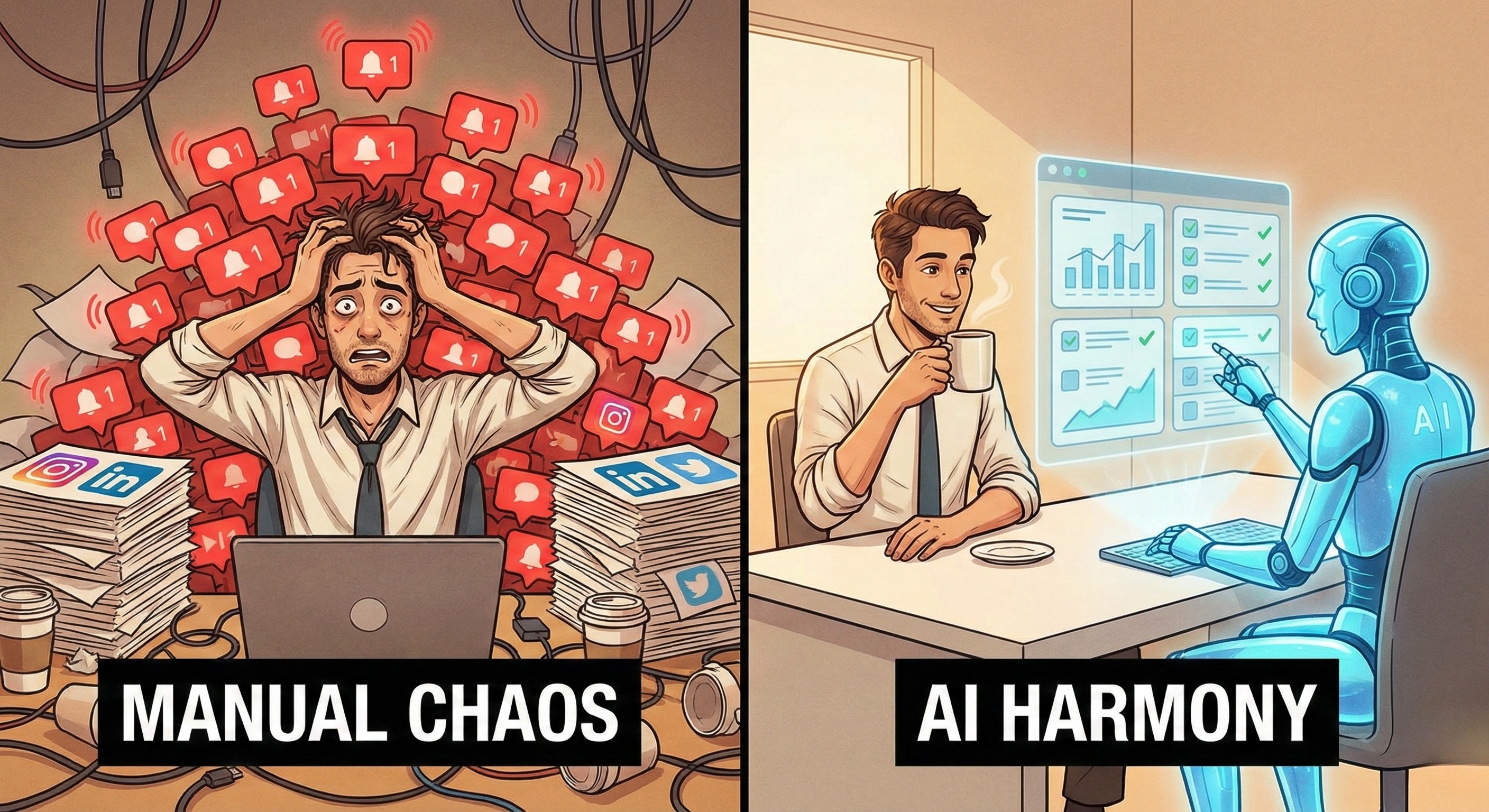

This was the golden era of Robotic Process Automation (RPA). Companies spent billions deploying bots to handle data entry, invoice processing, and form filling. And in static, controlled environments like Excel spreadsheets or legacy ERP systems (like SAP or Oracle), RPA worked wonders.
But in 2026, the digital landscape has shifted. Business operations have moved from static internal databases to the dynamic, chaotic open web—social media platforms, SaaS dashboards, and public data sources.
In this new environment, traditional RPA is failing. Scripts break weekly. Maintenance costs are skyrocketing. Compliance risks are mounting because "dumb" bots cannot distinguish between a legitimate action and a policy violation.
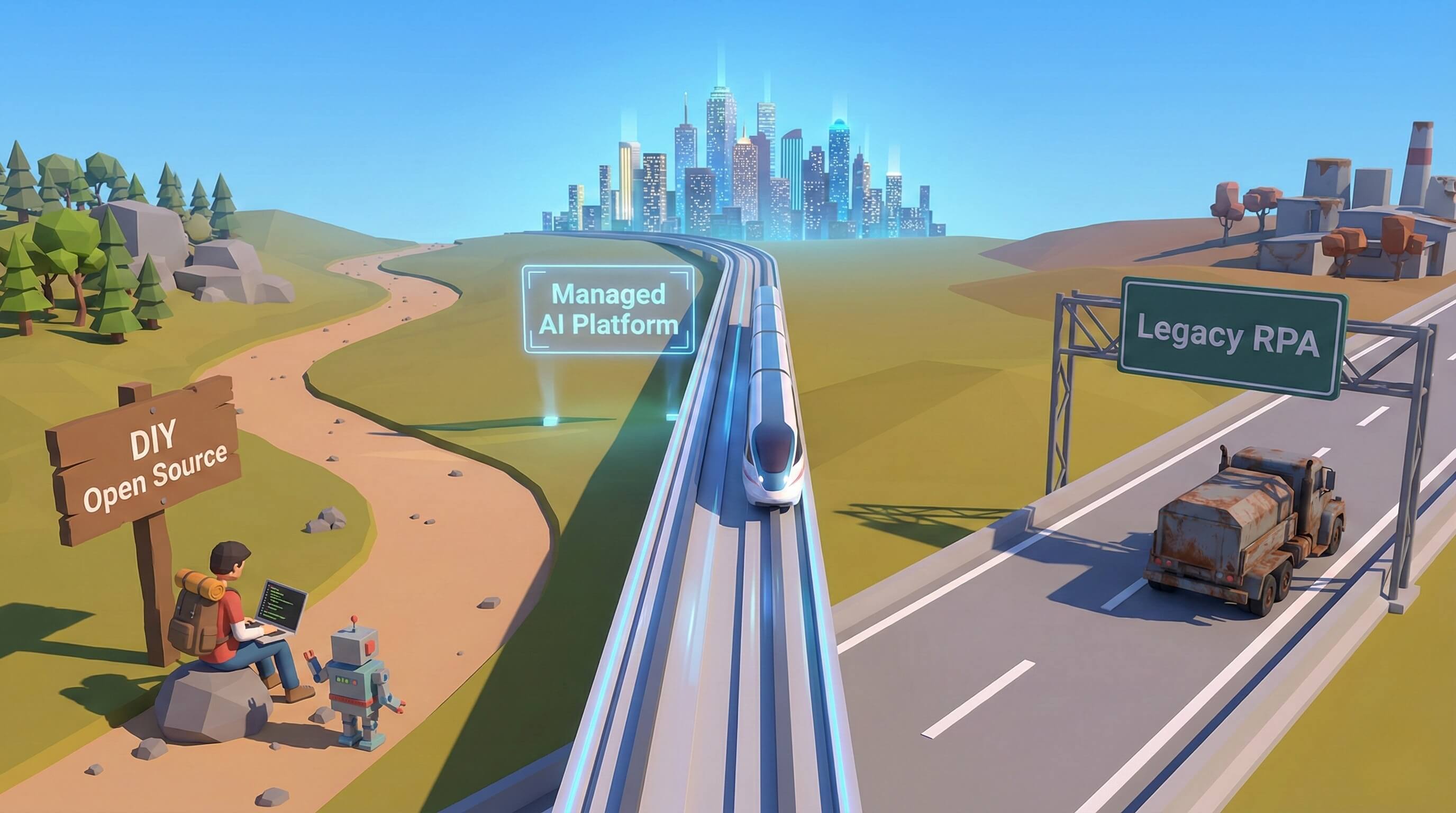
We are witnessing a generational transition: The shift from Legacy RPA (The Tool) to AI Workers (The Workforce).
This article dissects the fundamental differences between these two technologies, explains why "Intelligence" is the missing variable in ROI calculations, and guides operational leaders on when to upgrade from scripts to cognitive agents.
Part 1: The "Fragility" Problem of Legacy RPA
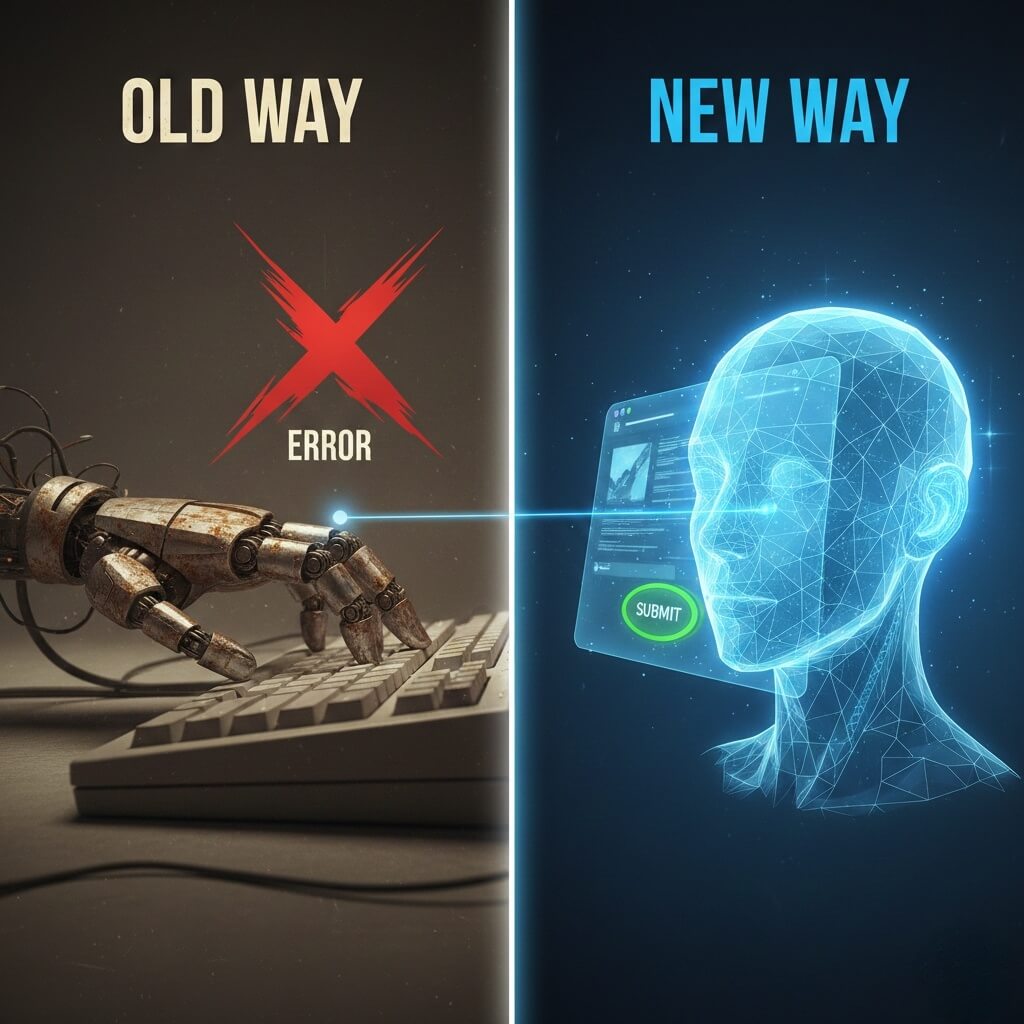
To understand why AI Workers are necessary, we must first diagnose why RPA struggles in the modern web.
The "Blind" Execution Model
Traditional RPA bots do not "see" the screen. They interact with the underlying code structure (the DOM - Document Object Model). They are programmed with rigid coordinates: “Go to div.container > button#submit and click.”
This creates a massive problem called Brittle Automation:
-
UI Updates: If LinkedIn or Instagram updates their website and changes the button's ID from
#submitto#submit-v2, the RPA bot crashes immediately. -
A/B Testing: Modern platforms constantly serve different layouts to different users. An RPA script built for Layout A will fail 100% of the time on Layout B.
-
Zero Context: If a pop-up appears saying "Please confirm you are human," an RPA bot will try to click through it (or crash), often flagging the account for suspicious activity.
The Hidden Cost: Maintenance Hell
Because RPA is so fragile, it incurs massive Technical Debt. Industry data suggests that for every $1 spent on building an RPA bot, companies spend $3 to $5 annually on maintenance and "break-fix" cycles. Your team isn't automating work; they are managing broken robots.
Part 2: The AI Worker Paradigm (Cognitive Resilience)
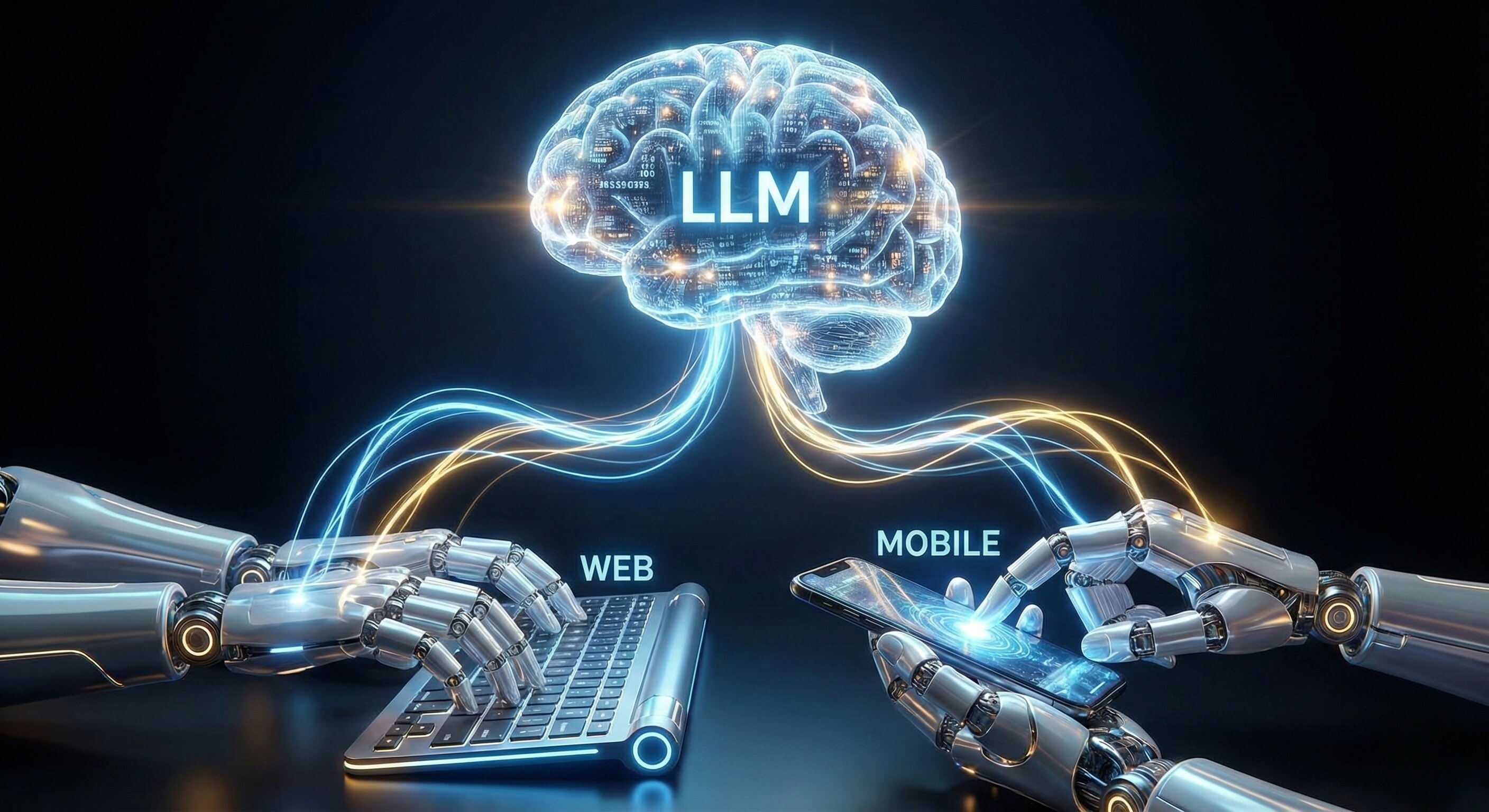
AI Workers (or Autonomous Agents) flip the automation model on its head. Instead of relying on pre-defined code paths, they rely on Perception and Reasoning.
1. Visual Perception (The "Human" View)
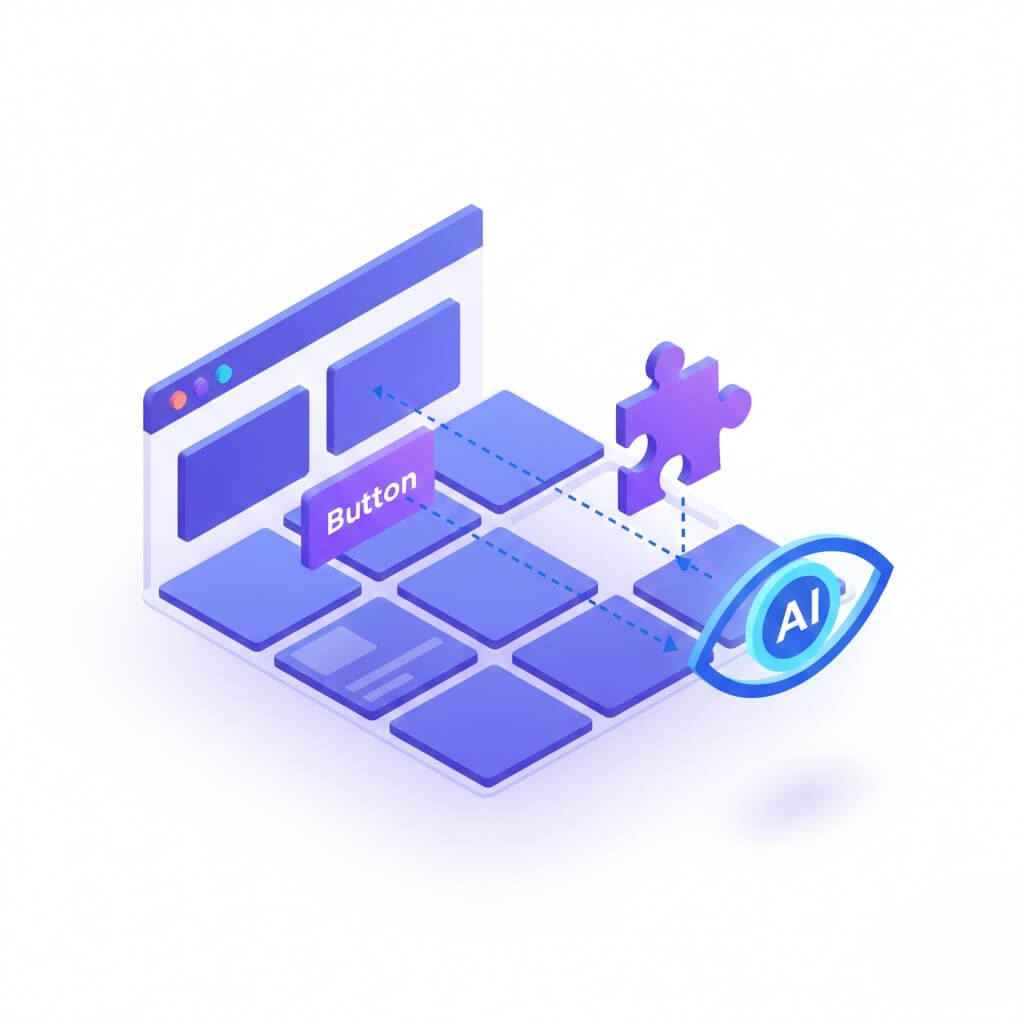
Promoi’s AI Workers utilize our proprietary Visual AI Engine to analyze the graphical user interface (GUI), just like a human employee.
-
Adaptability: The AI looks for a "Submit Button" based on its visual appearance and context, not its hidden code ID.
-
Self-Healing: If the button moves to the left, changes color, or is renamed, the AI reasons: "That is still the submit button. I will click it."
-
Result: Workflows that used to break weekly now run for months without intervention.
2. Probabilistic Reasoning (The Decision Engine)
RPA follows a linear flow chart (If X, then Y). AI Workers use probabilistic logic (Given context X, Y is the most likely best action).
-
Scenario: A prospect replies to a sales message with "Not interested right now, maybe next quarter."
-
RPA Response: Fails (no category match) or sends a generic "Thanks" script.
-
AI Worker Response: Understands the sentiment is "Soft Rejection + Future Opportunity." It tags the lead as "Follow Up: 90 Days" and sends a polite closing message.
Part 3: Deep Comparison Table
From "Scripting" to "Employing"
|
Feature |
Traditional RPA (Legacy) |
AI Worker (Promoi) |
|---|---|---|
|
Core Technology |
Rule-Based Scripts (If/Then) |
Cognitive Models (LLMs + Vision) |
|
Primary Environment |
Static (Excel, SAP, Legacy Apps) |
Dynamic (Social Web, SaaS, Browsers) |
|
Resilience |
Brittle (Breaks on UI change) |
Anti-Fragile (Adapts to change) |
|
Setup Time |
High (Requires technical coding) |
Low (Natural Language Onboarding) |
|
Maintenance |
High (Weekly debugging) |
Zero (Managed Infrastructure) |
|
Scope |
Single Task (Click button) |
Full Role (Manage Workflow) |
|
Data Handling |
Structured Data Only |
Unstructured Data (Text, Images, Sentiment) |
Part 4: The Economic Impact (ROI)
Why Intelligence Changes the P&L Statement
The decision to switch from RPA to AI Workers is not just technical; it is financial.
1. Eliminating the "Babysitting" Tax
With traditional bots, you often need a human "handler" to watch the bot, restart it when it crashes, and update the script.
-
RPA Reality: 1 Human manages 5 Bots.
-
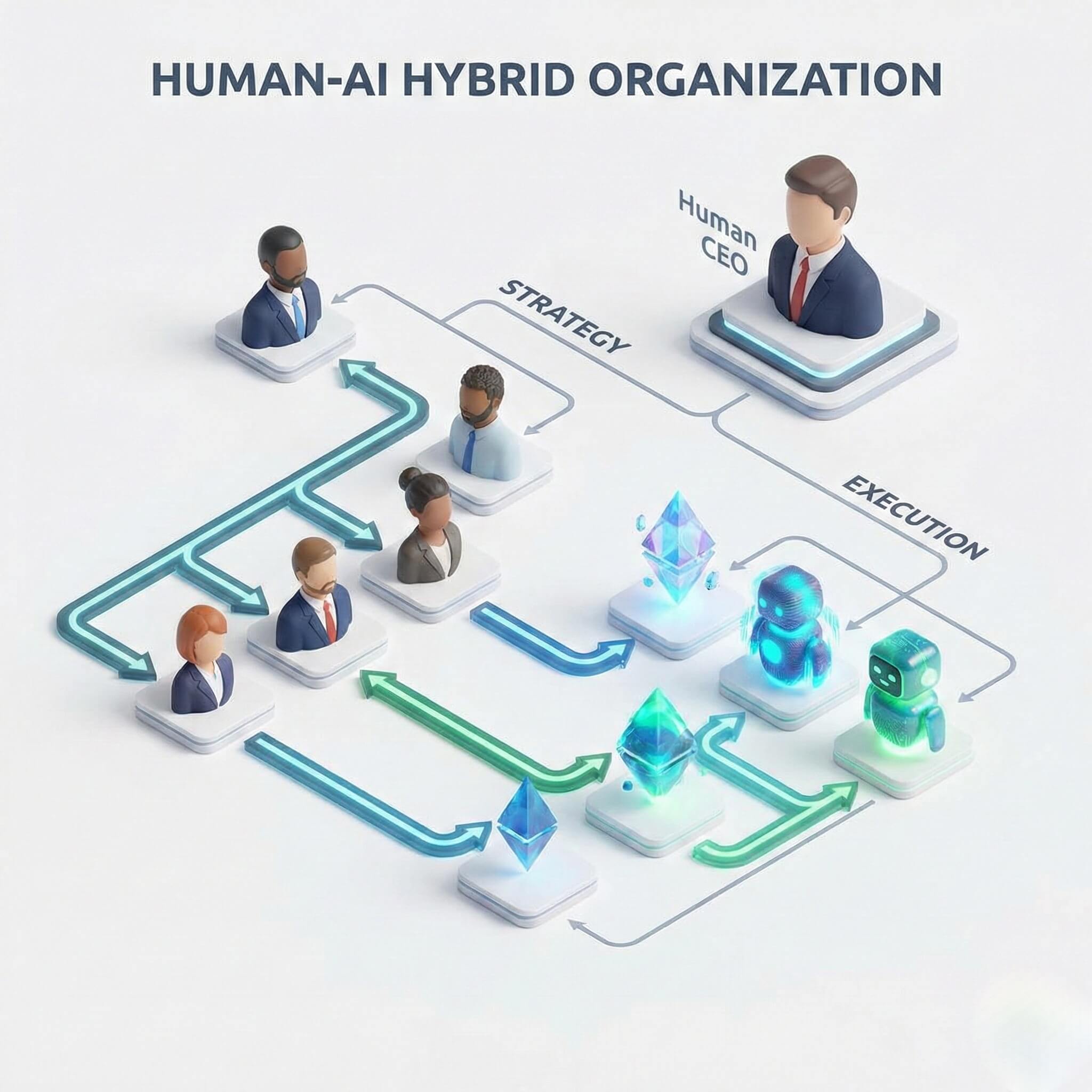
AI Worker Reality: 1 Human orchestrates 50+ Agents.
-
Impact: Massive leverage on human capital.
2. Opportunity Cost of Downtime
In sales and marketing, timing is everything. If your RPA script breaks on Friday night because Instagram updated its UI, and your engineer doesn't fix it until Monday morning, you have lost 48 hours of lead generation. AI Workers operate with >99% uptime due to self-healing capabilities, ensuring your pipeline never dries up.
3. Compliance and Brand Safety
"Dumb" automation poses a reputation risk. RPA bots have been known to like inappropriate content or send "Hello {First_Name}" errors because they couldn't parse the data correctly. AI Workers understand context. They have safety guardrails and know not to engage with negative comments or sensitive topics, protecting your brand equity.
Part 5: Real-World Scenarios
Where AI Workers Outperform RPA
Let's look at two specific workflows where intelligence is the defining factor.
Scenario A: Social Media Engagement
The Task: engage with comments on a viral brand post.
-
RPA Approach: Scrapes the text. Matches keywords. Posts a generic "Thanks!" to everyone.
-
Failure Mode: It replies "Thanks!" to a complaint saying "Your product broke." (PR Disaster).
-
-
AI Worker Approach: Reads the sentiment.
-
Positive Comment: "Glad you liked it! 🔥"
-
Question: "Check your DM, we sent you the details."
-
Complaint: "We are sorry to hear that. Escalating to our support team." (Does not reply publicly, tags human manager).
-
See Use Case: Instagram Automation
-
Scenario B: Competitive Market Research
The Task: Monitor competitor pricing on an e-commerce site.
-
RPA Approach: Navigates to a specific URL. Scrapes the price div.
-
Failure Mode: Competitor puts up a "Spring Sale" banner that pushes the price div down 50 pixels. The bot scrapes the wrong number or crashes.
-
-
AI Worker Approach: Visually scans the page. Identifies the product price regardless of where it is located. Notes the "Spring Sale" context and adds that to the report.
Part 6: Implementation Strategy
Moving from "Bots" to "Hybrid Workforce"
For organizations looking to upgrade, we recommend a phased approach. You don't need to rip out your entire RPA stack (keep it for Excel/Finance), but you should migrate your External/Growth Operations to AI Workers immediately.
-
Audit Your Workflows: Identify processes that break frequently or require handling unstructured data (social media, email, web research). These are prime candidates for AI.
-
Define the "Role," Not the "Script": Instead of writing a spec sheet for clicks, write a Job Description. What is the goal? What are the constraints?
-
Deploy & Orchestrate: Use Promoi to deploy AI Workers via our Cloud Mobile infrastructure. Monitor their outcomes (leads generated), not their outputs (clicks made).
FAQ
-
Q: Does Promoi replace UiPath or Microsoft Power Automate?
-
A: They serve different purposes. UiPath is excellent for internal, static legacy systems (like processing invoices in SAP). Promoi is built for the dynamic external web—Growth, Marketing, and Operations where interfaces change and context matters.
-
-
Q: Is AI Automation harder to set up than RPA?
-
A: It is significantly easier. RPA requires defining every selector and coordinate. AI Workers require Natural Language instructions. If you can explain the task to a human intern, you can set up a Promoi Agent.
-
-
Q: Can AI Workers handle complex logins and MFA?
-
A: Yes. Promoi’s infrastructure handles secure session management and can navigate complex authentication flows (including CAPTCHA challenges) using human-like problem solving, ensuring continuous operation.
-
Conclusion
The era of "dumb" automation is ending. The maintenance costs and operational risks are simply too high for the modern enterprise.
By upgrading to an AI Workforce, you aren't just getting better automation; you are gaining a resilient, adaptive digital team that grows with your business.
Stop fixing broken scripts. Start managing digital employees.